Hello,
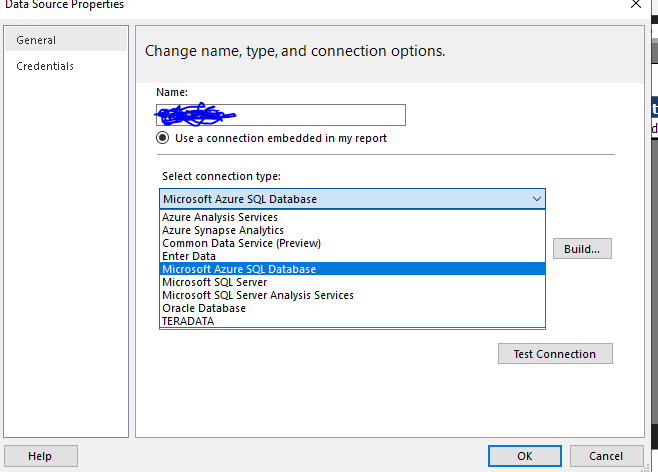
I have few reports to migrate from On-prem to power BI service. Now I am using Power BI report builder to open the report and change the connection string to new data source which is a azure managed instance. After changing the connection string I am able to see the report working fine on report builder.
Now I am trying to save as this report to Power Bi service, so at first it shows me that you need a premium version of workspace to handle to paginator reports. SO now when I am trying to save it shows me a different error which I am not able to resolve. Below is the details of the report.
{PowerBIError.Error.Message}{Environment.NewLine}{detailsString}
ErrorCode: PaginatedReportAuthoringError
Details: An unknown error was encountered. Please try again.
ResponseId: bb3b0ad8-dc50-4bf9-8ef5-b448edfbd8ce
ActivityId: 15c1e9c7-8493-4ee1-9dfe-acc8531d18dd
RequestId: e8e9b03e-41db-473c-a0aa-f8076ec576ff
Timestamp: 9/12/2020 6:21:11 AM +00:00
I don't under wh it is happening as after almost 50 tries I was able to save 1-2 report on workspace. But again it starts showing me this error. And those reports which I have saved on power BI service are not able to open and shows some differnt error(which is out of scope of this issue). When I am trying to open a report from power BI service, the data source which I set earlier is no longer there and replace by some differnt and short DB connection string and not working on report builder server.
Regards
Shyam Sharma