Join us at FabCon Atlanta from March 16 - 20, 2026, for the ultimate Fabric, Power BI, AI and SQL community-led event. Save $200 with code FABCOMM.
Register now!The Power BI Data Visualization World Championships is back! Get ahead of the game and start preparing now! Learn more
Hello,
I am trying to install and set up power bi report server on my PC.
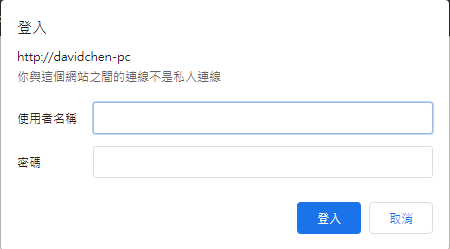
But when I visited to the portal url, it wanted me to enter the username and password.
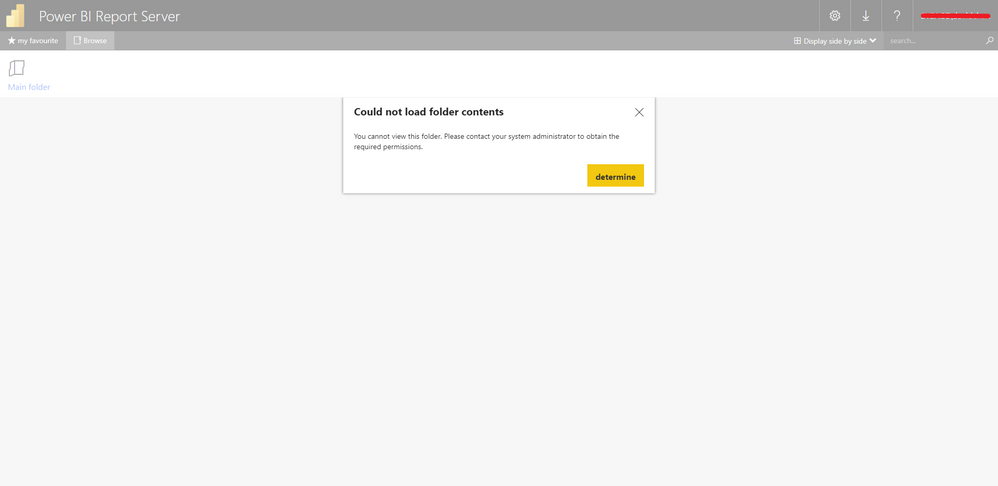
And I used my pc domain and username to login, it told me:
"""
Could not load folder contents
You cannnot view this folder. Please contact your system administrator to obtain the required permissions.
"""
Please tell me how to solved it ?
Thank you!
Solved! Go to Solution.
By default when you first install Report Server only the user doing the install has access. That person then needs to grant other users/groups access.
In your case on your local PC it is probably the Administrators group that has access. So right click on your browser and choose the "run as Administrator" option. Then navigate to http://localhost/reports and click on the "Manager Folder" button in the top right, then click the "add user or group" button add your normal username and give yourself "Content Manager' rights (this is the highest level of access)
By default when you first install Report Server only the user doing the install has access. That person then needs to grant other users/groups access.
In your case on your local PC it is probably the Administrators group that has access. So right click on your browser and choose the "run as Administrator" option. Then navigate to http://localhost/reports and click on the "Manager Folder" button in the top right, then click the "add user or group" button add your normal username and give yourself "Content Manager' rights (this is the highest level of access)
It's work.
Thank you very much!
The error like this two picture:
The Power BI Data Visualization World Championships is back! Get ahead of the game and start preparing now!
Check out the November 2025 Power BI update to learn about new features.
| User | Count |
|---|---|
| 8 | |
| 2 | |
| 2 | |
| 2 | |
| 2 |