Get Fabric or SQL Certified for Free.
Get certified for free when you join Fabric Data Days 2026 and dive into Fabric, Power BI, SQL, AI, and other essential data skills.
Join now- Power BI forums
- Get Help with Power BI
- Desktop
- Service
- Report Server
- Power Query
- Mobile Apps
- Developer
- DAX Commands and Tips
- Custom Visuals Development Discussion
- Health and Life Sciences
- Power BI Spanish forums
- Translated Spanish Desktop
- Training and Consulting
- Instructor Led Training
- Dashboard in a Day for Women, by Women
- Galleries
- Data Stories Gallery
- Themes Gallery
- Contests Gallery
- QuickViz Gallery
- Quick Measures Gallery
- Visual Calculations Gallery
- Fabric Apps Gallery
- Notebook Gallery
- Translytical Task Flow Gallery
- TMDL Gallery
- R Script Showcase
- Webinars and Video Gallery
- Ideas
- Custom Visuals Ideas (read-only)
- Issues
- Issues
- Events
- Upcoming Events
July 28 - August 9 | Final Round of the Power BI Dataviz World Championships. This is your chance. Learn more
- Power BI forums
- Galleries
- Quick Measures Gallery
- While Loop
Your file has been submitted successfully. We’re processing it now - please check back in a few minutes to view your report.



- Mark as New
- Bookmark
- Subscribe
- Mute
- Subscribe to RSS Feed
- Permalink
- Report Inappropriate Content
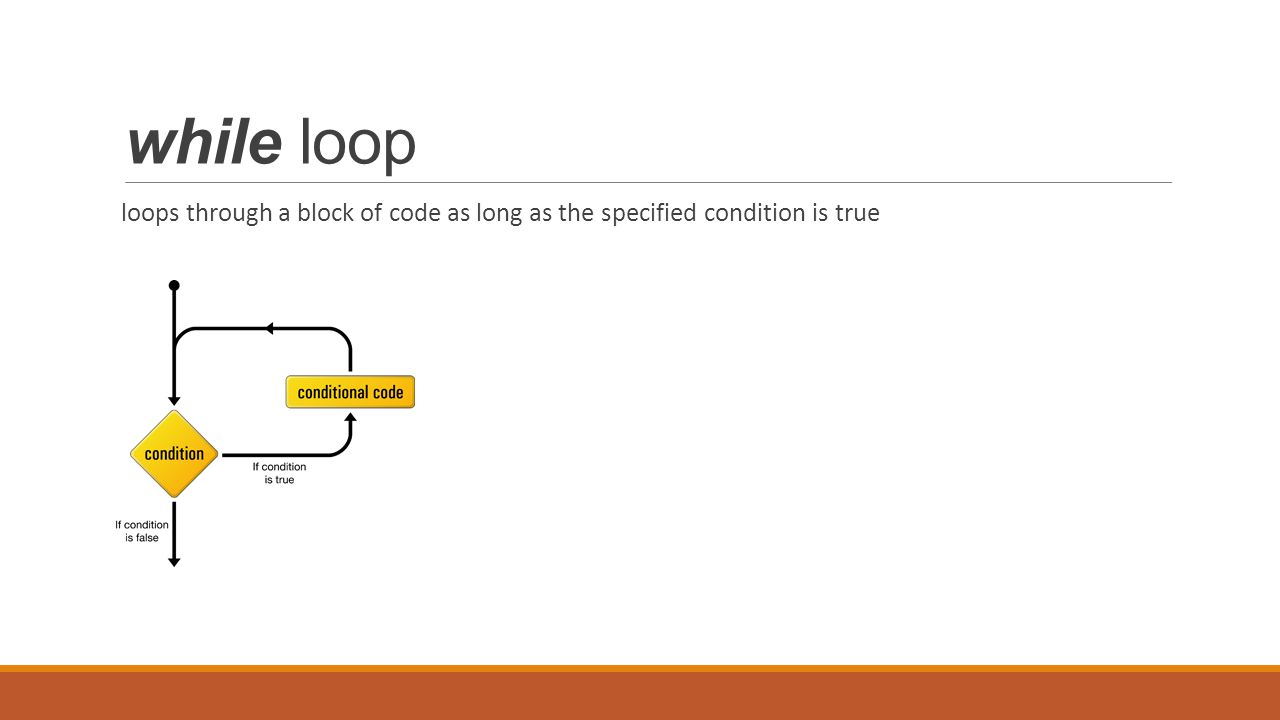
While Loop
A way to emulate a traditional "while" loop using DAX. For a detailed explanation, see this article:
https://community.powerbi.com/t5/Community-Blog/For-and-While-Loops-in-DAX/bc-p/637511
For a practical implementation, see my "Days of Supply" Quick Measure:
https://community.powerbi.com/t5/Quick-Measures-Gallery/Days-of-Supply/m-p/635656
While Loop =
// Provide some starting value via user input
VAR __i = 10
// Generate a "loop table", this will emulate a while loop
VAR __loopTable = GENERATESERIES(1,__i)
// Add in our calculated value, emulating calculations done as iterations over the loop
VAR __loopTable1 = ADDCOLUMNS(__loopTable,"__i",[Value] - 1)
RETURN
COUNTROWS(FILTER(__loopTable1,[__i]>1))+1
eyJrIjoiOThmZTRjZmQtNjAwMS00NDc4LTg0ZWYtNWZjMWM1YWQ0NGEwIiwidCI6IjRhMDQyNzQzLTM3M2EtNDNkMi04MjdiLTAwM2Y0YzdiYTFlNSIsImMiOjN9
Follow on LinkedIn
@ me in replies or I'll lose your thread!!!
Instead of a Kudo, please vote for this idea
Become an expert!: Enterprise DNA
External Tools: MSHGQM
YouTube Channel!: Microsoft Hates Greg
Latest book!: DAX For Humans
DAX is easy, CALCULATE makes DAX hard...