Join us at FabCon Atlanta from March 16 - 20, 2026, for the ultimate Fabric, Power BI, AI and SQL community-led event. Save $200 with code FABCOMM.
Register now!Learn from the best! Meet the four finalists headed to the FINALS of the Power BI Dataviz World Championships! Register now
We have a SSAS tabular connection.Reports were developed in Power BI Desktop and publsihed to the web app. Within the last day, when selecting refresh, the report reverts to a previous version of the report. This is impacting some of the most recent changes that we had added within the last day. Since we have a SSAS tabular connection, we do not need a refresh on this connection. Our workaround was to upload the latest pbix develop in Power BI desktop and not click refresh. Are others experiencing this problem?
My team is encountering the same error. User created a new version of an existing report in PBI Desktop. Saved new report to OneNote, deployed to PBI Online. Within a few hours the report reverted back to the older version.
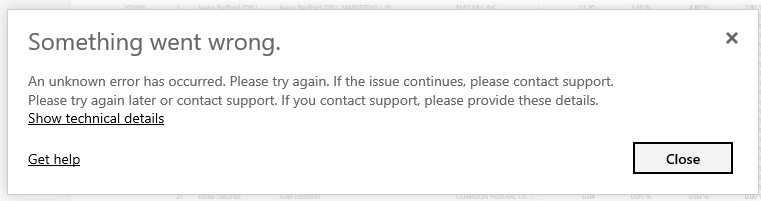
We tried deleting the original report and dataset from PBI Online and redeploying. Older version is still appearing, and we are getting the following error:
In the earlier versions i had the same issues. New PowerBI files were published, but the "old" versions were still to be seen sometimes. I have not experienced it for a while.
Share feedback directly with Fabric product managers, participate in targeted research studies and influence the Fabric roadmap.
Check out the February 2026 Power BI update to learn about new features.
| User | Count |
|---|---|
| 16 | |
| 12 | |
| 10 | |
| 7 | |
| 6 |