Get certified for free when you join Fabric Data Days 2026 and dive into Fabric, Power BI, SQL, AI, and other essential data skills.
Join nowJuly 7 - July 17 | Round 2 of the Power BI Dataviz World Championships. Don't miss your chance! Learn more
I recently started using Power BI to analyze and present my spreadsheets, but I've come across a problem with Quick Insights.
I read here that you can optimize quick insights by hiding data you don't want it to analyze. However, even after hiding all irrelevant columns and sheets, Quick Insights continues to only return analysis on the same hidden data.
Thanks in advance for any help.
Solved! Go to Solution.
@marcinkranz,
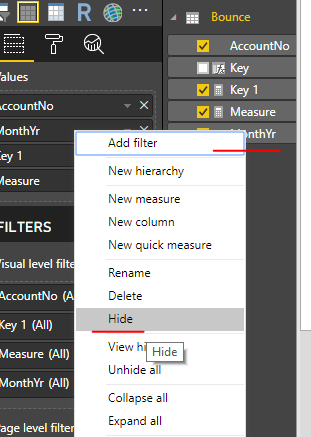
Hiding columns refer to that hide columns in Power BI Desktop. Hiding sheets in Excel will not impact the analysis of Quick insights.
Regards,
Lydia
@marcinkranz,
I am unable to reproduce this issue after hiding columns in my PBIX file. What do you mean by "hide all sheets"? Do you use these hidden columns to create visuals? Could you please share your PBIX file so that I can test?
Regards,
Lydia
I was hiding sheets in the source excel file which was linked to the browser version of power bi through one drive for business. I guess hiding sheets in excel doesn't hide it from quick insights.
It turns out I actually don't need a solution on this anymore, as I decided to not use quick insights for my analysis.
@marcinkranz,
Hiding columns refer to that hide columns in Power BI Desktop. Hiding sheets in Excel will not impact the analysis of Quick insights.
Regards,
Lydia
That's what I figured. Thanks.
Join us in Barcelona for FabCon and SQLCon, the Fabric, Power BI, SQL, and AI community event. Save €200 with code FABCMTY200.
Join Data Days 2026: 60 days of free live/on-demand sessions, challenges, study groups, and certification opportunities.