Join us at FabCon Atlanta from March 16 - 20, 2026, for the ultimate Fabric, Power BI, AI and SQL community-led event. Save $200 with code FABCOMM.
Register now!Learn from the best! Meet the four finalists headed to the FINALS of the Power BI Dataviz World Championships! Register now
The last versions of Power BI Desktop cannot load R scripts. I've tried with different R Scripts that run perfect in RStudio, for example this script:
x <- rnorm(100)
y <- rnorm(100)
df1 <- data.frame(x,y)
But in Power BI always appears the same two errors:
Details: "EvaluateNativeQueryUnpermitted failure: the query 'x <- rnorm(100) y <- rnorm(100) df1 <- data.frame(x,y)' isn't approved for execution."
Details: "An error happened while reading data from the provider: 'Object reference not set to an instance of an object.'"
What could be the cause of these errors? There is something wrong in the configuration of R in Power BI or there is a bug or error in the Power BI updates?
Thank you so much!
Solved! Go to Solution.
@alexcaballero,
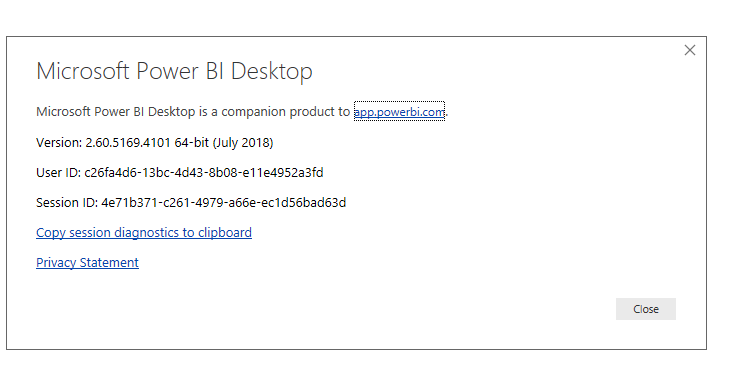
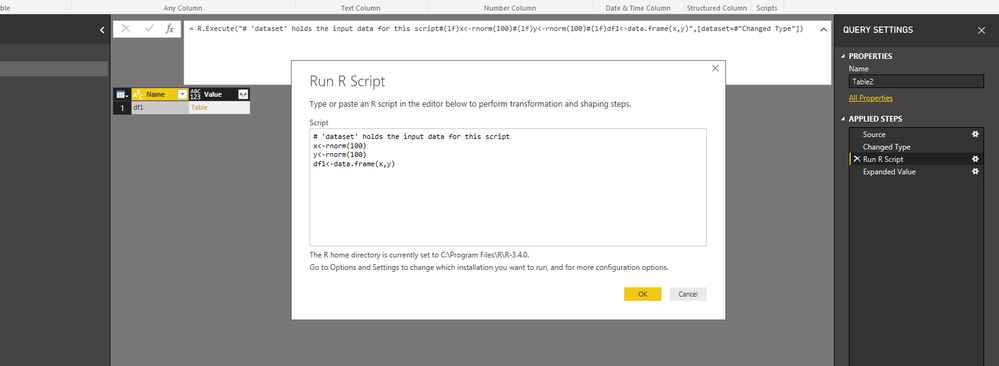
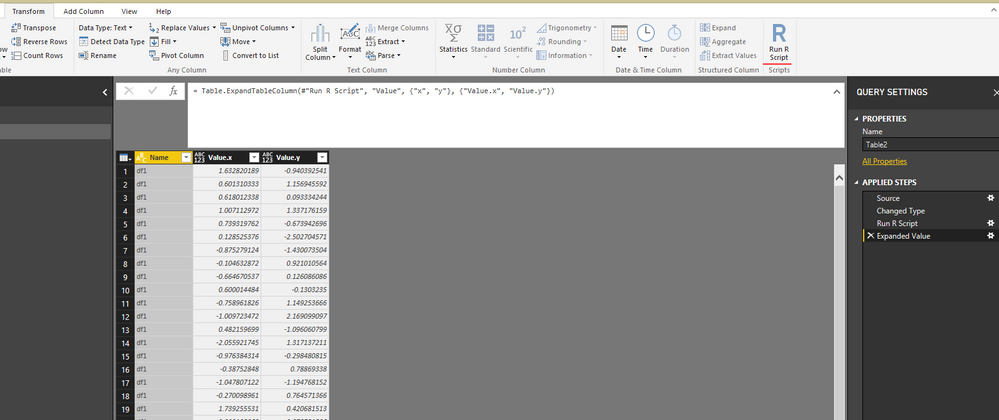
I am able to run the above R script in Query Editor of Power BI Desktop July release.
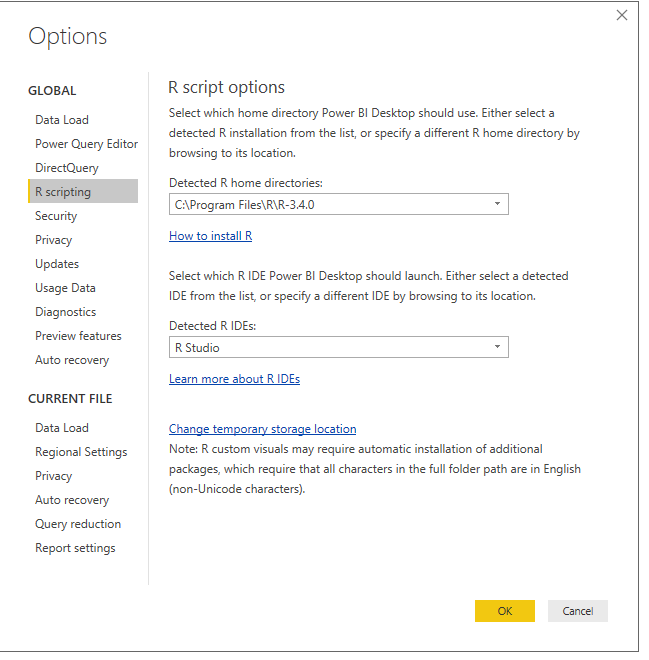
Could you please check if you configure R location properly in Power BI Desktop?
Regards,
Lydia
@alexcaballero,
I am able to run the above R script in Query Editor of Power BI Desktop July release.
Could you please check if you configure R location properly in Power BI Desktop?
Regards,
Lydia
Thank you so much for your answer!
Finally, I reinstall Power BI and updated R to the lastest version (I had 3.5 version and now 3.5.1) and the problem was solved.
Share feedback directly with Fabric product managers, participate in targeted research studies and influence the Fabric roadmap.
Check out the February 2026 Power BI update to learn about new features.
| User | Count |
|---|---|
| 16 | |
| 12 | |
| 9 | |
| 7 | |
| 6 |