Join us at FabCon Atlanta from March 16 - 20, 2026, for the ultimate Fabric, Power BI, AI and SQL community-led event. Save $200 with code FABCOMM.
Register now!The Power BI Data Visualization World Championships is back! It's time to submit your entry. Live now!
Dear pbi users,
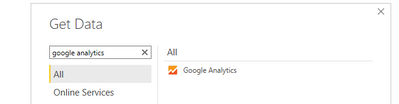
I am trying to set up a connection between power bi and google analytics, with the following option in 'Get Data'
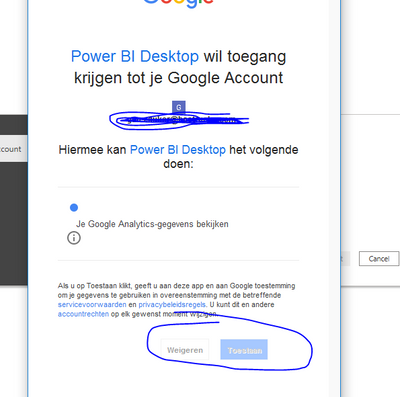
After entering my login details for the google account, the following message appears (the language is in dutch). But my point is that i can't click any of the two buttons at the bottom (approve or deny). Anyone knows why this is and how i can solve this problem?
Thanks in advance.
Hi @Anonymous ,
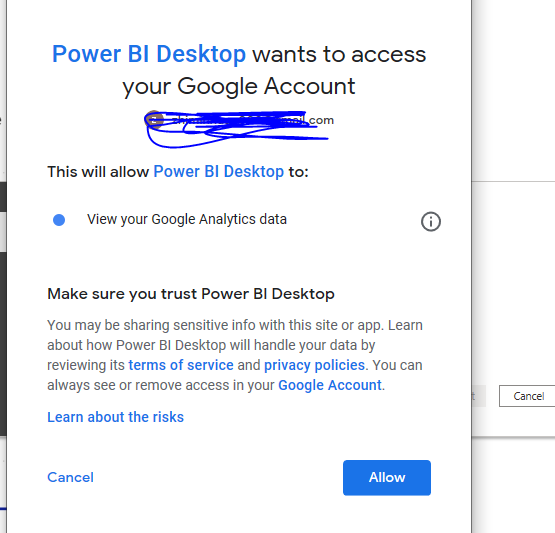
I test this in my environment, I can't reproduce your problem.
Please check your google account whether is correcr or not. You could re-open the desktop, clear the permission in datasource setting, then re-connect Google analysis to see whether it work or not. It still doesn't work, you could open a ticket for this(support )
Best Regards,
Zoe Zhi
If this post helps, then please consider Accept it as the solution to help the other members find it more quickly.
| User | Count |
|---|---|
| 20 | |
| 10 | |
| 8 | |
| 8 | |
| 7 |