Hi!
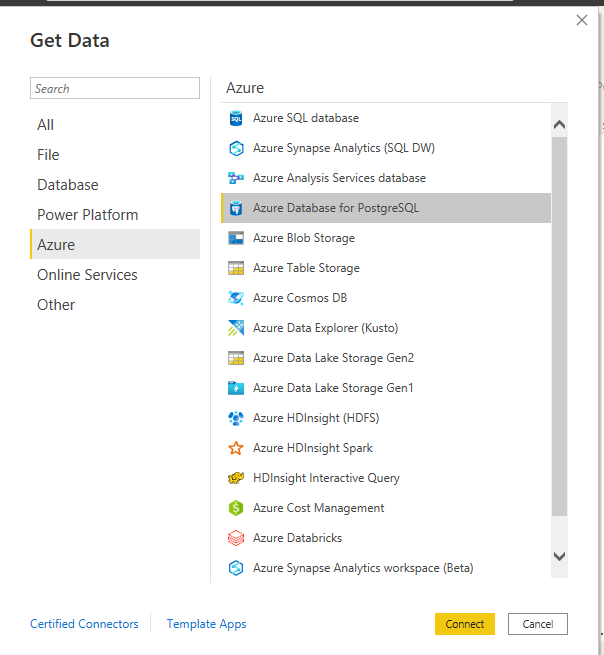
Can you direct query in PowerBI to an Azure PSQL database? I'm having trouble finding information online. I assumed you could as it is Azure-hosted, but when I try to connect, it fails (using the Azure SQL Database data source). It gives this error:
Details: "Microsoft SQL: Connection Timeout Expired. The timeout period elapsed during the post-login phase. The connection could have timed out while waiting for <g class="gr_ gr_342 gr-alert gr_gramm gr_inline_cards gr_disable_anim_appear Grammar only-ins doubleReplace replaceWithoutSep" id="342" data-gr-id="342">server</g> to complete the login process and <g class="gr_ gr_343 gr-alert gr_gramm gr_inline_cards gr_disable_anim_appear Punctuation multiReplace" id="343" data-gr-id="343">respond; Or</g> it could have timed out while attempting to create multiple active connections. The duration spent while attempting to connect to this server was - [Pre-Login] initialization=78; handshake=132; [Login] initialization=0; authentication=0; [Post-Login] complete=14832; "
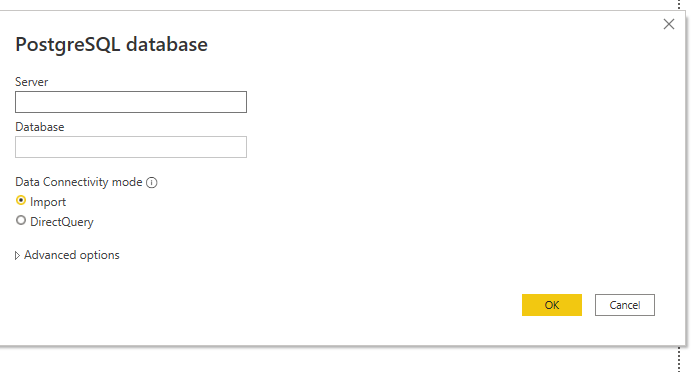
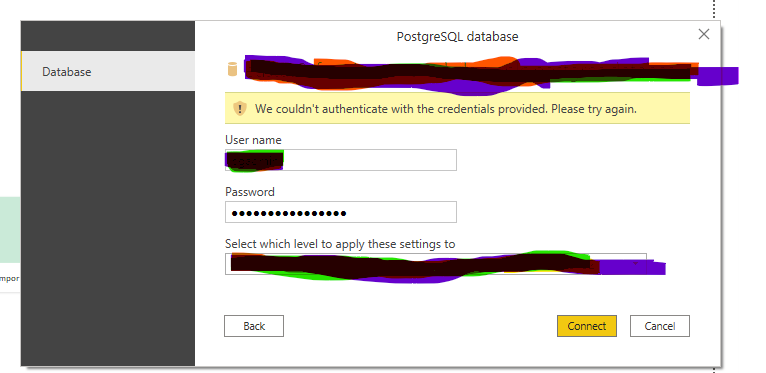
If I try to use PostgreSQL as an import query, I get the below error. This same error happens both when SSL is enabled and disabled.
Details: "An error happened while reading data from the provider: 'Npgsql.Tls.ClientAlertException: CertificateUnknown: Server certificate was not accepted. The specified hostname was not present in the certificate. at Npgsql.Tls.TlsClientStream.SendAlertFatal(AlertDescription description, String message) at Npgsql.Tls.TlsClientStream.ParseCertificateMessage(Byte[] buf, Int32& pos) at Npgsql.Tls.TlsClientStream.TraverseHandshakeMessages() at Npgsql.Tls.TlsClientStream.<GetInitialHandshakeMessages>d__43.MoveNext() --- End of stack trace from previous location where exception was thrown --- at System.Runtime.ExceptionServices.ExceptionDispatchInfo.Throw() at System.Runtime.CompilerServices.TaskAwaiter.HandleNonSuccessAndDebuggerNotification(Task task) at Npgsql.Tls.TlsClientStream.<PerformInitialHandshake>d__72.MoveNext()'"
We previously connected to PSQL hosted on a remote server and used the import function without any issues. We're looking to import the data into Azure because we'd like a live connection to the data for the PowerBI reporting. An input into this would be greatly appreciated.