Hello,
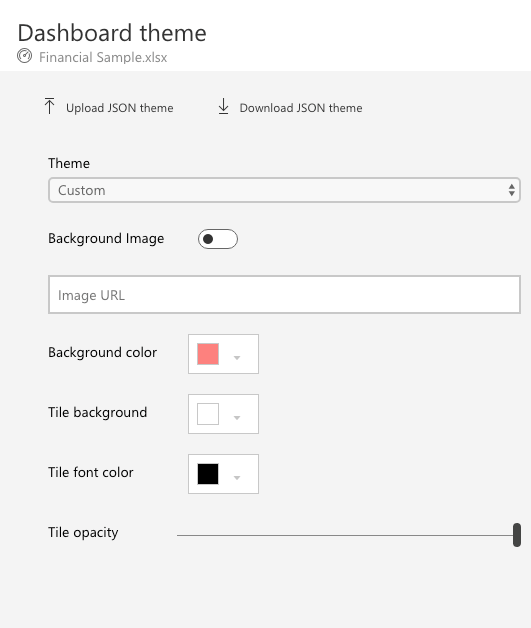
I'm trying to embed a dashboard into my webpage (using node.js). The dashboard loads all of the tiles that are included in it, but all of them are just empty (you can see only the titles), the dashboard also does not have the visual styles I gave it in the power bi app:
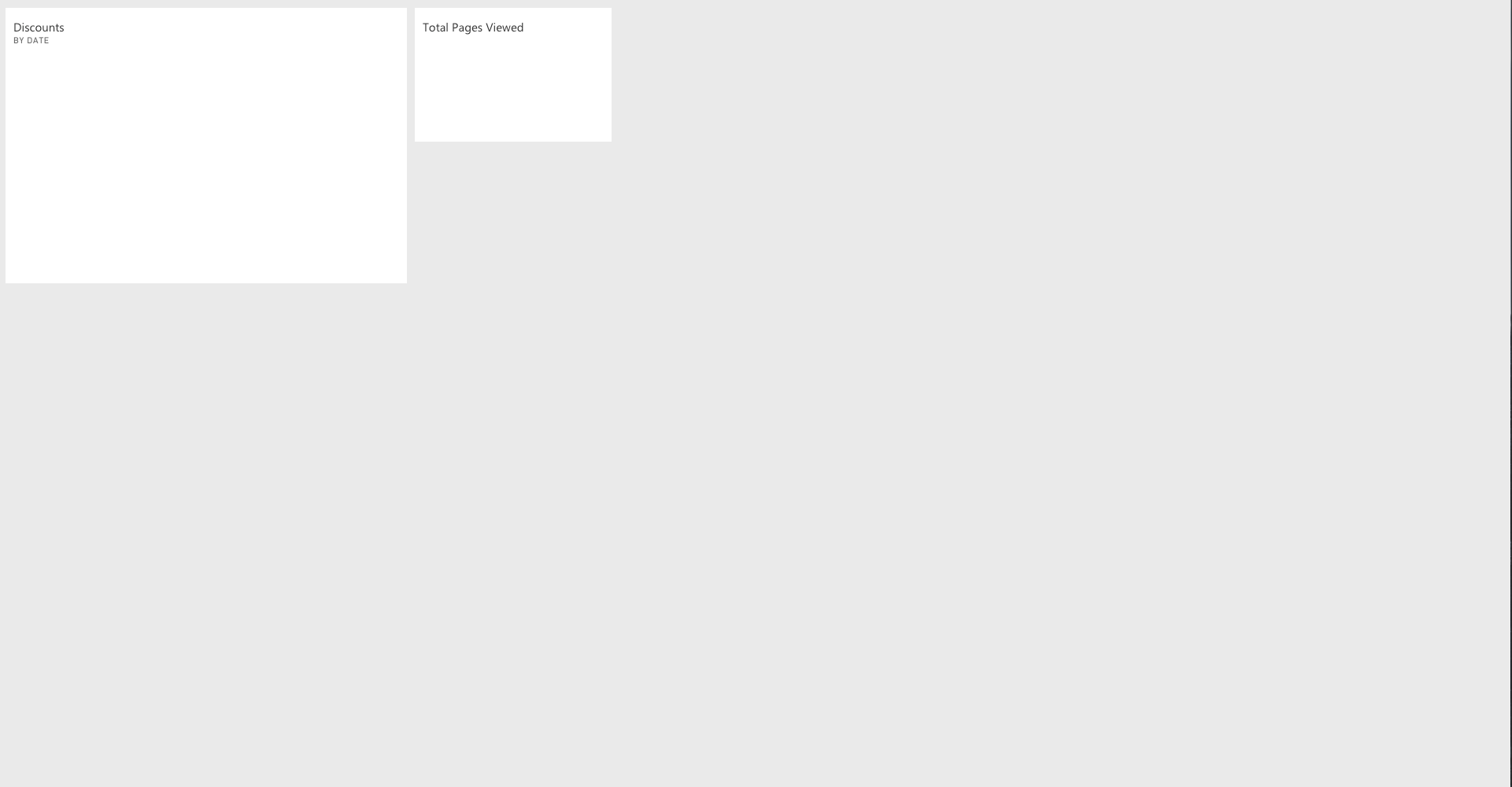
Additionally, the console returns three errors:
GET https://wabi-west-europe-redirect.analysis.windows.net/powerbi/metadata/dashboards/2300798
401 (Unauthorized)

https://wabi-west-europe-redirect.analysis.windows.net/metadata/ResourcePackages/22550273/a5be8563-8e2c-41ea-9a39-f251b716be9fA68hTmGOoPlC0.M1Yb1aGFsQmj0ptI-DM0FpLfamJ4c=-73971b02301c568dc2a0
401 (Unauthorized)

powerbiportal.dependencies.externals.bundle.min.js:134 TypeError: Cannot read property 'name' of undefined
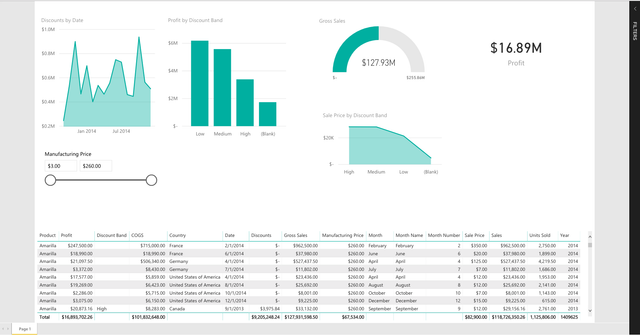
The dashboard works ok in the app:

I also can retrieve and embed a report using the same method that I'm using when trying to embed a dashboard and it works just fine:
Here's the code that I'm using to get an access token:
getAccessToken() {

    return new Promise(function (resolve, reject) {

      const url = 'https://login.microsoftonline.com/common/oauth2/token';

      const username = {username};
      const password = {password};
      const clientId = {clientid};
      const client_secret = {clientsecret};
      const headers = {
        'Content-Type': 'application/x-www-form-urlencoded',
      };

      const formData = {
        grant_type: 'password',
        client_id: clientId,
        client_secret,
        resource: 'https://analysis.windows.net/powerbi/api',
        scope: 'openid',
        username,
        password,
      };

      request.post({
        url,
        form: serialize(formData),
        headers,

      }, function (err, result, body) {
        if (err) {
          return reject(err);
        }
        const bodyObj = JSON.parse(body);
        resolve(bodyObj.access_token);
      });
    });
  }
And here's the code that I'm using to get the embed token:
getEmbedToken(accessToken, groupId, itemCategory, itemId) {
    return new Promise(function (resolve, reject) {

      const url = `https://api.powerbi.com/v1.0/myorg/groups/${groupId}/${itemCategory}/${itemId}/GenerateToken`;

      const headers = {
        'Content-Type': 'application/x-www-form-urlencoded',
        Authorization: `Bearer ${accessToken}`,
      };

      const formData = {
        accessLevel: 'View',
      };

      request.post({
        url,
        form: serialize(formData),
        headers,

      }, function (err, result, body) {
        if (err) {
          return reject(err);
        }

        const bodyObj = JSON.parse(body);
        resolve(bodyObj.token);
      });
    });
  }
I've tried to paste my data into the demo page (https://microsoft.github.io/PowerBI-JavaScript/demo/v2-demo/index.html) and it worked well for some time there, but after visiting the demo page again a day after, the demo page also could not display the tiles properly. The tiles would also work OK for a couple of minutes after a series of refreshing the site, but after some more refreshes it would get back to the no-content-tiles state. I'm using the financial sample as my data source just to test the embed functionality (if that means anything). Please help