I am trying to build a custom visual which contains nearly 20,000 data points in it. So my problem is when I resize or drag the report, all the points get distorted while displaying.
So, I want to capture the resizing event of a report and, it should stop rendering when I am resizing the report and once done resizing or dragging then display the chart again.
Current Problem:
Is there any way I can reduce the lag or drag it smoothly. I can also stop rendering during resizing which is done in the second video.
Problem :
https://drive.google.com/file/d/13CiqdfEdU-9dlQ5SJ72eMWQabkfwZGiU/view?usp=sharing
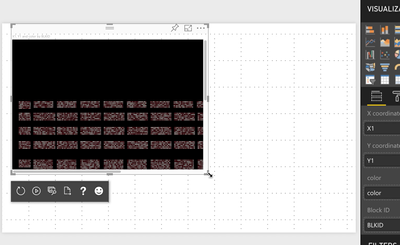 Before Dragging
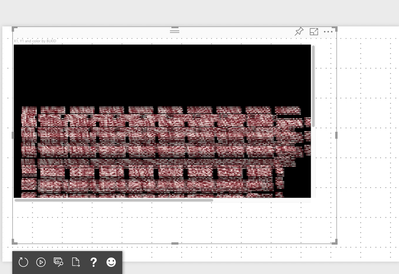 After Dragging
Desired Output:
The similar output which is in the video below is expected. Is it possible to capture the resizing so that I can stop rendering during that time? I am new to custom visual so if possible help me with the code.
https://drive.google.com/file/d/17_W4BfAQtKEzdzbfQ1STBhhgdQ_Jb16f/view?usp=sharing
Any small help will be appreciated.
Thank you


