We've captured the moments from FabCon & SQLCon that everyone is talking about, and we are bringing them to the community, live and on-demand. Starts on April 14th. Register now
Hello!
I'm trying to create a custom Histogram visual. I need the custom visual to take a data measure and a category, calculate aggregated sums of the measure by the category, and draw a histogram of the aggregated sum values. All this needs to be compatible with an interactive date filter. My data table looks like this:
Date Category Measure
2022-01-01 1
2022-01-01 2
...
2022-01-02 1
2022-01-02 2
...
I've tried adapting these two examples, but I have not achieved any good results:
https://github.com/microsoft/PowerBI-visuals-sampleBarChart
https://github.com/microsoft/powerbi-visuals-histogram
Can anybody give me a hint of how to do this?
Thanks!
Hi @dm-p
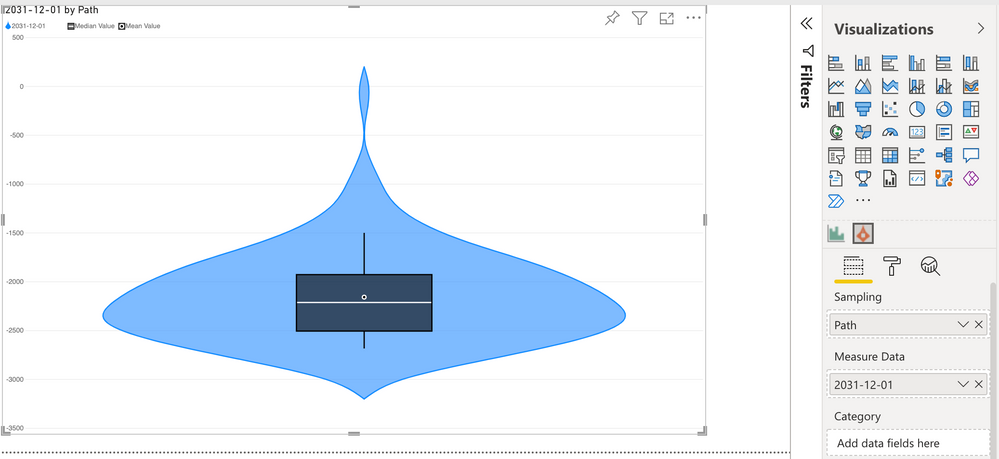
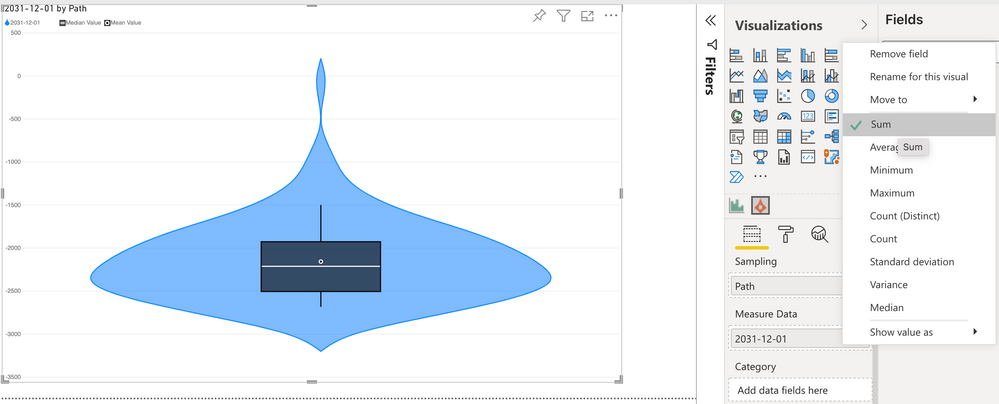
Thanks a lot for your answer. That was really helpful! Actually, I can get the aggregation that I need with your Violin Plot visual.
Also, since it shows the distribution, it may be a good alternative to the Histogram that I need to develop.
However, if I still needed to create a Histogram, how should I define the data roles and data view mappings in order to have this aggregation? And how do I get the visual to use these calculated values instead of the input fields?
Thanks!
Hi @ana-pierola,
For any visuals that need to calculate statistics over values and aggregate them, all underlying values need to be provided to the visual dataset so that they can be computed internally. Visuals are not able to know more about the model than what is supplied to the visual data roles and data view mapping (dataset).
In the case of a histogram, you will need to also supply a grouping column/field to your dataset that ensures each row is unique, such as an identify column, otherwise you will not be able to derive the correct values. Note that if you supply lots of data you may need to ensure that you can work with the row limits.
The Violin Plot visual uses this approach also, and I've written a post to explain thy this is necessary here, which may help you to understand how visuals need their data to be able to aggregate it themselves.
Regards,
Daniel
Proud to be a Super User!
On how to ask a technical question, if you really want an answer (courtesy of SQLBI)
If you have recently started exploring Fabric, we'd love to hear how it's going. Your feedback can help with product improvements.
A new Power BI DataViz World Championship is coming this June! Don't miss out on submitting your entry.
| User | Count |
|---|---|
| 1 | |
| 1 | |
| 1 | |
| 1 | |
| 1 |