This is best Fabric, Power BI, SQL and AI community event. How do we know? The last event sold out! Save €200 with code FABCMTY200.
Register nowA new Data Days event is coming soon! This time we’re going bigger than ever. Fabric, Power BI, SQL, AI and more. Don't miss out.
Hi,
I have been trying to get tables metadata of the reports using "Get-PowerBITable" or "GetScanStatus", I believe "Get-PowerBITable" can only be used on Push Datasets, correct me if am wrong.
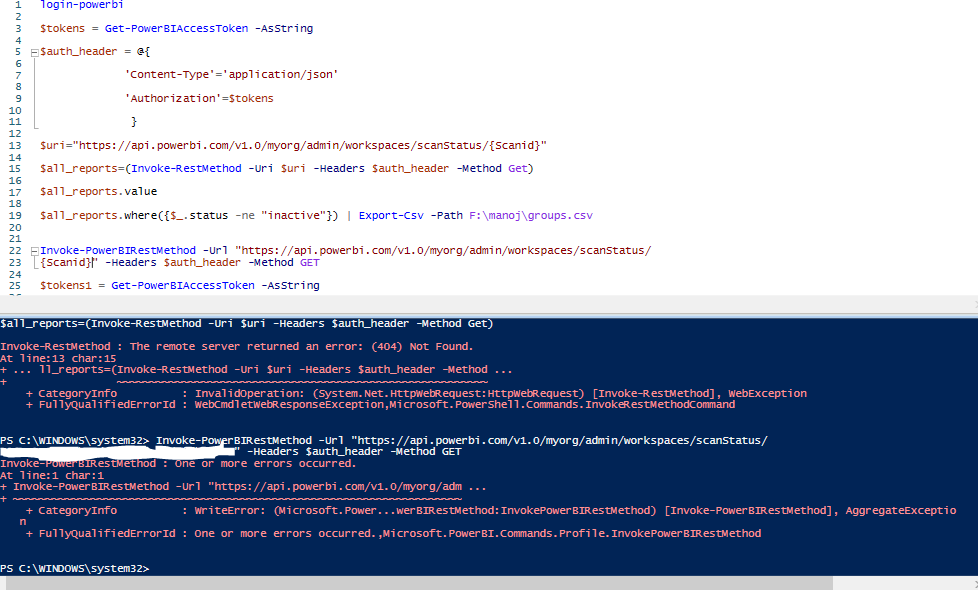
am trying different codes from Powershell one is this one "Invoke-PowerBIRestMethod -Url "https://api.powerbi.com/v1.0/myorg/admin/workspaces/scanStatus/
7395a52c-a64b-4daf-8518-9ad5ffb5de77" -Headers $auth_header -Method GET", and the other you can it below.
Hope someone could help me.
I have admin rights.
Hi Manoj,
Get-PowerBITable is applicable for push datasets.
Scanner API is collection of 4 REST APIs. you need to call them in right order to get the expected result. You need call below order.
Ref - https://debbiesmspowerbiazureblog.home.blog/category/power-bi-admin-scanner-api/
Hi Hariharan,
Thanks for the responce, the ref link you mentioned its mostly related to the Azure based app registration and service principle account, but here am trying to execute the scanner API from powershell.
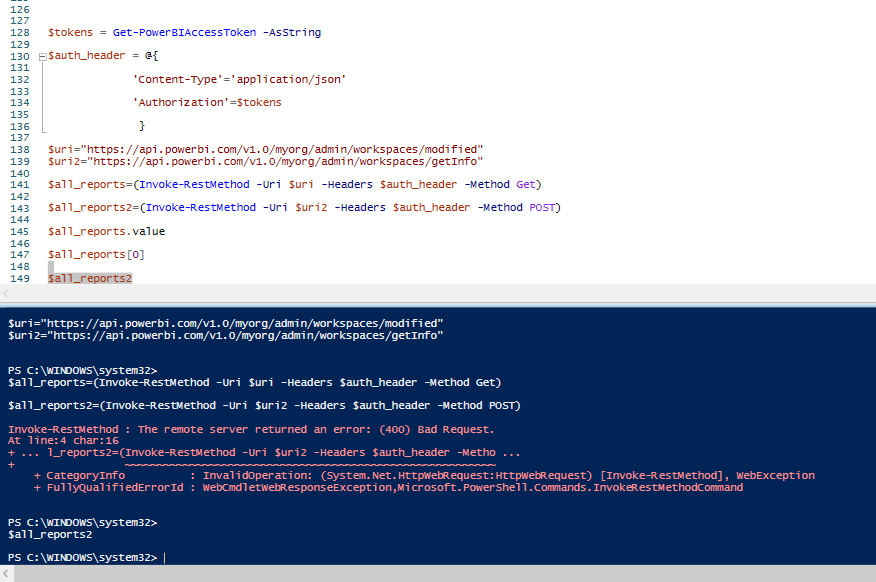
i tried to execute the scanner APIs on powershell.
Sign up to receive a private message when registration opens and key events begin.
If you have recently started exploring Fabric, we'd love to hear how it's going. Your feedback can help with product improvements.
| User | Count |
|---|---|
| 3 | |
| 1 | |
| 1 | |
| 1 | |
| 1 |