cancel
Showing results for 
Search instead for 
Did you mean: 

Learn from the best! Meet the four finalists headed to the FINALS of the Power BI Dataviz World Championships! Register now

Reply
firstligth62
Regular Visitor

two date filter

Hi
I have two tables "circulations" and "retard"
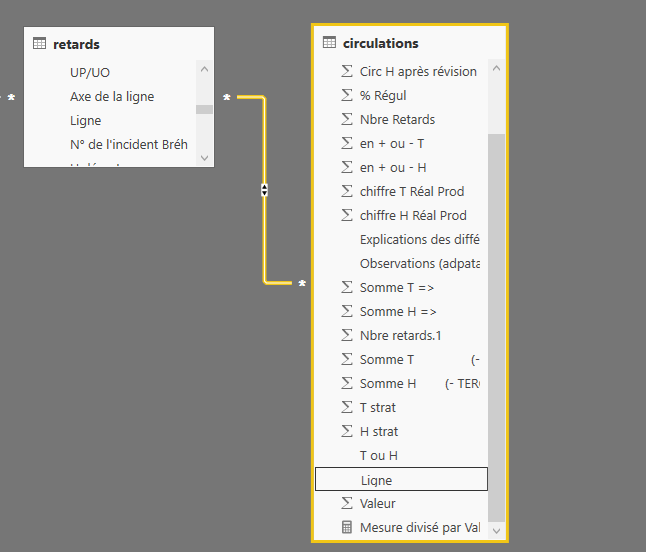
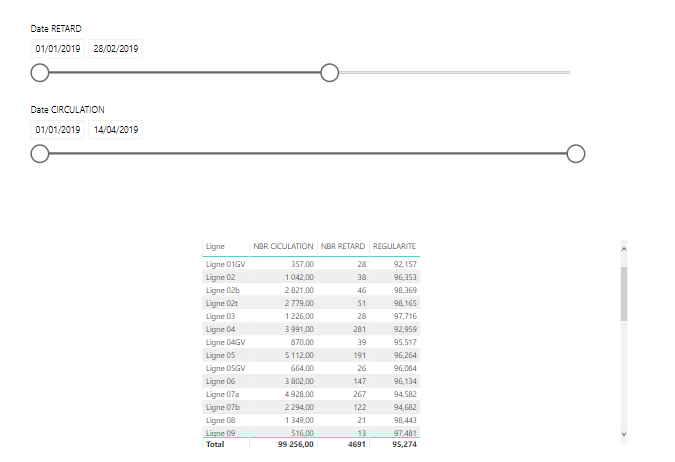
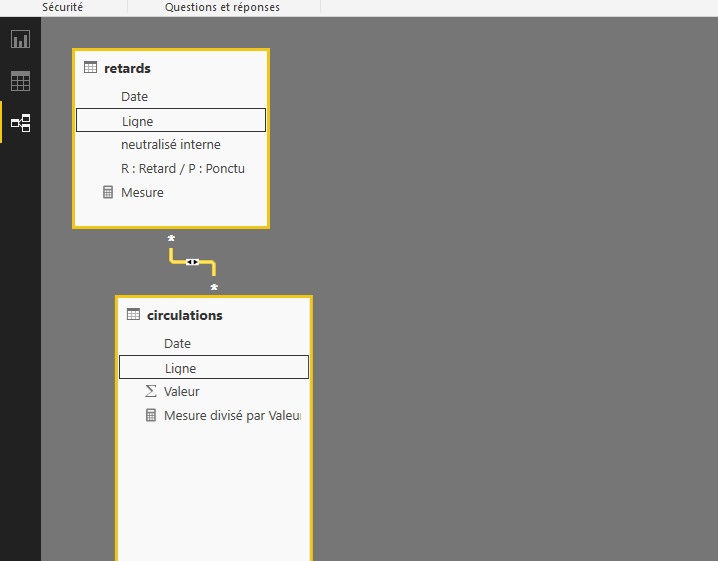
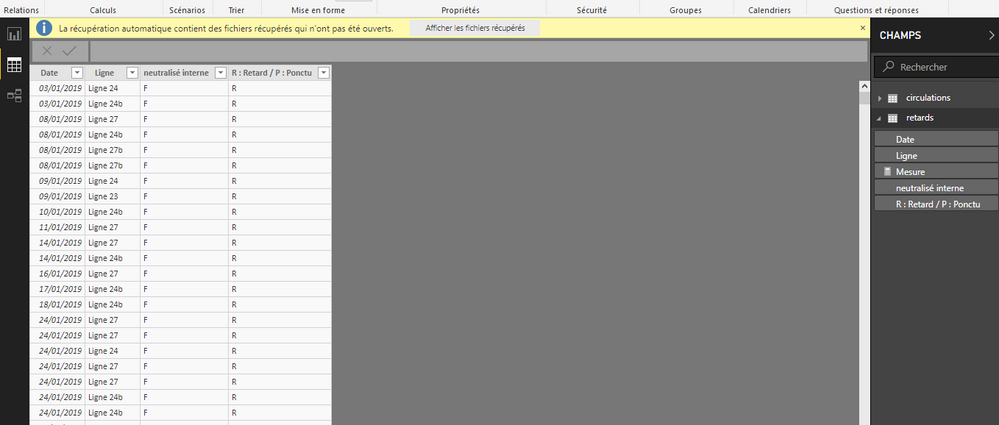
I have a problem when I make a filter by the date table "circulations " or table "retards" one data only change (example: pictures 1 &3) relation table: picture 2) . Can you help me, please?


Capture 2.PNGrelationrelationCapture.PNG 


1 ACCEPTED SOLUTION

Hi @firstligth62 ,


Did you create a calculated table using DateDim = CALENDARAUTO() ?


Best Regards,

Amy

View solution in original post

5 REPLIES 5
v-xicai
Community Support
Community Support

Hi @firstligth62  ,


Does that make sense? If so, kindly mark my answer as a solution to help others having the similar issue and close the case.


Best regards

Amy Cai

thanks

v-xicai
Community Support
Community Support

Hi @firstligth62 ,


You can create a calculated table ,and then create one to many relationships with the tables "circulations" and "retard" on date column. Or you can share your sample data or desired output screenshots for further analysis. You can also upload sample pbix to OneDrive and post the link here. Do mask sensitive data before uploading.


DateDim = CALENDARAUTO()


Best Regards,

Amy


If this post helps, then please consider Accept it as the solution to help the other members find it more quickly.

hello v-xicai


thanks but

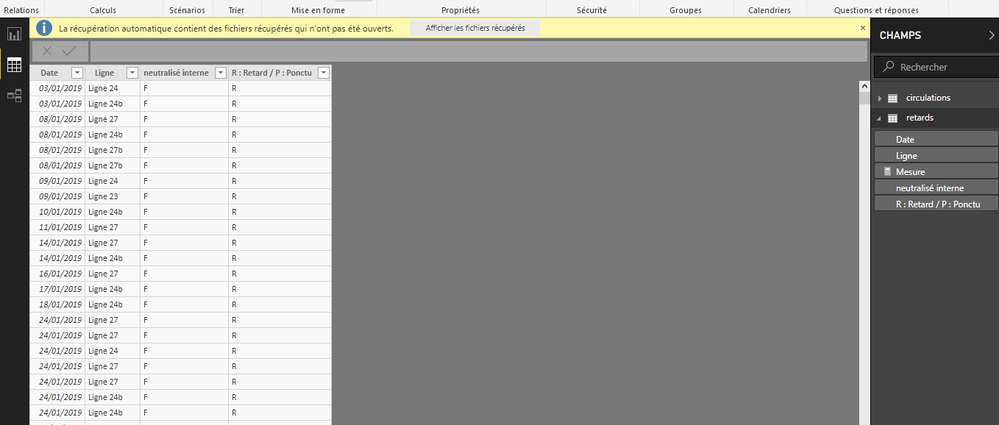
i tested your answer but she doesn t work

relations.PNGtable circulation.PNGtable retard.PNG

Hi @firstligth62 ,


Did you create a calculated table using DateDim = CALENDARAUTO() ?


Best Regards,

Amy

Helpful resources

Announcements
Join our Fabric User Panel

Join our Fabric User Panel

Share feedback directly with Fabric product managers, participate in targeted research studies and influence the Fabric roadmap.

February Power BI Update Carousel

Power BI Monthly Update - February 2026

Check out the February 2026 Power BI update to learn about new features.