
Join us at FabCon Atlanta from March 16 - 20, 2026, for the ultimate Fabric, Power BI, AI and SQL community-led event. Save $200 with code FABCOMM.
Register now!The Power BI Data Visualization World Championships is back! Get ahead of the game and start preparing now! Learn more
Hi together;
I have an pBI Report connected to either Dataverse and Excel; the Report works perfectly within the pBI Desktopversion.
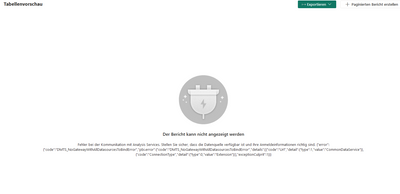
I also published the report and it workred perfect too. Since (round about) 2 weeks I get an error accessing my published version saying that there is no gateway available to access the datasource "File" (What the Heck is File?, I dont think one of my sources is named like that)
Does anyone know how to solve that?
That would be great.
Best regards
Pete
Solved! Go to Solution.
I reconnected all data, now it works, strange, but anyway it works!
What were the steps you took to reconnect all data?
Here is a nother failure explanation which I do not understand:
@Pete230 I expect that it is your Excel file. What do the details say?
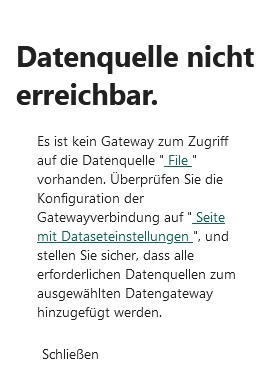
The Details say the same -
"There is no gateway to access the " File " data source. Check the configuration of the gateway connection on " Data Settings Page " and make sure that all required data sources are added to the selected data gateway."
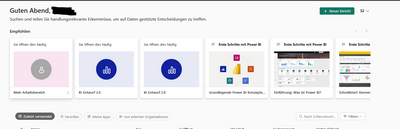
and then I'm guided to the standard page:
The Power BI Data Visualization World Championships is back! Get ahead of the game and start preparing now!
| User | Count |
|---|---|
| 63 | |
| 55 | |
| 42 | |
| 41 | |
| 23 |
| User | Count |
|---|---|
| 167 | |
| 136 | |
| 120 | |
| 79 | |
| 54 |