Hi @Djackso1976,
For add reference layers, you can take a look at following links which told about how to do it:
Add custom reference layers to ArcGIS
Add a reference layer
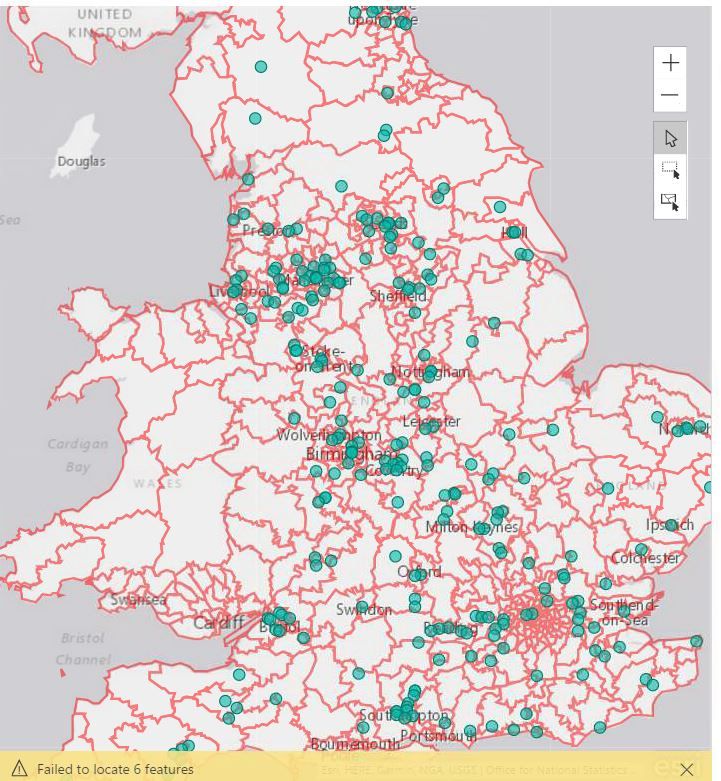
Actually, currently there are a few locations which cannot be properly recognized on arcgis visual.
In my opinion, I'd like recommend you to create calculate column with detail location information(country, city , place...) as 'location' field, it may fix the issue.
BTW, I'd like to suggest you not use abbreviation location, it will also caused the recognize issue.
Reference:
Note: When working with countries or regions, use the three-letter abbreviation to ensure that geocoding works properly in map visualizations. Do not use two-letter abbreviations, as some countries or regions may not be properly recognized.
If you only have two-letter abbreviations, check out this external blog post for steps on how to associate your two-letter country/region abbreviations with three-letter country/region abbreviations.
How to Use Map Visualizations
If above still not help, I'd like to suggest you contact to arcgis team to ensure if your locations are supported on arcgis map.
Regards,
Xiaoxin Sheng