

Join us at FabCon Atlanta from March 16 - 20, 2026, for the ultimate Fabric, Power BI, AI and SQL community-led event. Save $200 with code FABCOMM.
Register now!Get Fabric Certified for FREE during Fabric Data Days. Don't miss your chance! Request now
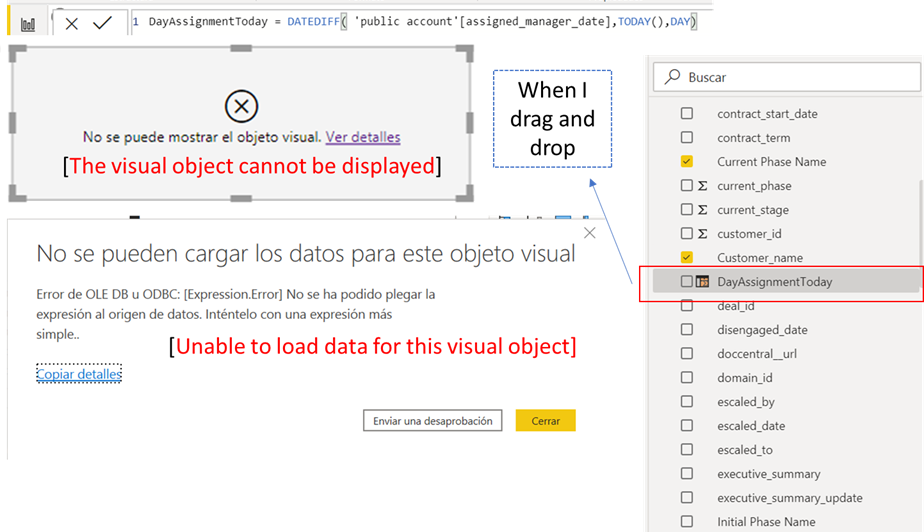
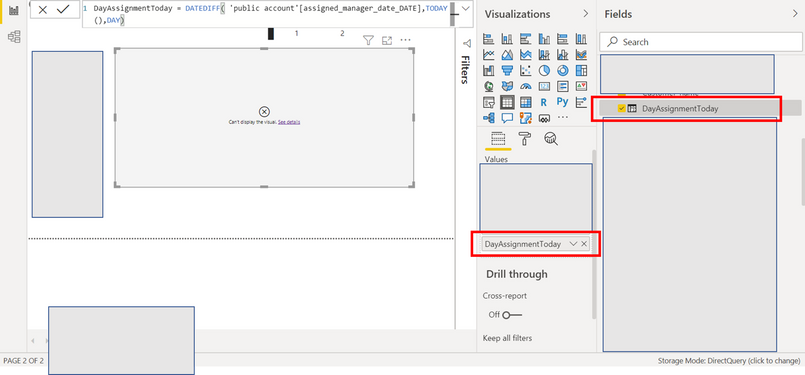
Hi everyone I am trying to add a calculated field, but I have an error called "The visual object cannot be displayed", the problem is that I can more column with simpler calculations.
The formula used is
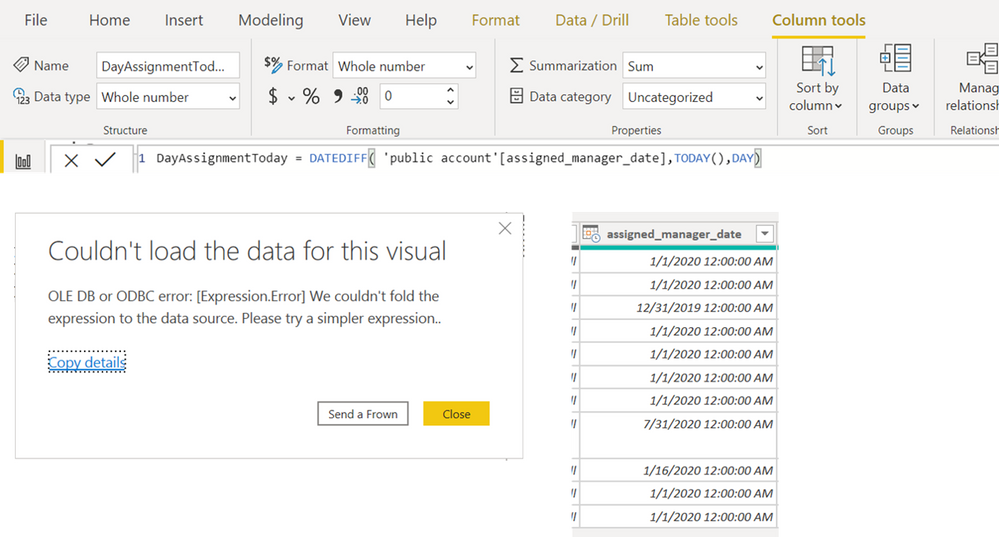
DayAssignmentToday = DATEDIFF( 'public account'[assigned_manager_date],TODAY(),DAY)
And I have the following message (I made the translation to English]
I already checked the field has the data type date.
Best Regards
Hi , @Anonymous
It seems that similar issues have been raised by other users here.
You can keep an eye on the status of them.
BTY,It is recommended to create a support ticket to investigate this issue.
https://powerbi.microsoft.com/en-us/support/
Best Regards,
Community Support Team _ Eason
If this post helps, then please consider Accept it as the solution to help the other members find it more quickly.
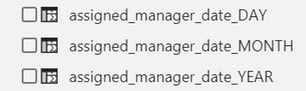
Hi @amitchandak I was trying to find another solution but still, I am having the same issue. Basically I generated three new columns called
assigned_manager_date_YEAR = YEAR('public account'[assigned_manager_date])
assigned_manager_date_MONTH = MONTH('public account'[assigned_manager_date])
assigned_manager_date_DAY = DAY('public account'[assigned_manager_date])
Then I made a date column
assigned_manager_date_DATE = DATE('public account'[assigned_manager_date_YEAR],'public account'[assigned_manager_date_MONTH],'public account'[assigned_manager_date_DAY])
but that column is already corrupted
Hence the final column is as well corrupted
DayAssignmentToday = DATEDIFF( 'public account'[assigned_manager_date_DATE],TODAY(),DAY)
I have to hide some information
Thank you
Hi amitchandak, thank you for your email. The relevant information just consist of a column with dates
| assigned_manager_date |
| 1/1/2020 12:00:00 AM |
| 1/1/2020 12:00:00 AM |
| 12/31/2019 12:00:00 AM |
| 1/1/2020 12:00:00 AM |
| 1/1/2020 12:00:00 AM |
| 1/1/2020 12:00:00 AM |
| 1/1/2020 12:00:00 AM |
| 7/31/2020 12:00:00 AM |
| 1/16/2020 12:00:00 AM |
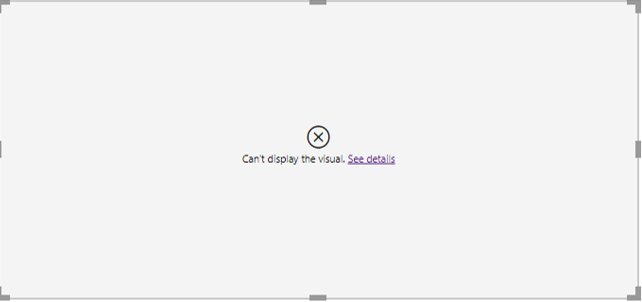
I am attaching an image now with PowerBi in english
Thank you
Mauricio
Check out the November 2025 Power BI update to learn about new features.
Advance your Data & AI career with 50 days of live learning, contests, hands-on challenges, study groups & certifications and more!