Hello everyone,
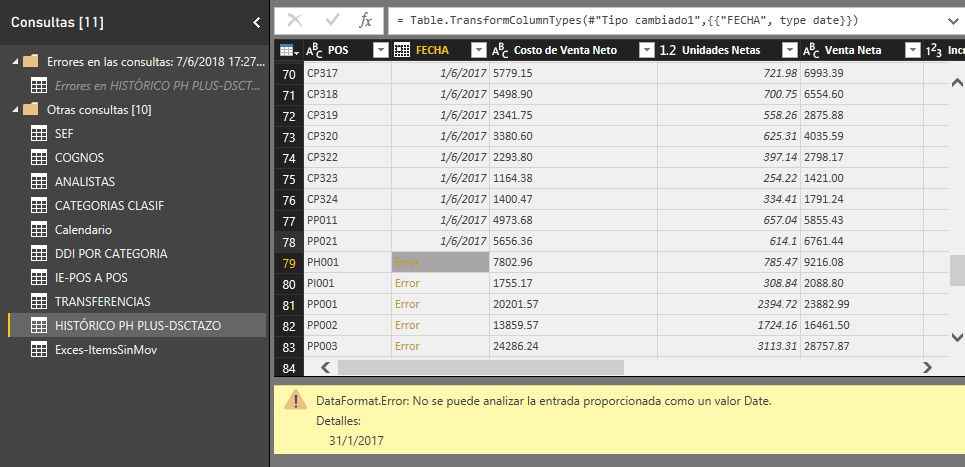
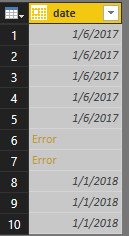
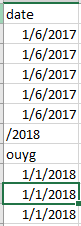
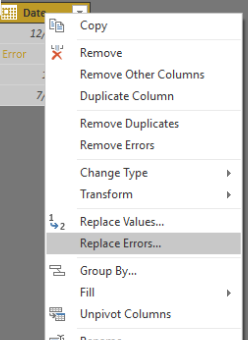
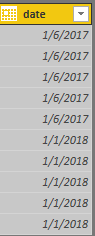
I have a problem: when updating some files, errors are generated in the date and only in certain cells (as seen in the image), I have tried everything from going to the Query Editor option and removing the corrections but the error is maintained, I have created a new power bi document and I have copied the Query edition, but it does not work; I have to mention that they changed my computer, I had windows 7 and now windows 10, will it be the date format? to say, before it was 01/01/2018 and now it is 1/1/2018 ?, apart from that I had another problem with the format of the decimals and I had to change the regional configuration to English (usa) but I have the configuration of the computer in Spanish because I'm from Ecuador; will it be that the file was damaged? power bi always gives problems? the ideal is to solve without adding another column because the column is linked to other files, please your help because it has me desperate and I do not want to repeat the whole report bi. Thank you very much.