Don't miss your chance to take the Fabric Data Engineer (DP-700) exam on us!
Learn moreWe've captured the moments from FabCon & SQLCon that everyone is talking about, and we are bringing them to the community, live and on-demand. Starts on April 14th. Register now
hi team
i am trying to do multi sort at table visual on multiple column . I have the dataset pulled from azure dw server . Is multi sort allowed here ?
Solved! Go to Solution.
@Anonymous ,
You may take a look at the post below.
https://community.powerbi.com/t5/Desktop/Sorting-by-multiple-columns/m-p/536884#M251918
@Anonymous ,
You may take a look at the post below.
https://community.powerbi.com/t5/Desktop/Sorting-by-multiple-columns/m-p/536884#M251918
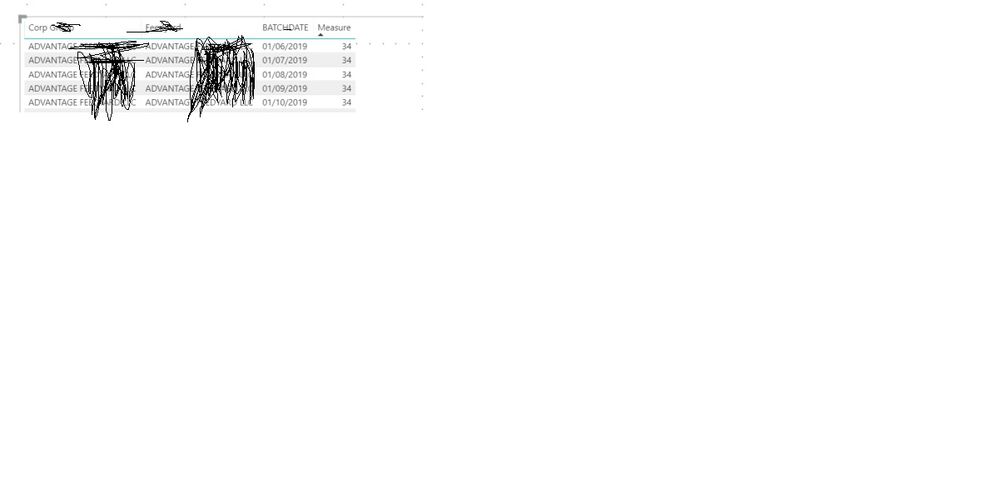
@v-chuncz-msft : i created the measure and pulled the columns in matrix and measure as below in screenshot . I don't want to show this measure to business or end users .can you tell me detail steps after creation of measure ? i dragged the related columns and measure and i was able to sort on mutiple columns but measure measure which is calculated is appearing in table or matrix . how can i hide it and sort the table with the calculated measure
@Anonymous ,
You may adjust the column width manually to hide it.
@v-chuncz-msft ok super Thanks . One more question if they import it it will be downloaded to excel . But i can educate the users on it Thanks
If you have recently started exploring Fabric, we'd love to hear how it's going. Your feedback can help with product improvements.
A new Power BI DataViz World Championship is coming this June! Don't miss out on submitting your entry.
Share feedback directly with Fabric product managers, participate in targeted research studies and influence the Fabric roadmap.
| User | Count |
|---|---|
| 53 | |
| 37 | |
| 35 | |
| 19 | |
| 17 |
| User | Count |
|---|---|
| 74 | |
| 70 | |
| 39 | |
| 35 | |
| 23 |