Advance your Data & AI career with 50 days of live learning, dataviz contests, hands-on challenges, study groups & certifications and more!
Get registeredGet Fabric Certified for FREE during Fabric Data Days. Don't miss your chance! Request now
Hello everyone
I have a date table with a 4-year history plus the current year. I would like to set a default selection in my Power BI slicer for a year based on the current year without losing the history of other years. This means that if the default date range in my slicer is from 01/01/2024 to 12/31/2024, when I clear the slicer selection, it should return all the years in the table in the slicer, spanning from 01/01/2020 to 12/31/2024.
Please help me
Solved! Go to Solution.
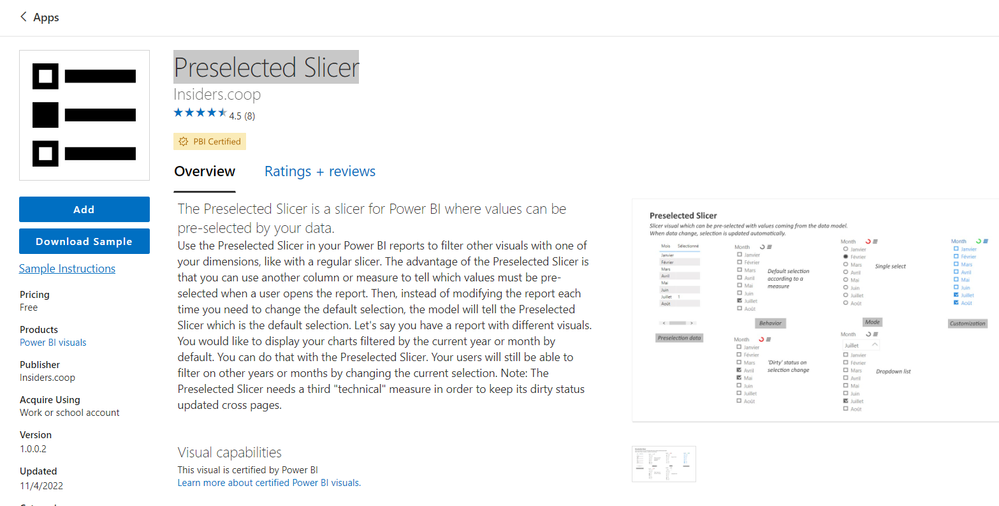
@alsolok , You can use preselected slicer from custom visual
Or you can do the workaround by creating a column a column like below and save it on "This Year"
Year Type = Switch( True(),
year([Date])= year(Today()),"This Year" ,
year([Date])= year(Today())-1,"Last Year" ,
Format([Date],"YYYY")
)
Default Date Today/ This Month / This Year: https://www.youtube.com/watch?v=hfn05preQYA
@alsolok , You can use preselected slicer from custom visual
Or you can do the workaround by creating a column a column like below and save it on "This Year"
Year Type = Switch( True(),
year([Date])= year(Today()),"This Year" ,
year([Date])= year(Today())-1,"Last Year" ,
Format([Date],"YYYY")
)
Default Date Today/ This Month / This Year: https://www.youtube.com/watch?v=hfn05preQYA
Advance your Data & AI career with 50 days of live learning, contests, hands-on challenges, study groups & certifications and more!
Check out the October 2025 Power BI update to learn about new features.