Join us at FabCon Atlanta from March 16 - 20, 2026, for the ultimate Fabric, Power BI, AI and SQL community-led event. Save $200 with code FABCOMM.
Register now!The Power BI Data Visualization World Championships is back! Get ahead of the game and start preparing now! Learn more
I am wanting to do a line graph of 180 companies, and want 179 of those to be black and my company to be red..is there an easy way to change all the colors at once?
Solved! Go to Solution.
Please see THIS BLOG for the formatting options in powerbi.
Hi @rfway,
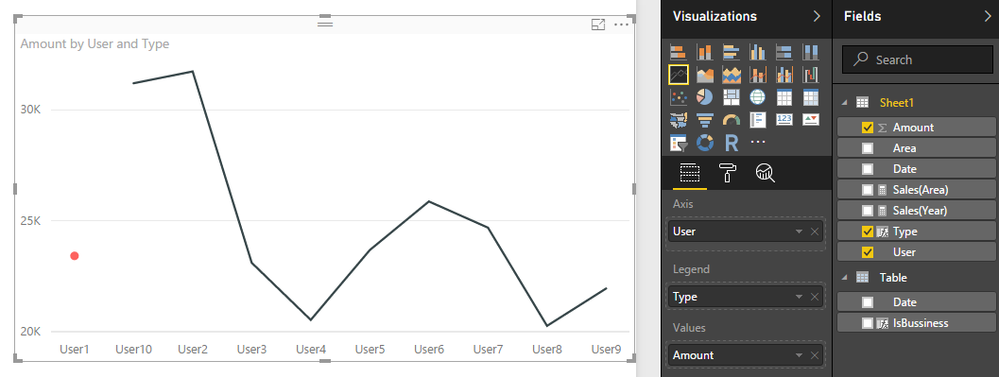
I'd like to share you a simple way to achieve your requirement.
Add a calculate column:
Type = if(LASTNONBLANK(Sheet1[User],[User])="User1","My Company","Other")
Drag this calculate column to legend and modify data color.
Regards,
Xiaoxin Sheng
Please see THIS BLOG for the formatting options in powerbi.
The Power BI Data Visualization World Championships is back! Get ahead of the game and start preparing now!
| User | Count |
|---|---|
| 44 | |
| 40 | |
| 33 | |
| 30 | |
| 23 |
| User | Count |
|---|---|
| 125 | |
| 119 | |
| 90 | |
| 75 | |
| 69 |