Advance your Data & AI career with 50 days of live learning, dataviz contests, hands-on challenges, study groups & certifications and more!
Get registeredGet Fabric Certified for FREE during Fabric Data Days. Don't miss your chance! Request now
We centrally provide Power BI Desktop 32bit as a software package for our users. We also provide MRO to allow R in Power BI Desktop.
As the documentation says, the 32bit-Version of PBID is not able to find the "R home directory" by itself and every user has to set the directory by herself.
As Software provider we want to this configuration to be set by our software package. In order to do that we need to know the place where that setting ist stored (we could not find out ourself).
Can anybody give a hint where the "R home directory" setting is stored? Thanks!
Solved! Go to Solution.
The setting ist saved in LOCALAPPDATA\Radio\settings.xml
Hi @Sokon,
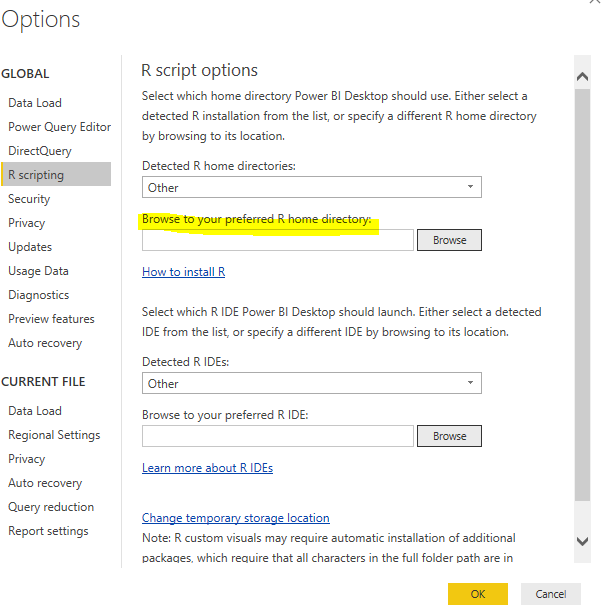
Click File-> Options and Settings-> Options-> R scripting.
Best regards,
Yuliana Gu
Thanks! Unfortunately, that's not what I am looking for. Of course we know how to set the configuration using the GUI.
What we need to know is how that information is stored on the system.
Is ist stored in the Registry? Where? Or is ist stored in a configuration file? If yes, which one?
Advance your Data & AI career with 50 days of live learning, contests, hands-on challenges, study groups & certifications and more!
Check out the October 2025 Power BI update to learn about new features.