This is best Fabric, Power BI, SQL and AI community event. How do we know? The last event sold out! Save €200 with code FABCMTY200.
Register nowA new Data Days event is coming soon! This time we’re going bigger than ever. Fabric, Power BI, SQL, AI and more. Don't miss out.
Hi,
Pleaase could i ask for your help
I am new to BI and need to create a report that shows a week by week count.
So the infomation is pulled in via an Access DB
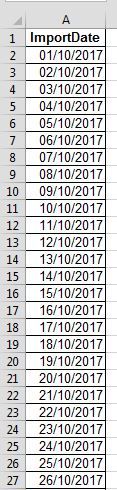
The ImportDate will be used to create the week by week count
Start date would be a Saturday
End date would be a Friday
so the line chart should show - 29 -09 - 2017 / 06 - 10 - 2017 / 13 - 10 - 2017 (for the whole duration 2016/2017/2018)
then i would add the milestone stages, aligned end date, target qty
Seems like there is some information missing but I think I get the gist of it. What I would do would be to create a calculated column using the WEEKNUM function.
https://msdn.microsoft.com/en-us/library/ee634572.aspx
Then you could aggregate based upon the week number.
Please coul i ask for some more help, i am new to BI 🙂
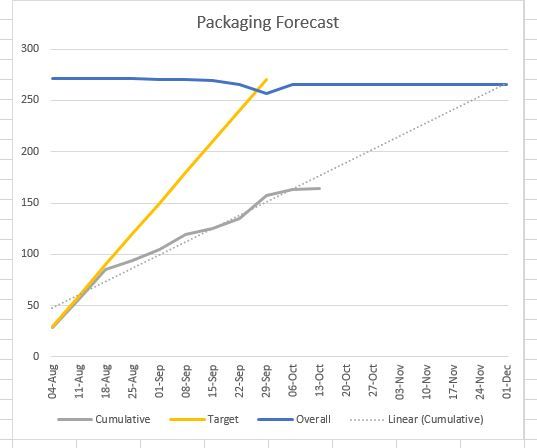
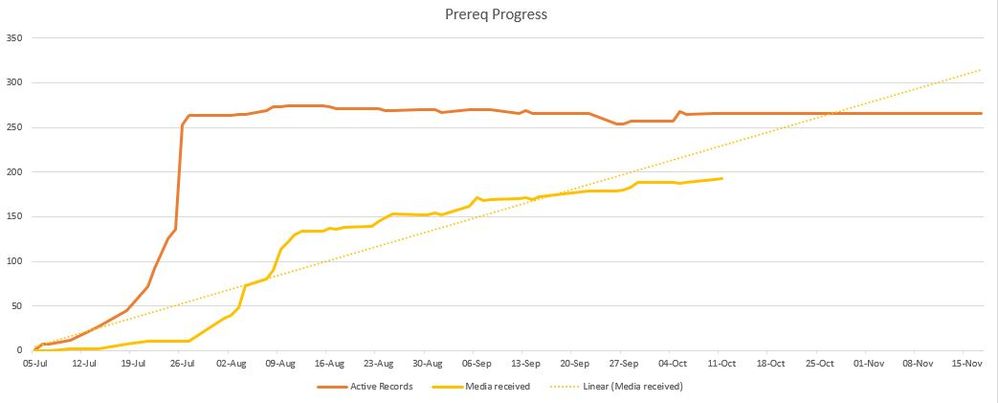
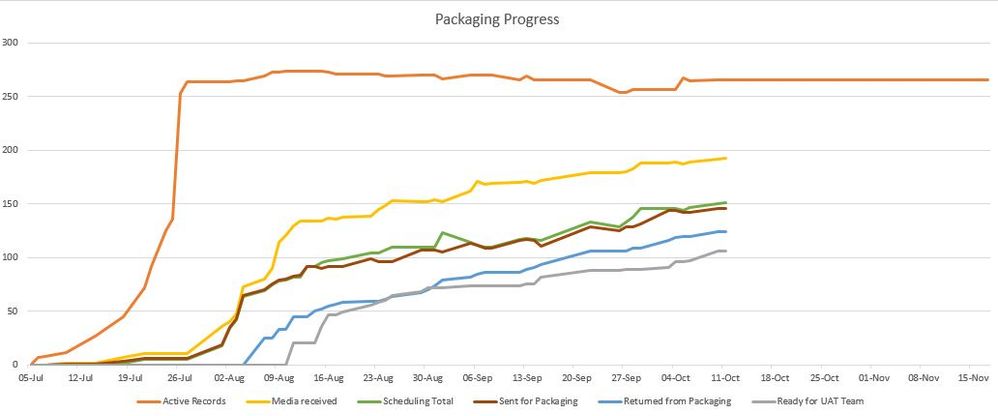
This is what i am trying to achive
so the column that has a monday to friday update would be the ImportDate column or what a calendar column need to be added?
Check out the May 2026 Power BI update to learn about new features.
Sign up to receive a private message when registration opens and key events begin.
If you have recently started exploring Fabric, we'd love to hear how it's going. Your feedback can help with product improvements.
| User | Count |
|---|---|
| 29 | |
| 28 | |
| 25 | |
| 19 | |
| 14 |
| User | Count |
|---|---|
| 56 | |
| 48 | |
| 37 | |
| 21 | |
| 20 |