Hi all,
After trying in all sorts of ways and looking at a lot of other forum posts, I still could not get it to work, so here's my question!
We deliver reports to a number of customers, some of which have a Basic subscription and some of which have a Plus subscription. How I would like it to work:
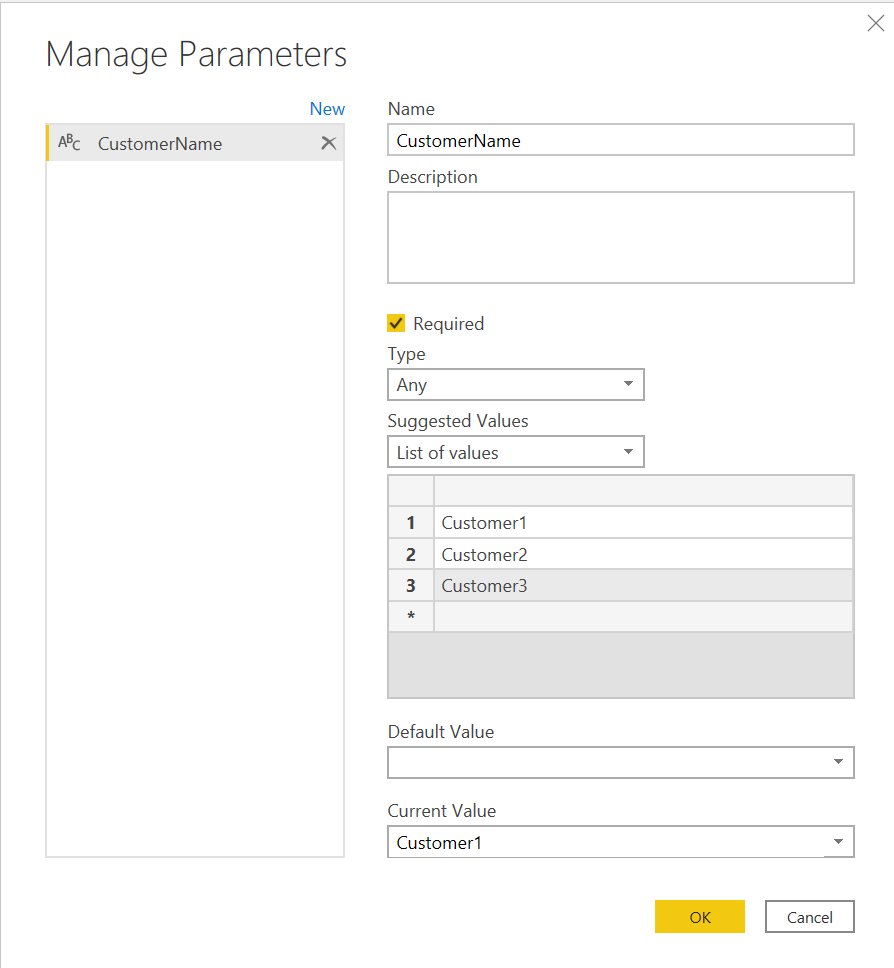
- We have defined a parameter "CustomerName" in which we select which customer the report is for
- We have defined a table "Subscriptions" in which we identify for each customer whether he has the Basic of Plus subscription
My goal is to create a measure which looks at the parameter value for CustomerName I have set, and then finds the subscription name in the Subscriptions-table. Using that measure, I can then build different other measures that can e.g. determine what text to display or to which destinations buttons should go.
However, I can't get it to work: I cannot 'extract' the parameter value in a measure. How should this be done?
Hereby you find a couple of screenshots to clarify.
I hope you can help, thanks in advance!
Regards,
Asjen