cancel
Showing results for 
Search instead for 
Did you mean: 

Try your skills in the Power BI Dataviz World Championship! Round one ends June 26. Join now

Reply
Anonymous
Not applicable

Toggle Button not working

Hi All,


I have a dummy financial data from google...I wanted to use toggle button and assign boomarks to it.

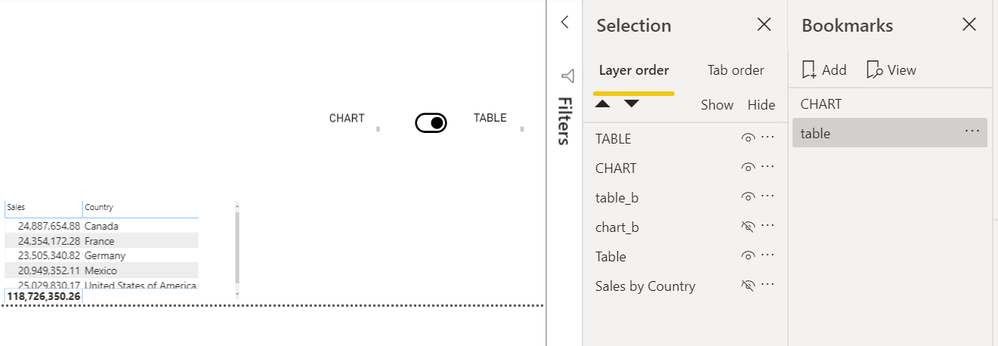
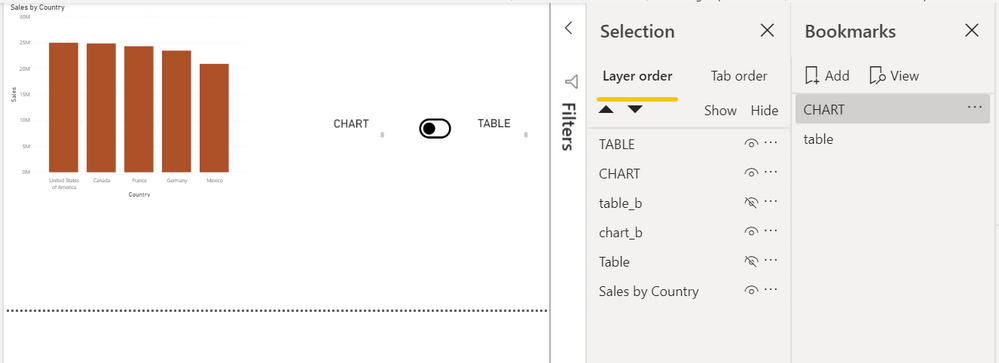
But for some reason the toggle is not functioning properly .Once i click on "Chart" not able to click on table, i have double check everythig and have also assigned book marks correclty but of no use

toggle1.PNGtoggle2.PNG

can someone help me on this


7 REPLIES 7
Anonymous
Not applicable

Hmmm,  I can't see how to upload pbix.


In the meantime, I the shared Dropbox can be used.


https://www.dropbox.com/sh/04rabebbxrpfy7v/AACUm3aH_y-Ip6WcgUAy5Znja?dl=0


Anonymous
Not applicable

Im not able to open that link its says not available

Anonymous
Not applicable
Anonymous
Not applicable

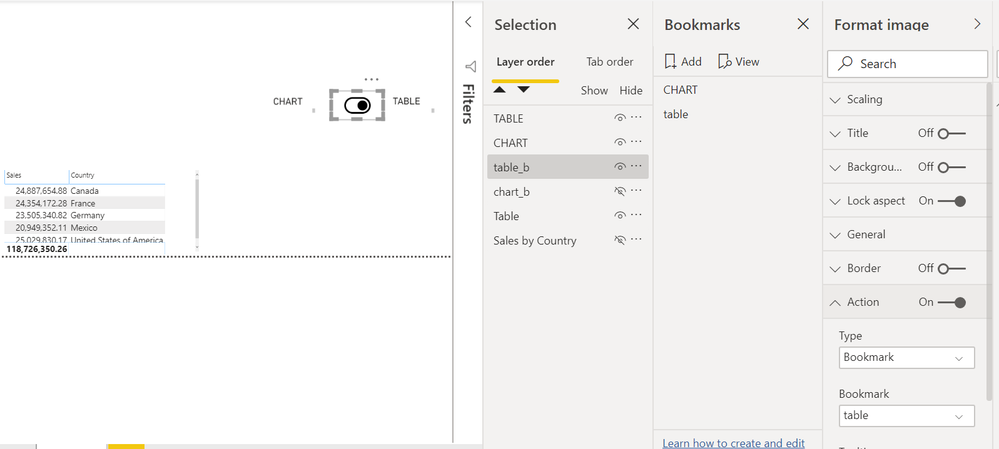
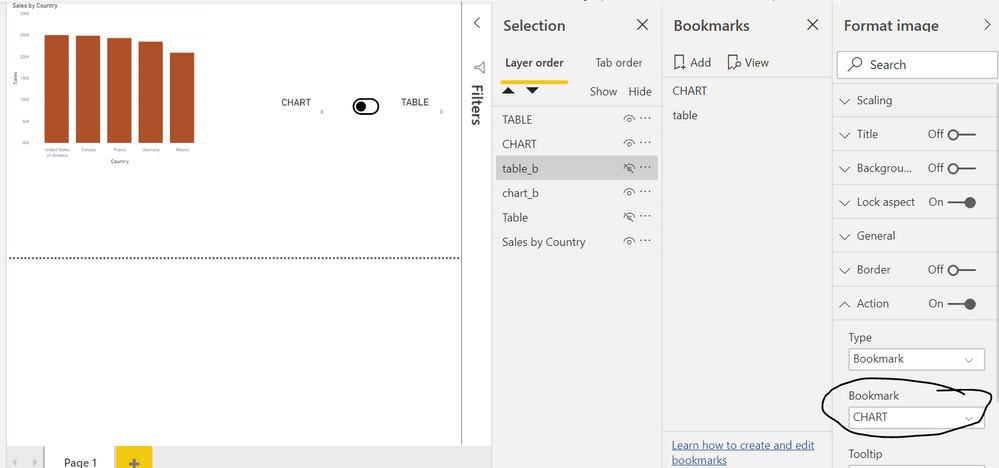
toogle4.PNGtoggle3.PNG


When i click your drop box link it says 

This site can’t be reached

The webpage at https://www.dropbox.com/request/sIH7p9DFYbAR0gNyL8vr%C2%A0 might be temporarily down or it may have moved permanently to a new web address.

ERR_TUNNEL_CONNECTION_FAILED
Anonymous
Not applicable

Hi @Anonymous 


If you can provide pbix I can tale a look.


Regards, Sduffy

Anonymous
Not applicable

In my experience, it's normally the basics that trip me up.


To be sure, did you check that the 'Action' of the Chart toggle button was enabled and configured.

Anonymous
Not applicable

how do i upload the pbix

Helpful resources

Announcements
Fabric Data Days is here Carousel

Fabric Data Days 2026

Don't miss out on Data Days, June 15 through August 7. Learn Fabric, Power BI, SQL, AI and more.

Power BI DataViz World Championships carousel

Power BI DataViz World Championships - June 2026

A new Power BI DataViz World Championship is coming this June! Don't miss out on submitting your entry.