Learn from the best! Meet the four finalists headed to the FINALS of the Power BI Dataviz World Championships! Register now
Hi @cristianml ,
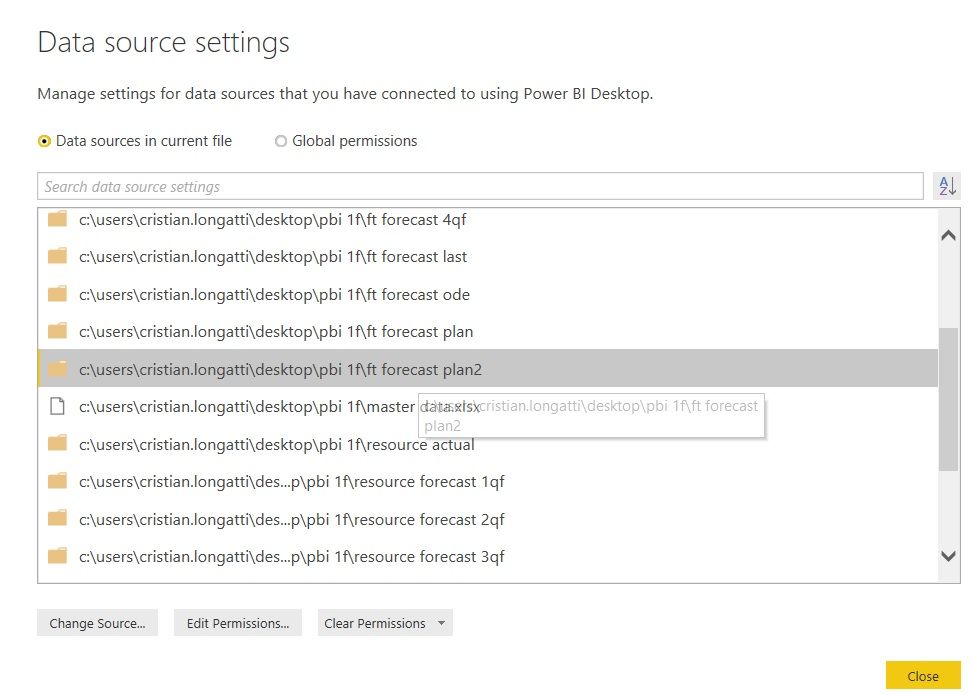
To delete the data source in current report, you need to delete all queries or tables connect to this specific data source manually. Then this data source will disappear correspondingly in Data Source Settings.
Best Regards,
Xue
If this post helps, then please consider Accept it as the solution to help the other members find it more quickly.
Hi @cristianml ,
Could you tell me if your problem has been solved? If it is, kindly mark the helpful answer as a solution if you feel that makes sense. Welcome to share your own solution. More people will benefit from here.
Best Regards,
Xue Ding
If this post helps, then please consider Accept it as the solution to help the other members find it more quickly.
Hi @cristianml ,
To delete the data source in current report, you need to delete all queries or tables connect to this specific data source manually. Then this data source will disappear correspondingly in Data Source Settings.
Best Regards,
Xue
If this post helps, then please consider Accept it as the solution to help the other members find it more quickly.
| User | Count |
|---|---|
| 50 | |
| 39 | |
| 29 | |
| 18 | |
| 17 |
| User | Count |
|---|---|
| 68 | |
| 57 | |
| 40 | |
| 22 | |
| 19 |