Hi ,
I have 3 columns
1.start date
2.effort hours
3.duration
i want to display graph using stacked column chart
sample data :
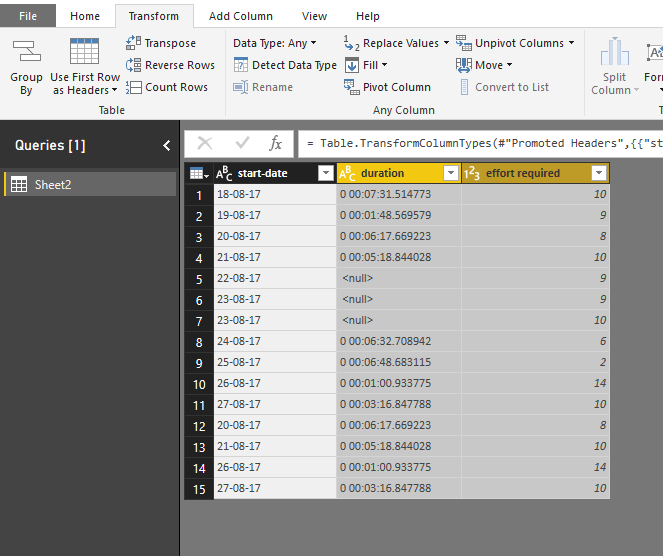
start-date duration effort required
18-08-17 0 00:07:31.514773 10
19-08-17 0 00:01:48.569579 9
20-08-17 0 00:06:17.669223 8
21-08-17 0 00:05:18.844028 10
22-08-17 <null> 9
23-08-17 <null> 9
23-08-17 <null> 10
24-08-17 0 00:06:32.708942 6
25-08-17 0 00:06:48.683115 2
26-08-17 0 00:01:00.933775 14
27-08-17 0 00:03:16.847788 10
20-08-17 0 00:06:17.669223 8
21-08-17 0 00:05:18.844028 10
26-08-17 0 00:01:00.933775 14
27-08-17 0 00:03:16.847788 10
requrement:
X-axis: start date
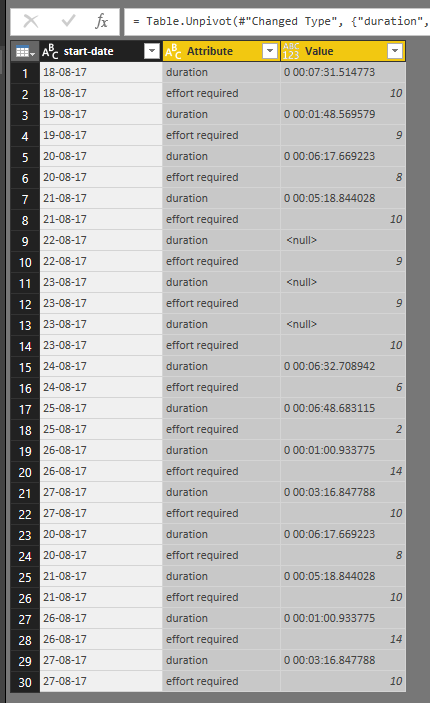
y-axis: should display duration and effort, based on slicer selection if we select duration it should should display start-date on x-axis and duration on yaxis ,if we select effort it should display start-date on x-axis and effort on y-axis.
Please help me
regards
Ravichadnra JL