Hi,
I'll be creating a dashboard to be embedded on our sharepoint site. Could you clarify a few things:
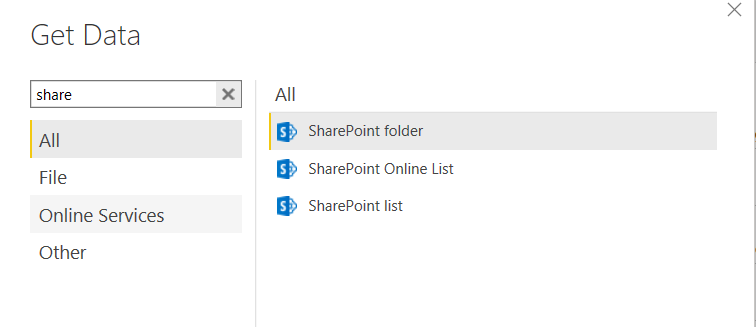
Our data is mostly sharepoint lists (also an access database and potentially a workbook on sharepoint)
1. I assume all the creation/design of reports/dashboard should take place in the Desktop app (as opposed to the Service). Am I correct?
2. If so, should I import/link the data from the Desktop app or should I create a workspace in the Service and import/link data to datasets and after that use "Power Bi dataset" to get data from the Desktop app?
3. I have noticed that in the online Service, I can create a new dataset => Files => Sharepoint TeamSites => Navigate and link to a workbook on a sharepoint. I can't seem to find such an option in the Desktop app (I know I could do it in the online Service and get the data via "Power Bi dataset")
4. I guess the most important question is what data source (Sharepoint list / online workbook?) should we use to ensure the least delay between a user updating the data source and it being synced to show in the final embedded dashboard on the sharepoint? Which option allows for automatic sync/update.
The idea is that by Friday 1pm, all managers report certain data via sharepoint lists (each of them has their own list) - based on that I'd like to display all the analysis in an dashboard embedded in the sharepoint.
Our users have Pro licence so they are able to see the embedded dashboard.
Hope that makes sense
Thank you