Hi,
I need help with a problem that i'm having with importing data into Power BI Desktop. I am trying to import a dataflow build on Power BI Service/Online (Power Plataform). My dataflow have a unique entity/table - and the table has only two columns ("Date"; "Values"). Very simple.
When i try to import the table (from my dataflow) using Power BI Desktop (PBI Desktop), the table/entity doesn't show at PBI Desktop. Surprisely, when i delete/exclude the column that contains "Date" the table appears/shows at PBI Desktop and i import as dataflow.
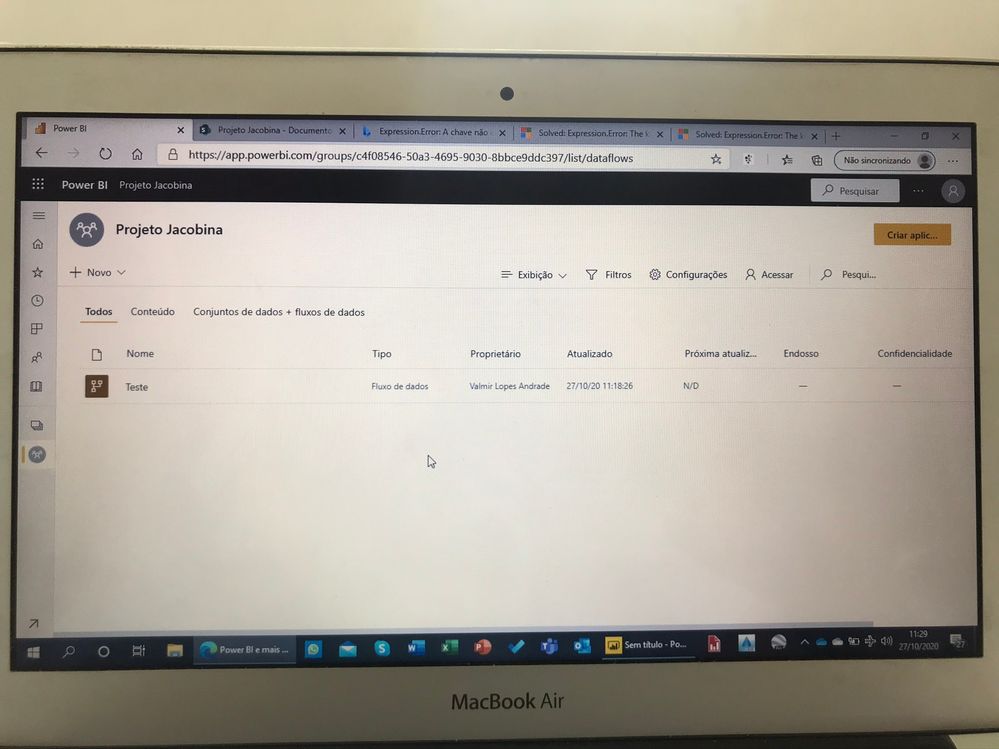 dataflow
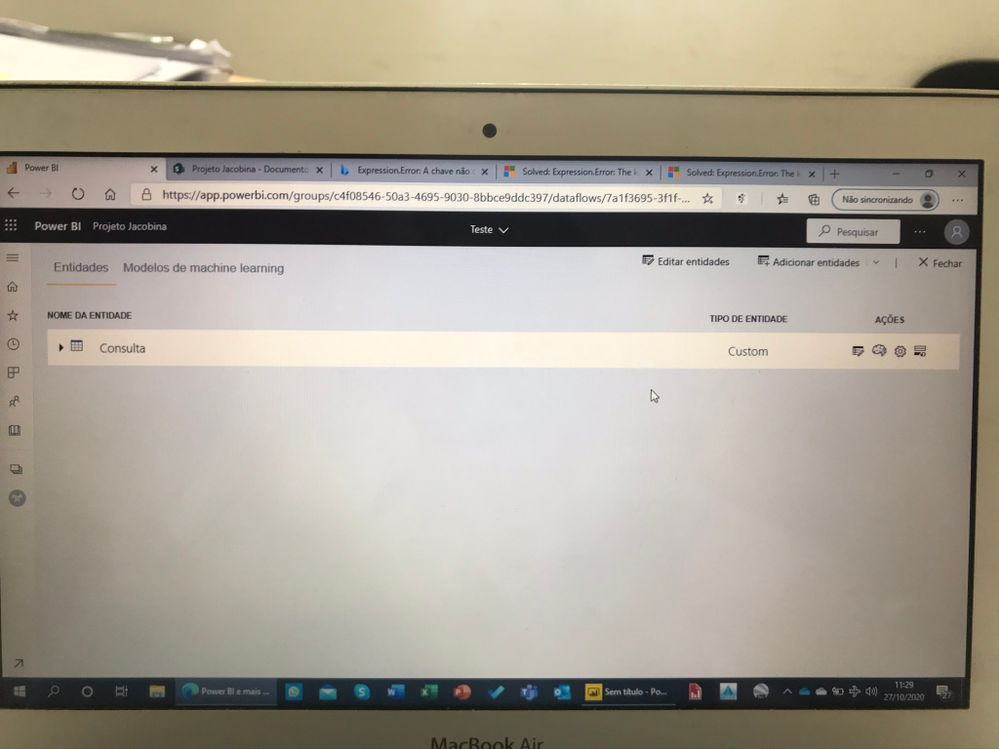 entity
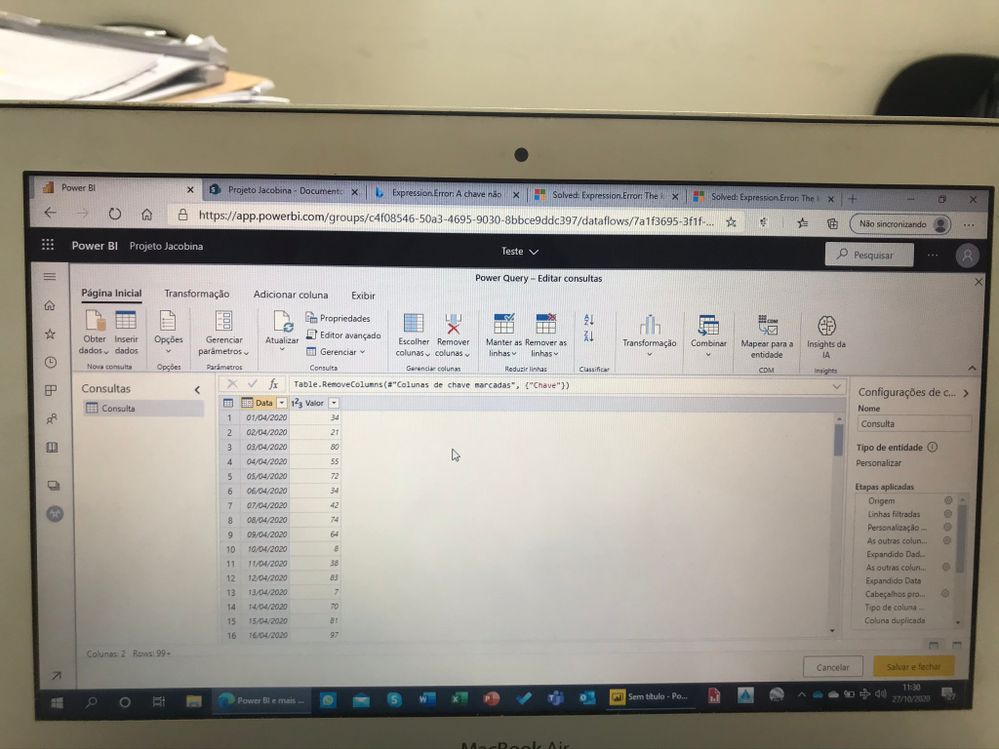 table
table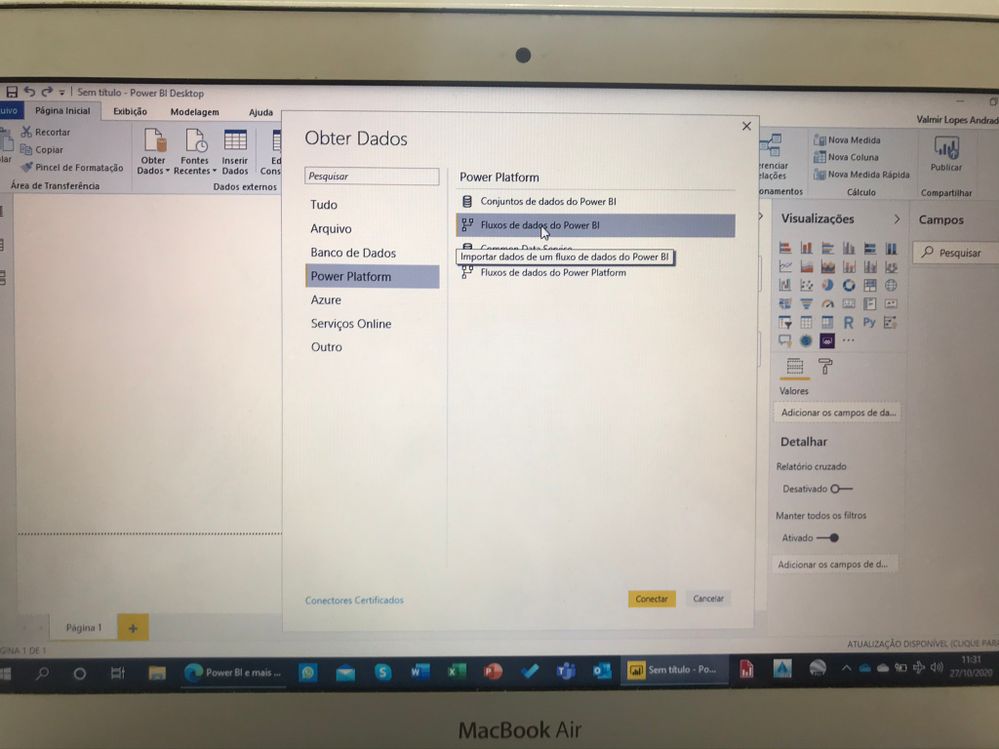 dataflow import
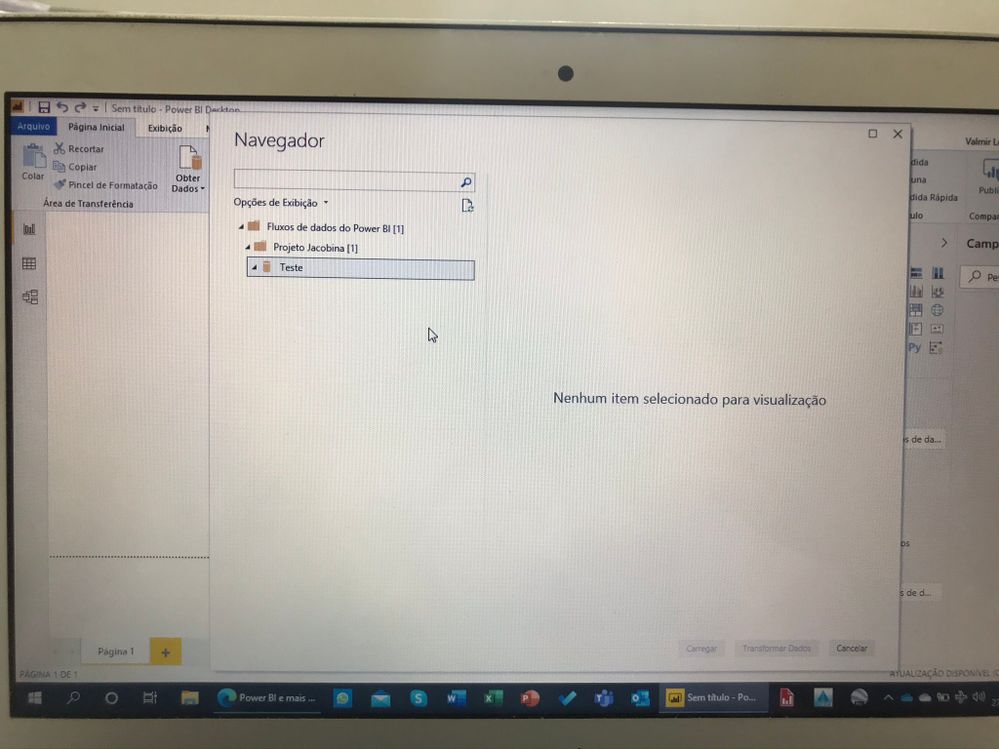 the table is hidden when it contais the "date" column
I need help to resolve this problem.
P.S. When i import my table from local folder directly with PBI Desktop and edit with Power Query, it works fine (and i can import), but when i build it with dataflow in PBI online service (Power Plataform) it doesn't work.
Thks for all future comments!!


