Share feedback directly with Fabric product managers, participate in targeted research studies and influence the Fabric roadmap.
Sign up nowGet Fabric certified for FREE! Don't miss your chance! Learn more
Hi,
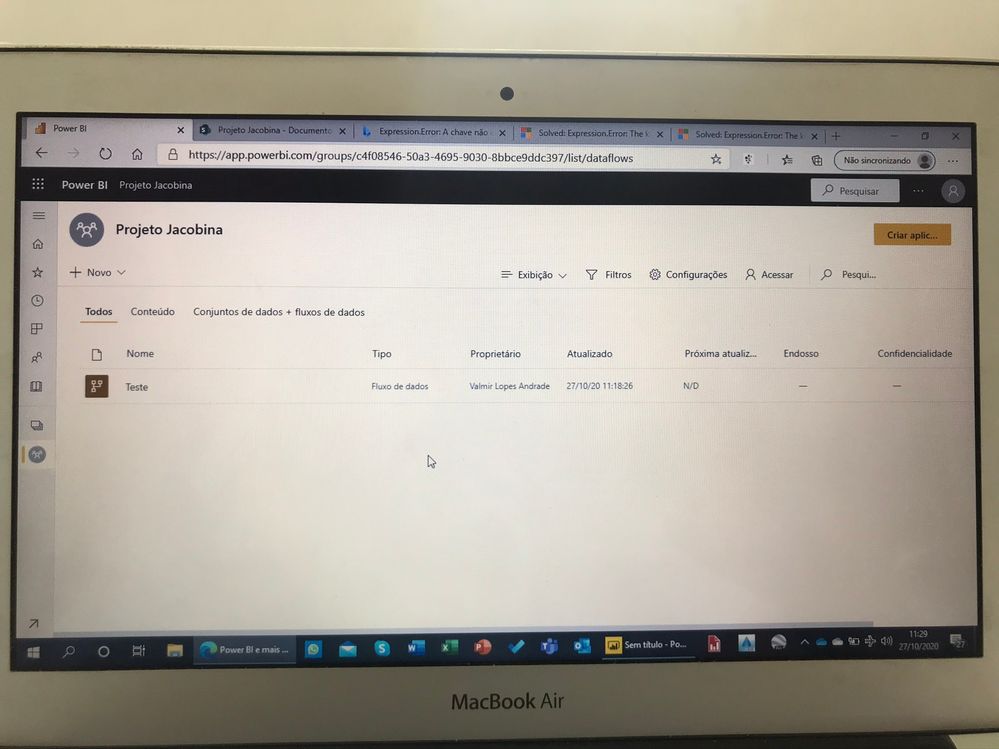
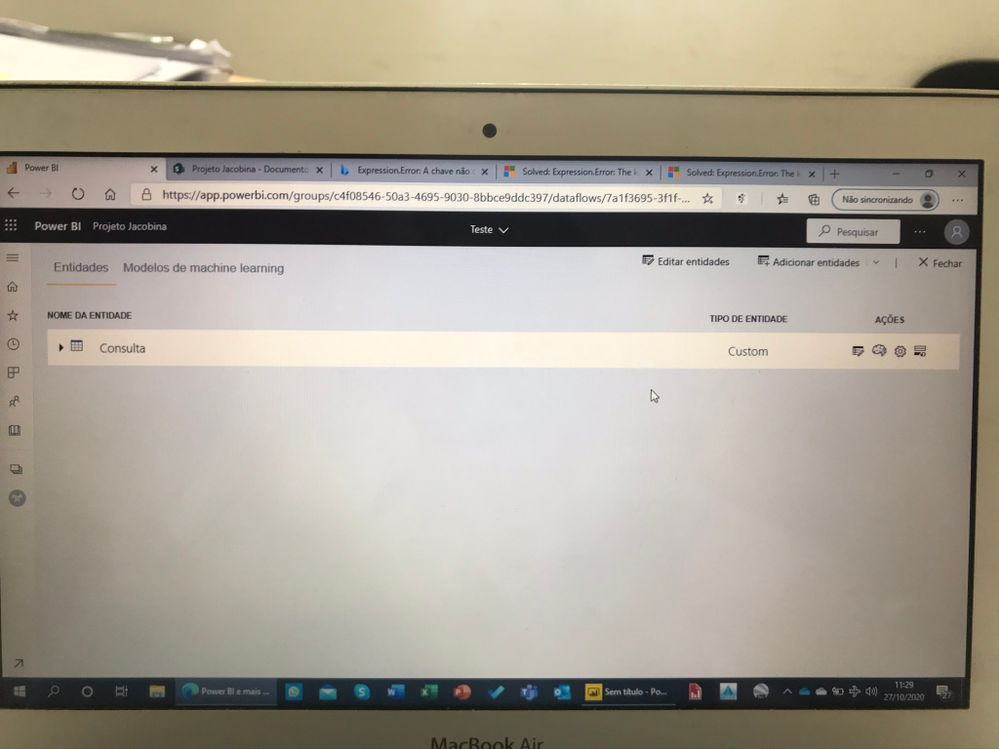
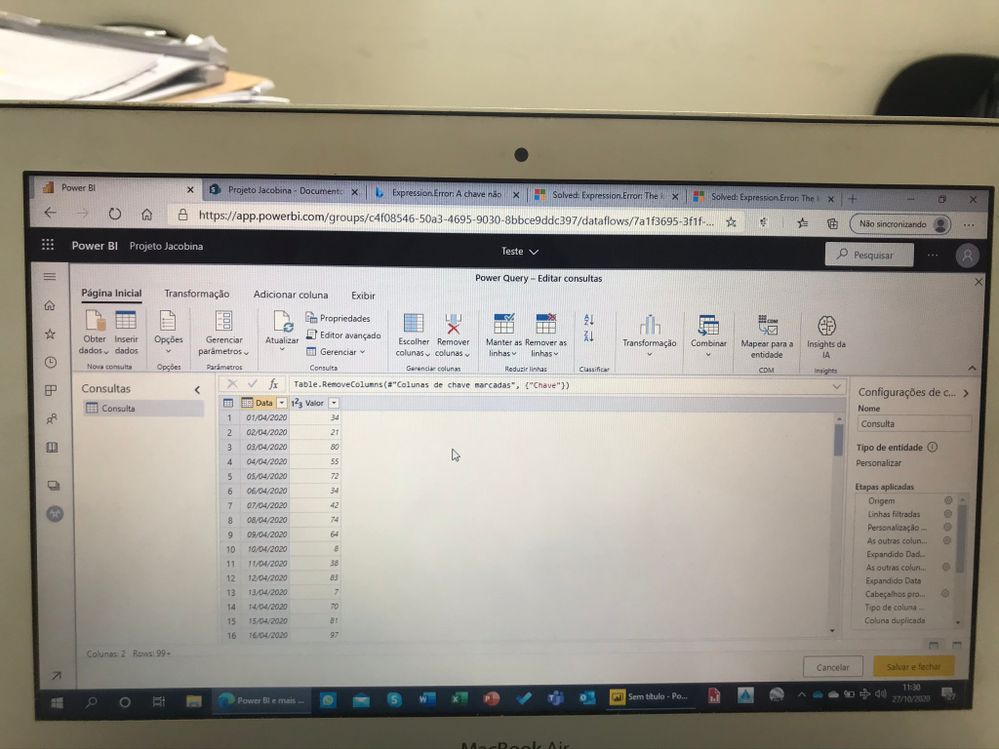
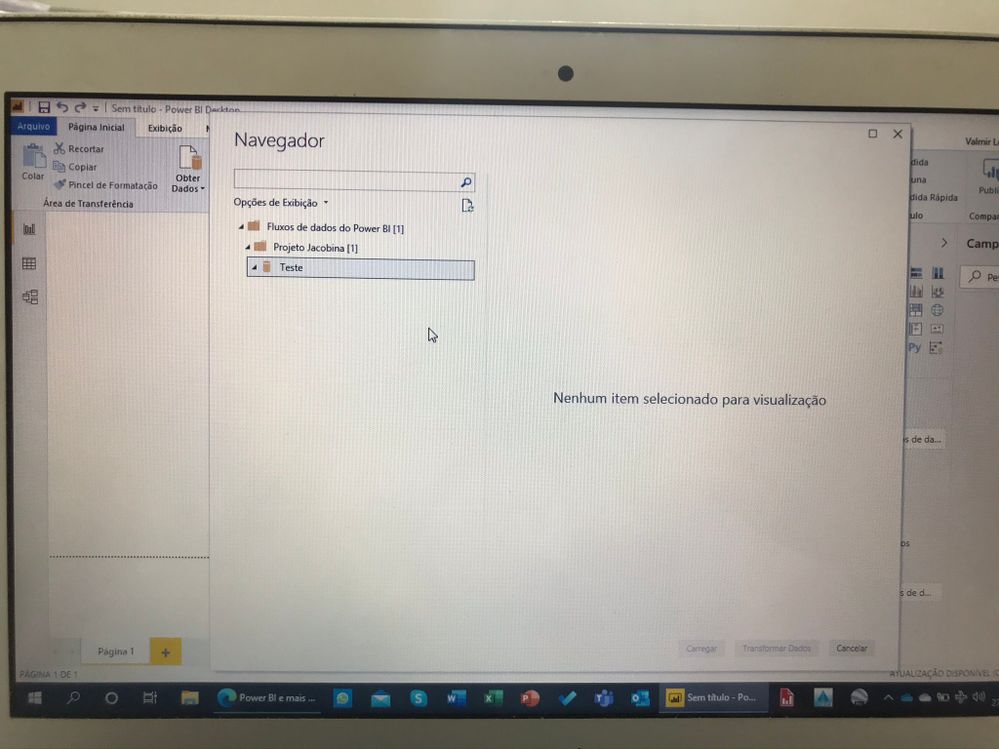
I need help with a problem that i'm having with importing data into Power BI Desktop. I am trying to import a dataflow build on Power BI Service/Online (Power Plataform). My dataflow have a unique entity/table - and the table has only two columns ("Date"; "Values"). Very simple.
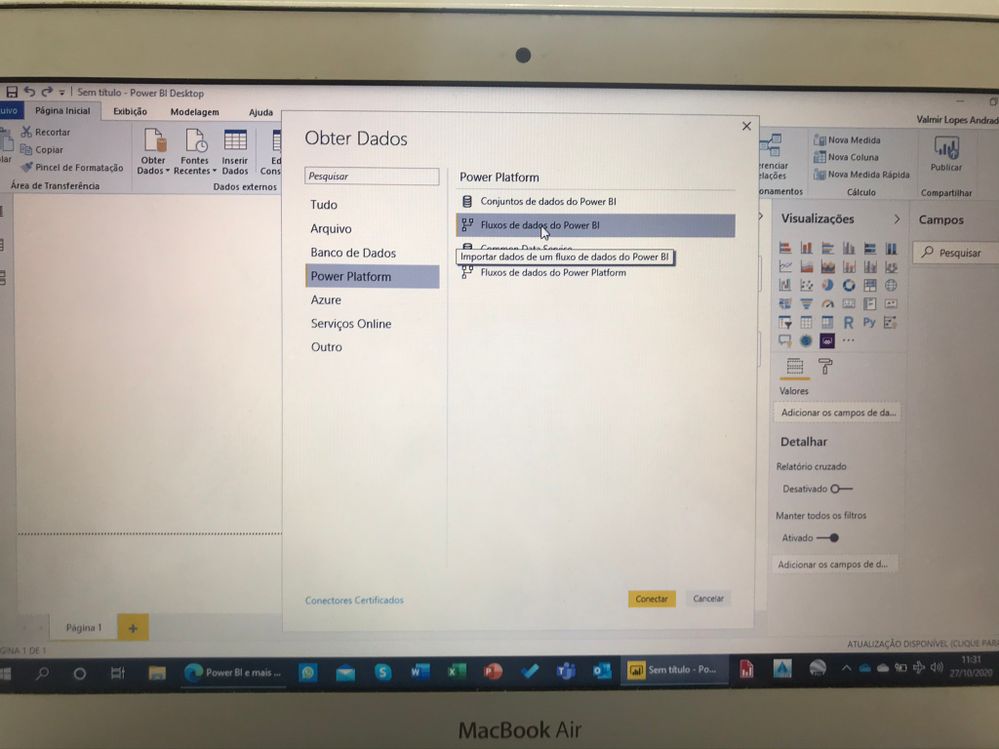
When i try to import the table (from my dataflow) using Power BI Desktop (PBI Desktop), the table/entity doesn't show at PBI Desktop. Surprisely, when i delete/exclude the column that contains "Date" the table appears/shows at PBI Desktop and i import as dataflow.
dataflow
entity
table
dataflow import
the table is hidden when it contais the "date" column
I need help to resolve this problem.
P.S. When i import my table from local folder directly with PBI Desktop and edit with Power Query, it works fine (and i can import), but when i build it with dataflow in PBI online service (Power Plataform) it doesn't work.
Thks for all future comments!!
Do you see the same problem when you make it a DateTime column?
If you love stickers, then you will definitely want to check out our Community Sticker Challenge!
Check out the January 2026 Power BI update to learn about new features.
| User | Count |
|---|---|
| 64 | |
| 63 | |
| 49 | |
| 21 | |
| 18 |
| User | Count |
|---|---|
| 122 | |
| 118 | |
| 38 | |
| 36 | |
| 29 |