Don't miss your chance to take the Fabric Data Engineer (DP-600) exam for FREE! Find out how by watching the DP-600 session on-demand now through April 28th.
Learn moreJoin the FabCon + SQLCon recap series. Up next: Power BI, Real-Time Intelligence, IQ and AI, and Data Factory take center stage. All sessions are available on-demand after the live show. Register now
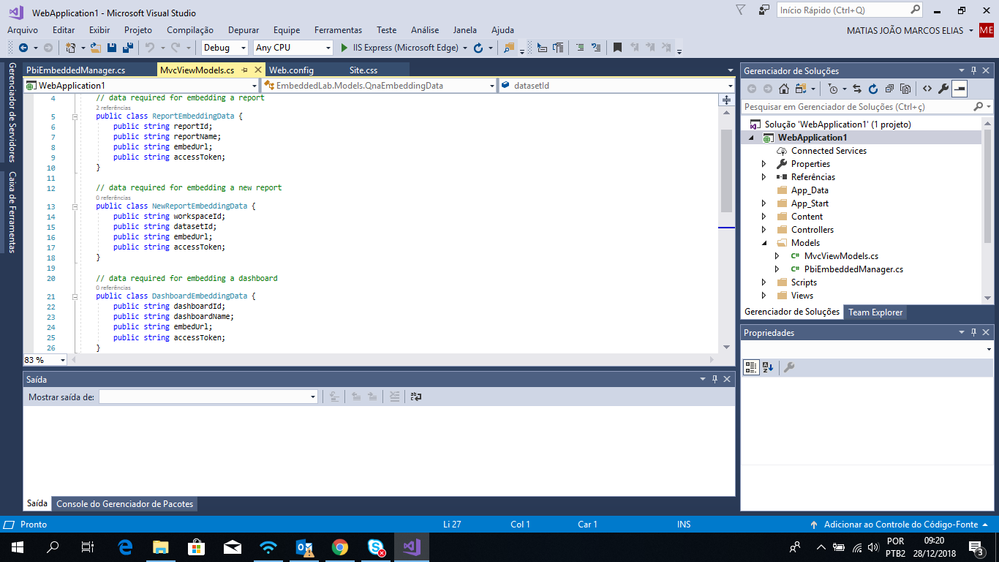
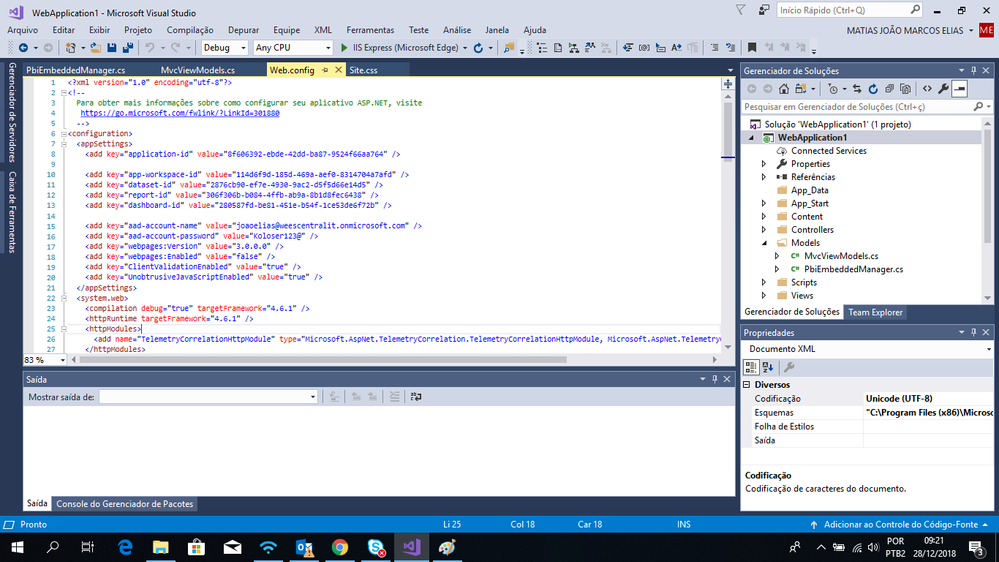
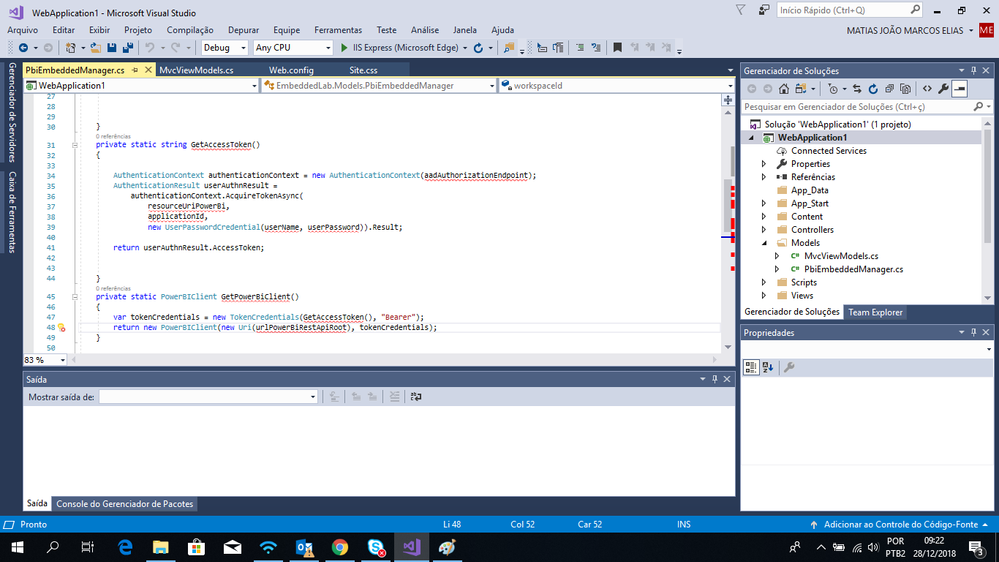
Hello, I am new at working with PowerBI and I've been studying for embedding reports in web, so I began to follow some instructions about it. All I had to do was building a MVC project in Visual Studio 2017, so the first step I got a random pbix only for testing and sent it to the service, after that I got the dashboard, report, workspace and dataset ID's to use it in the future. So the following screenshot represents the Models necessary to embed. The second one is where I put the ID's collected from the pbix, and the third print, is where I don't know what happened and I have no clue at all of what can be possibly happening. When I execute it, it generates the page that I've coded but what I want is the report inside the page, which I have no clue how to do that, it was supposed to work but I couldn't find a solution for the error.
ix
@Anonymous,
Take a look at https://github.com/Microsoft/PowerBI-Developer-Samples and visit the Developer forum.
Check out the April 2026 Power BI update to learn about new features.
If you have recently started exploring Fabric, we'd love to hear how it's going. Your feedback can help with product improvements.
A new Power BI DataViz World Championship is coming this June! Don't miss out on submitting your entry.
| User | Count |
|---|---|
| 42 | |
| 35 | |
| 35 | |
| 22 | |
| 15 |
| User | Count |
|---|---|
| 65 | |
| 58 | |
| 28 | |
| 27 | |
| 25 |