cancel
Showing results for 
Search instead for 
Did you mean: 

The Power BI Data Visualization World Championships is back! Get ahead of the game and start preparing now! Learn more

Reply
Girish
Frequent Visitor

PowerBI Spark Direct Query Issue

Hi,


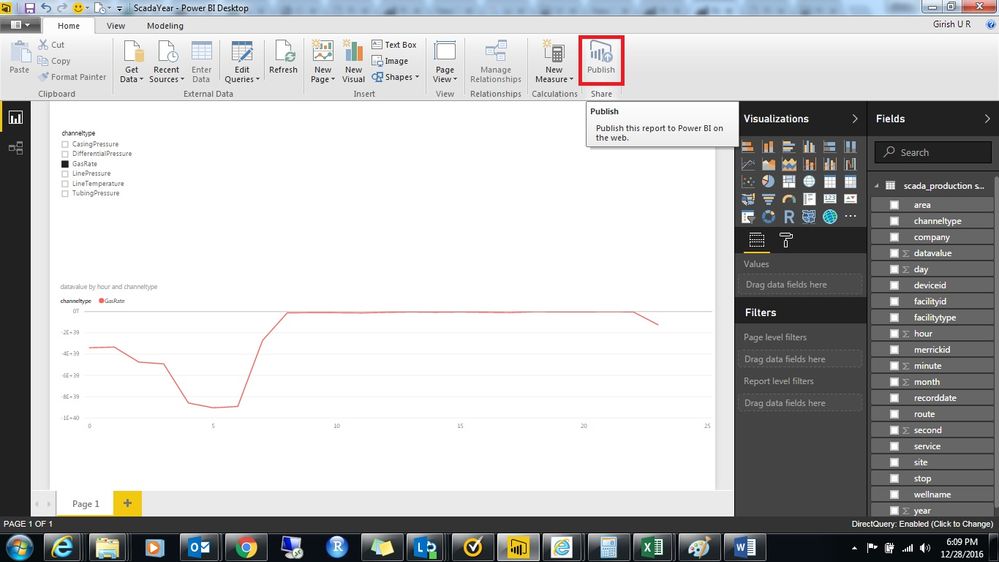
I am facing a issue with Power BI, I am using Spark Cluster and plotting data using Direct Query. Issue is, I am able to plot data in Desktop Version, but the publish button is disabled and i am not able to publish the report.

PowerBI_Publish_Error.jpg


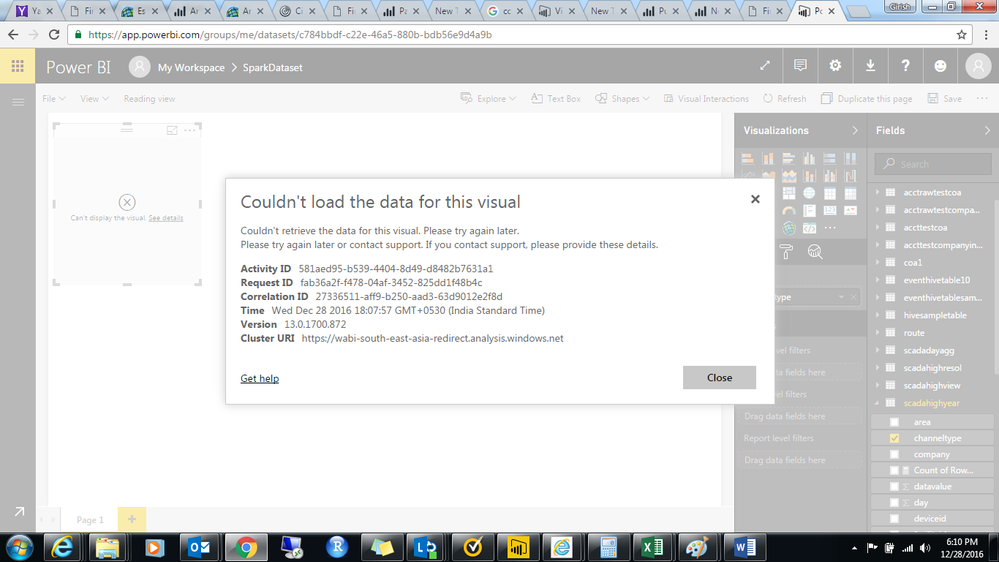
And in powerBI Service i am able to load Direct Query but not able to visuaize the plot it is giving me error


Couldn't load the data for this visual
 
Couldn't retrieve the data for this visual. Please try again later.
Please try again later or contact support. If you contact support, please provide these details.


Activity ID581aed95-b539-4404-8d49-d8482b7631a1
Request IDfab36a2f-f478-04af-3452-825dd1f48b4c
Correlation ID27336511-aff9-b250-aad3-63d9012e2f8d
TimeWed Dec 28 2016 18:07:57 GMT+0530 (India Standard Time)
Version13.0.1700.872


Service.png


Please Do the needful help.


Regards,

Girish


5 REPLIES 5
tringuyenminh92
Memorable Member
Memorable Member

Hi @Girish,


I don't know what is happening with your publish button, maybe some staffs will check it. for workaround solution, you could save your pbix file and go to PBI service, choose Get Data -> in Import or Connect to Data, choose Files ->  Local File -> your pbix. Your pbix will be uploaded by this way when waiting some help from pbi team.

HI, 


I tried the solution mentioned but still ended up with the following error in Power BI Service.

Pbix_Load_Service.png


Regards,

Girish

Anonymous
Not applicable

Hi @Girish,

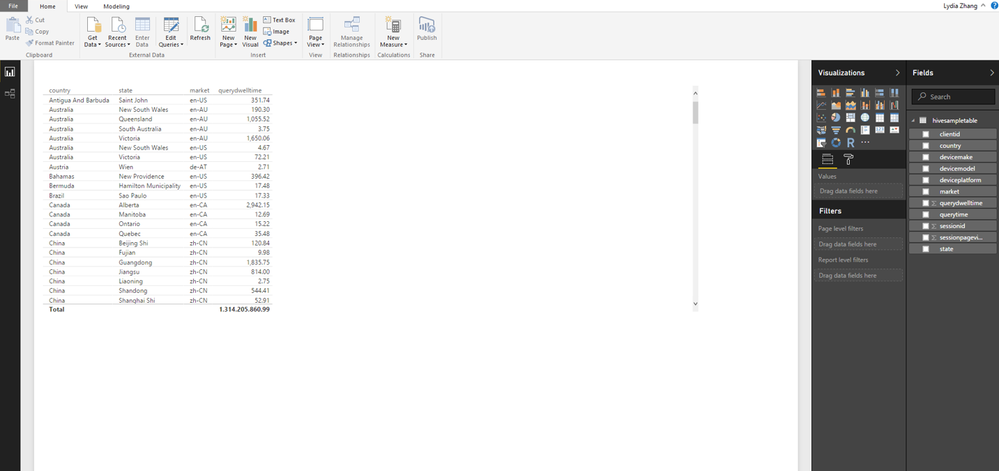
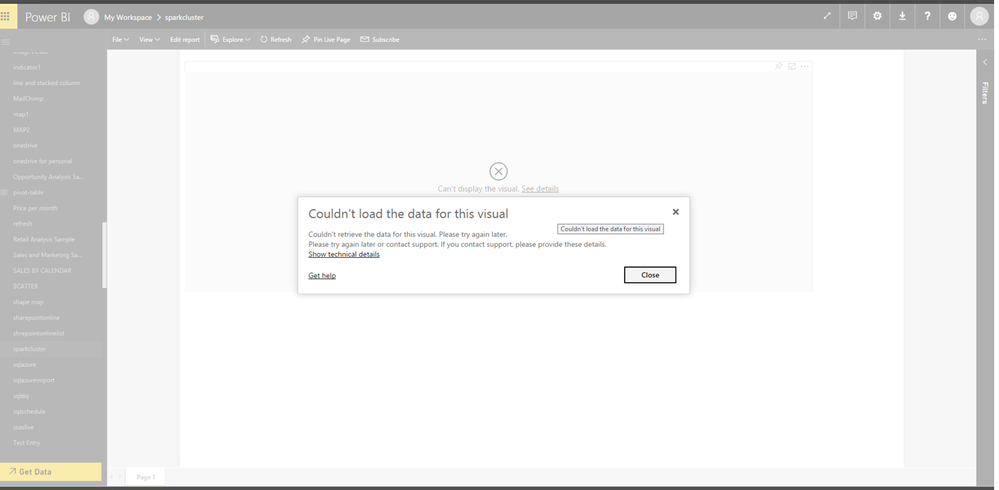
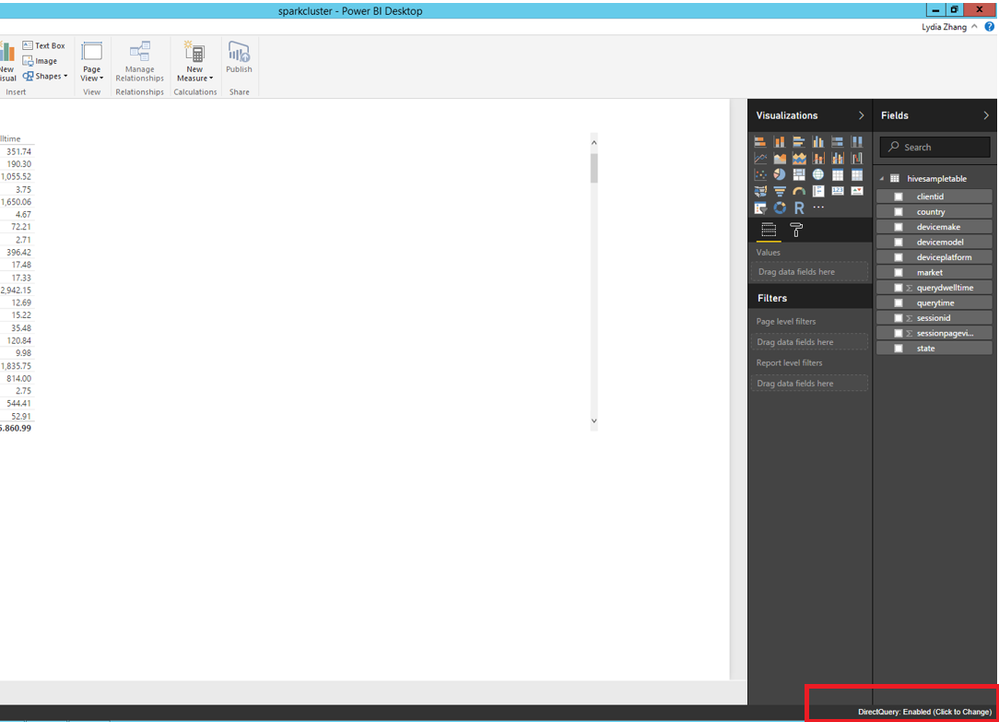
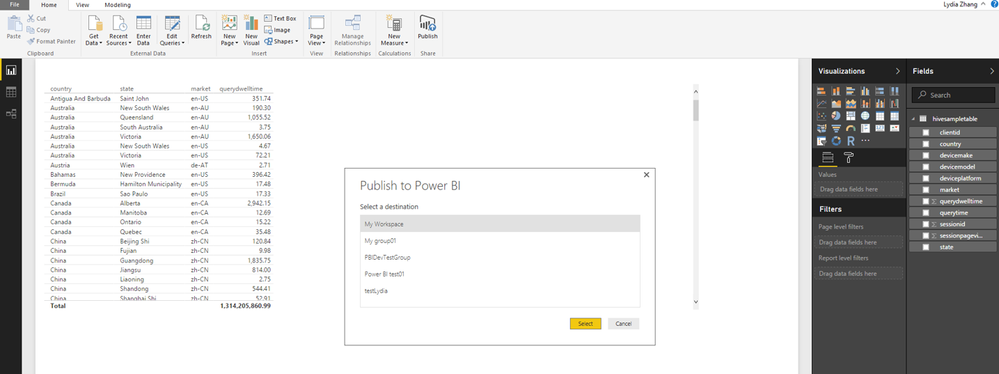
When I connect to Spark cluster using DirectQuery mode in Power BI Desktop, I can reproduce your issue that Publish button is disabled. Once I upload the PBIX file to Power BI Service via Get Data ->Files->Local file entry, I also cannot view my report. You can check the following screenshots. I will report this issue internally and post back once I get any updates.
1.PNG2.PNG

However, when I switch from DirectQuery mode to Import mode in the current Power BI Desktop file, I can use publish button to upload the PBIX file to Power BI Service and the report displays with no issues in cloud. You can use this method as a temporary workaround.

5.PNG

3.PNG4.PNG


Thanks,
Lydia Zhang

Hi Lydia,


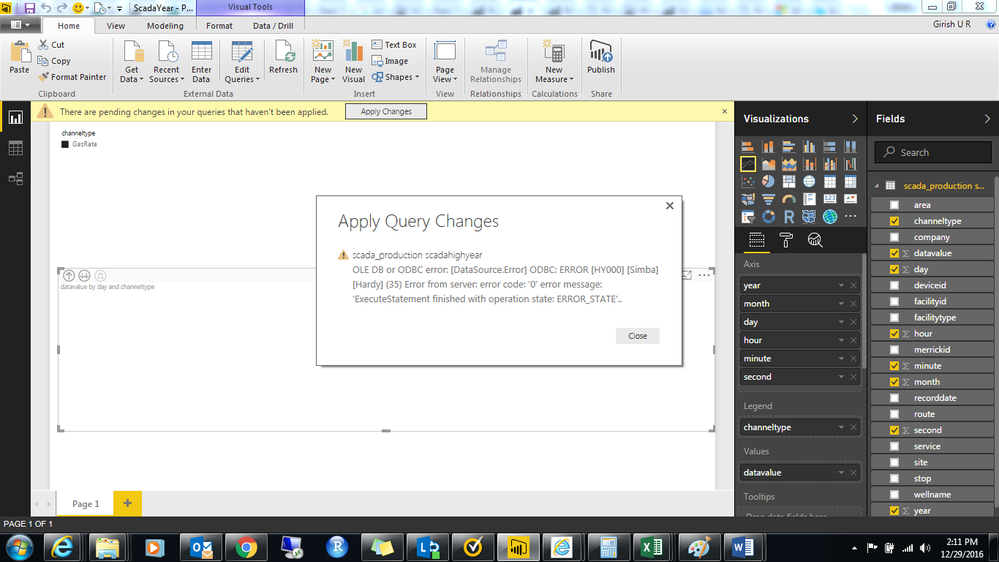
I cannot use Import in place of Direct Query as my data size is around 150 to 180 GB, this was the main reason behind using Spark Direct Query. If i change to Import i get the following error.PowerBI-ImportError.png


Regards-

Girish U R


Anonymous
Not applicable

Hi @Girish,

Regarding to the DirectQuery issue, I have reported it internally, I will post back once I get any updates.

In addition, do you get same error message when re-connecting to Spark cluster using import mode in a new Power BI Desktop file?  I find a similar thread in which user gets same error message when loading large data from Spark to Power BI Desktop. I would recommend you send a frown email with trace files.


Thanks,
Lydia Zhang

Helpful resources

Announcements
Power BI DataViz World Championships

Power BI Dataviz World Championships

The Power BI Data Visualization World Championships is back! Get ahead of the game and start preparing now!

December 2025 Power BI Update Carousel

Power BI Monthly Update - December 2025

Check out the December 2025 Power BI Holiday Recap!

FabCon Atlanta 2026 carousel

FabCon Atlanta 2026

Join us at FabCon Atlanta, March 16-20, for the ultimate Fabric, Power BI, AI and SQL community-led event. Save $200 with code FABCOMM.

Top Solution Authors