Don't miss your chance to take the Fabric Data Engineer (DP-700) exam on us!
Learn moreNext up in the FabCon + SQLCon recap series: The roadmap for Microsoft SQL and Maximizing Developer experiences in Fabric. All sessions are available on-demand after the live show. Register now
Hi,
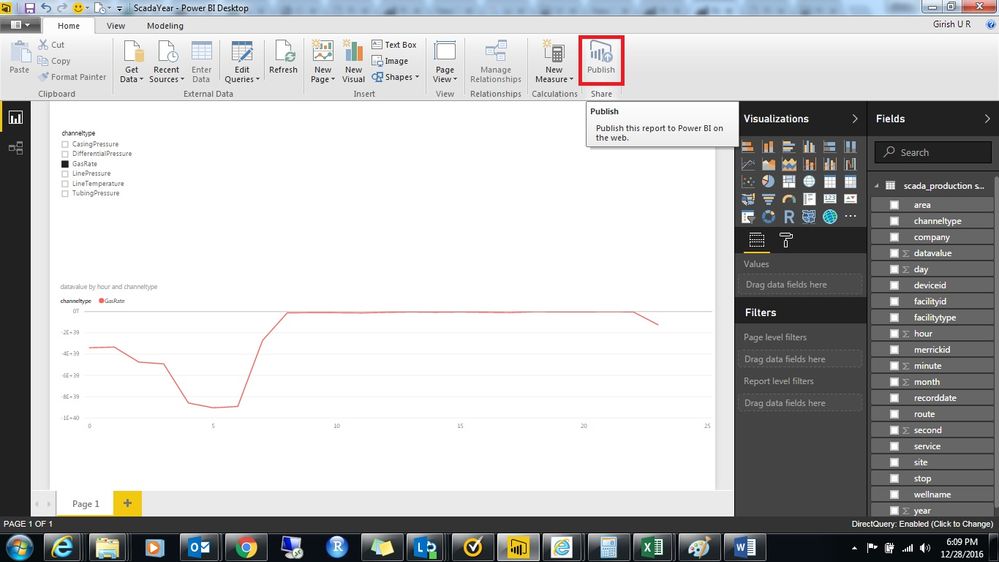
I am facing a issue with Power BI, I am using Spark Cluster and plotting data using Direct Query. Issue is, I am able to plot data in Desktop Version, but the publish button is disabled and i am not able to publish the report.
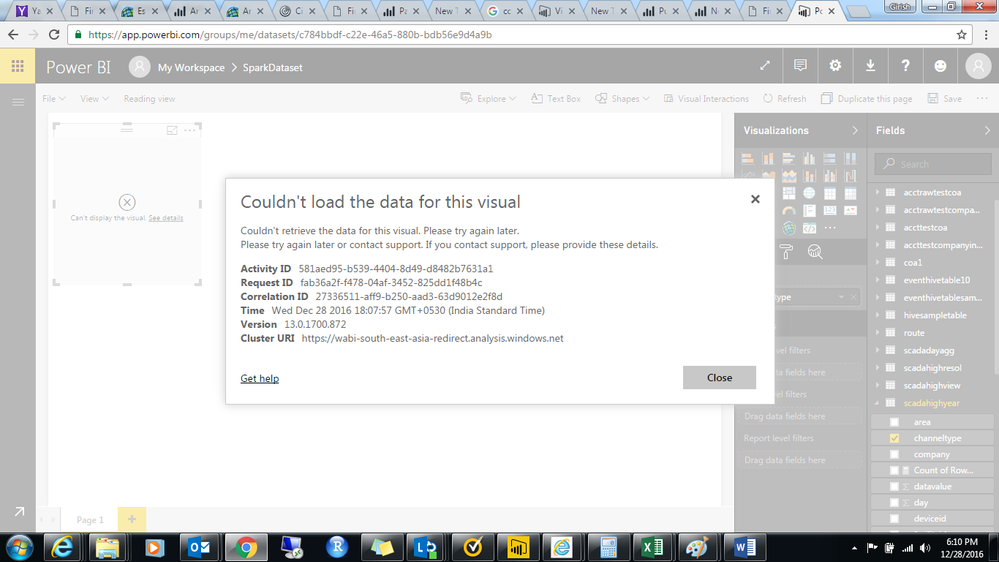
And in powerBI Service i am able to load Direct Query but not able to visuaize the plot it is giving me error
Please Do the needful help.
Regards,
Girish
Hi @Girish,
I don't know what is happening with your publish button, maybe some staffs will check it. for workaround solution, you could save your pbix file and go to PBI service, choose Get Data -> in Import or Connect to Data, choose Files -> Local File -> your pbix. Your pbix will be uploaded by this way when waiting some help from pbi team.
HI,
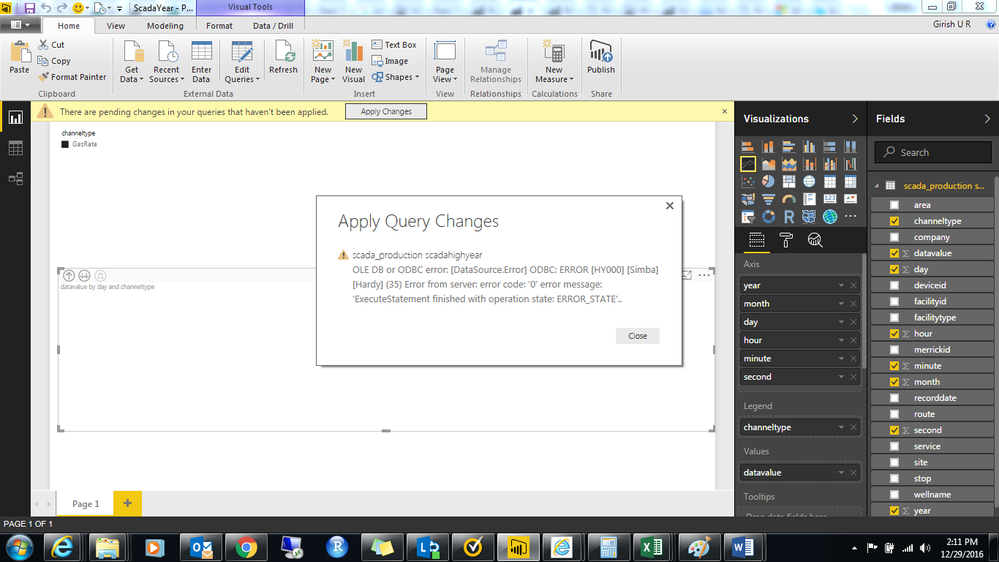
I tried the solution mentioned but still ended up with the following error in Power BI Service.
Regards,
Girish
Hi @Girish,
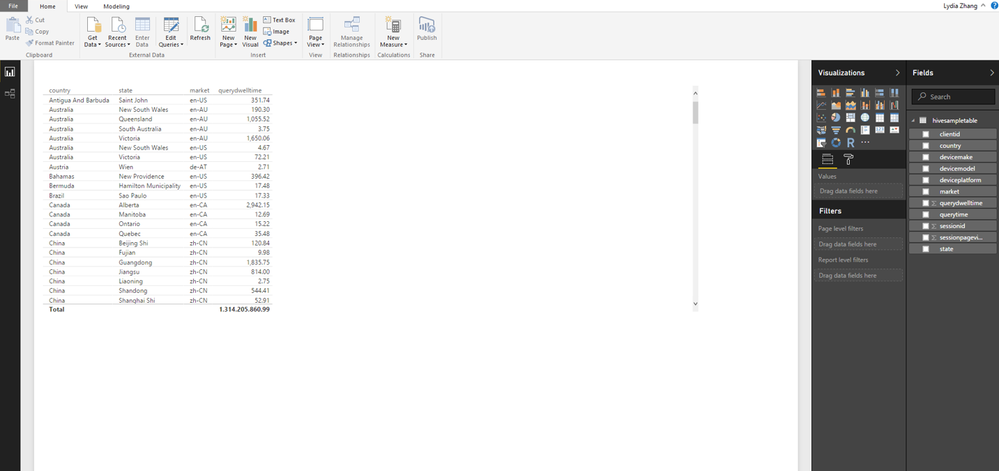
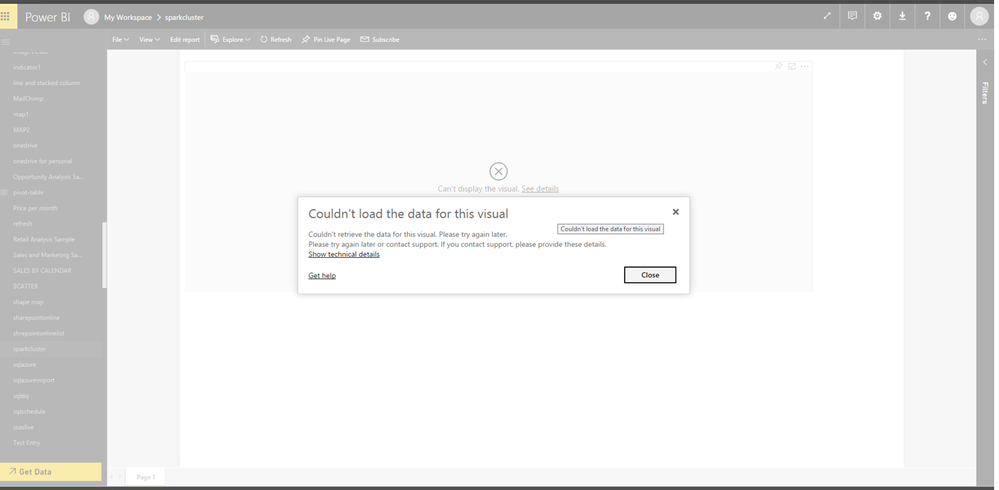
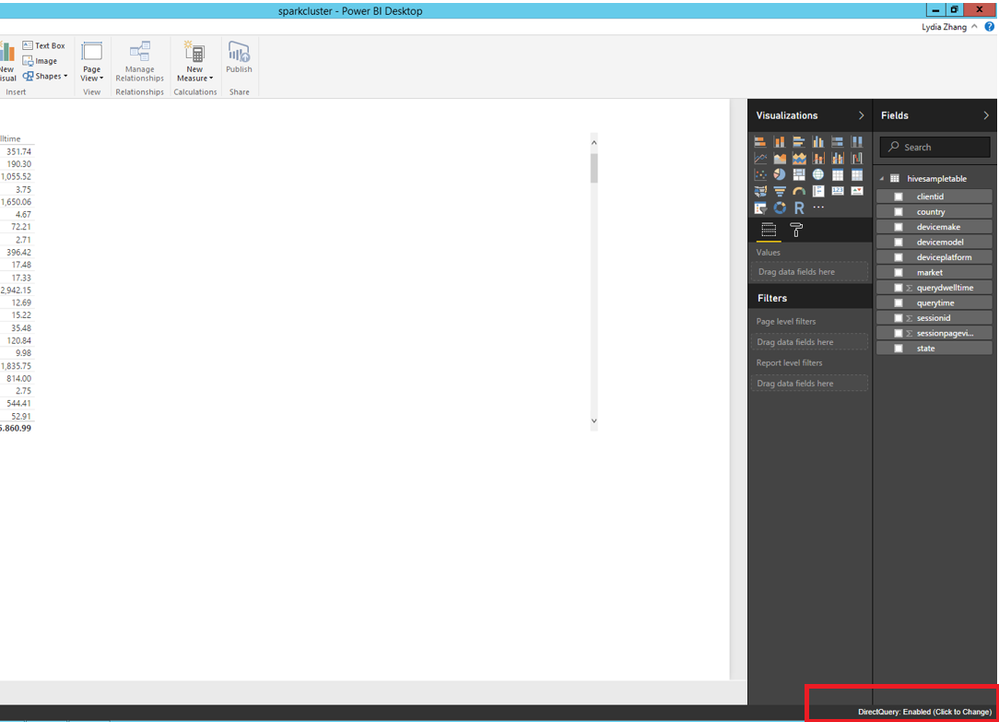
When I connect to Spark cluster using DirectQuery mode in Power BI Desktop, I can reproduce your issue that Publish button is disabled. Once I upload the PBIX file to Power BI Service via Get Data ->Files->Local file entry, I also cannot view my report. You can check the following screenshots. I will report this issue internally and post back once I get any updates.
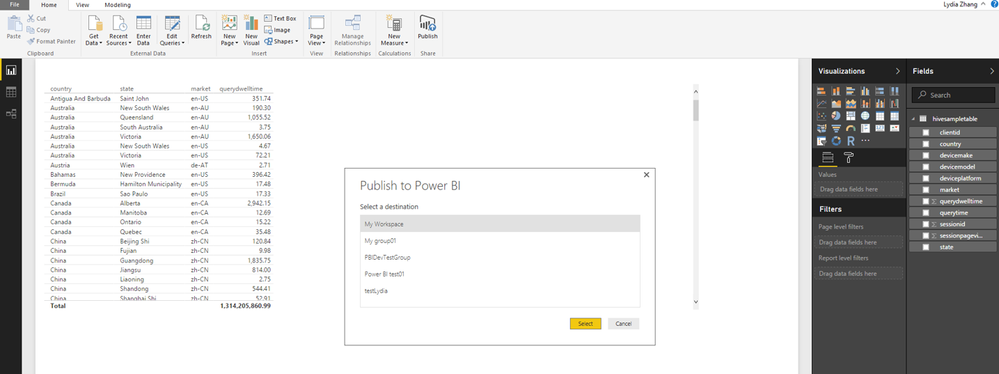
However, when I switch from DirectQuery mode to Import mode in the current Power BI Desktop file, I can use publish button to upload the PBIX file to Power BI Service and the report displays with no issues in cloud. You can use this method as a temporary workaround.
Thanks,
Lydia Zhang
Hi Lydia,
I cannot use Import in place of Direct Query as my data size is around 150 to 180 GB, this was the main reason behind using Spark Direct Query. If i change to Import i get the following error.
Regards-
Girish U R
Hi @Girish,
Regarding to the DirectQuery issue, I have reported it internally, I will post back once I get any updates.
In addition, do you get same error message when re-connecting to Spark cluster using import mode in a new Power BI Desktop file? I find a similar thread in which user gets same error message when loading large data from Spark to Power BI Desktop. I would recommend you send a frown email with trace files.
Thanks,
Lydia Zhang
If you have recently started exploring Fabric, we'd love to hear how it's going. Your feedback can help with product improvements.
A new Power BI DataViz World Championship is coming this June! Don't miss out on submitting your entry.
Share feedback directly with Fabric product managers, participate in targeted research studies and influence the Fabric roadmap.
| User | Count |
|---|---|
| 48 | |
| 45 | |
| 41 | |
| 19 | |
| 17 |
| User | Count |
|---|---|
| 68 | |
| 67 | |
| 34 | |
| 31 | |
| 30 |