
cancel
Showing results for 
Search instead for 
Did you mean: 

The Power BI Data Visualization World Championships is back! Get ahead of the game and start preparing now! Learn more

Reply
mnarveson
Regular Visitor

Power Query Slow down with applied steps

I have 500 rows of data from one table. I am attempting to break apart this table into smaller tables. I have duplicated the master table 8 times. I am cleaning up the tables to make them their specific table. The applied steps have grown and I have seen a huge slowdown now. It takes minutes to just change the name of a column. What practice am I doing wrong here? 

3 REPLIES 3
v-jiascu-msft
Microsoft Employee
Microsoft Employee

Hi @mnarveson ,


Since you can break apart the table into smaller tables, there should be some rules that can be applied with DAX. The best practice could be filtering the data with DAX. Why did you do it like that? Can you share a dummy sample and the expected result?


Best Regards,

Community Support Team _ Dale
If this post helps, then please consider Accept it as the solution to help the other members find it more quickly.

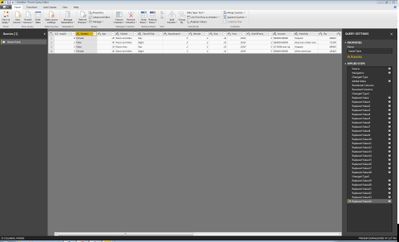
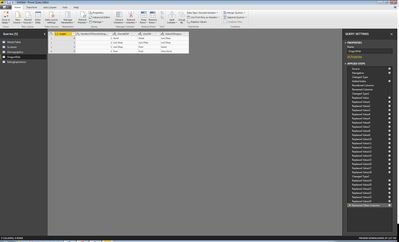
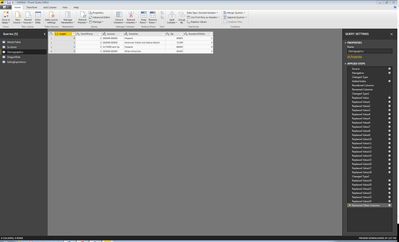
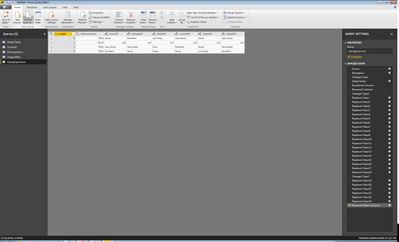
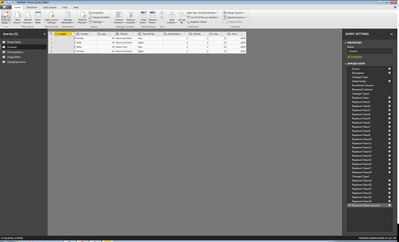
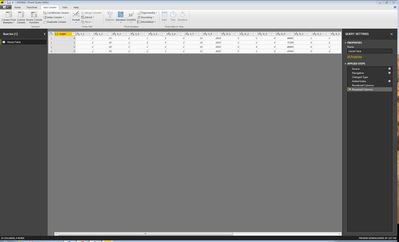
I have the data coming in from a SQL server and have zero experience with DAX. I am very new to all of Power BI, but I love learning it. I made a very simple project that has no real data. It might be a good example of what I want to do though. Getting it from the server. The answers are need to changed to a friendly form and the headers need to be changed too.Getting it from the server. The answers are need to changed to a friendly form and the headers need to be changed too.Renamed all the data so it is easy to read.Renamed all the data so it is easy to read.Dragon.JPGDemo.JPGFood.JPGScreener.JPGSteper1.JPG

Hi @mnarveson ,


Since the data isn't real, can you share the pbix file, please?

You can upload it to the cloud drive like OneDrive then share the download link here. Please mask the sensitive parts.


Best Regards,

Community Support Team _ Dale
If this post helps, then please consider Accept it as the solution to help the other members find it more quickly.

Helpful resources

Announcements
Power BI DataViz World Championships

Power BI Dataviz World Championships

The Power BI Data Visualization World Championships is back! Get ahead of the game and start preparing now!

December 2025 Power BI Update Carousel

Power BI Monthly Update - December 2025

Check out the December 2025 Power BI Holiday Recap!

FabCon Atlanta 2026 carousel

FabCon Atlanta 2026

Join us at FabCon Atlanta, March 16-20, for the ultimate Fabric, Power BI, AI and SQL community-led event. Save $200 with code FABCOMM.