This time we’re going bigger than ever. Fabric, Power BI, SQL, AI and more. We're covering it all. You won't want to miss it.
Learn moreLevel up your Power BI skills this month - build one visual each week and tell better stories with data! Get started
Hi
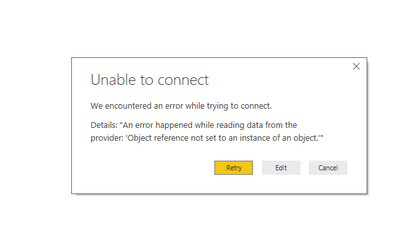
I still not able to Connect Oracle with Power BI . I got Error Below image.
Can you please me to resolve this error. I have install oracle client in my system.
Solved! Go to Solution.
Hi
I have resolved this error. Do you install oracle in your System? Oracle client needs Orcale path
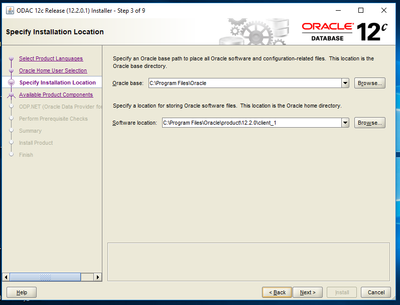
That time we need Oracle install in the system.Show the bleow Image.
You can see the first window in the image you can set the oracle main path. If you are confused Please let me know.
Thanks,
Hi
I have resolved this error. Do you install oracle in your System? Oracle client needs Orcale path
That time we need Oracle install in the system.Show the bleow Image.
You can see the first window in the image you can set the oracle main path. If you are confused Please let me know.
Thanks,
Hi, yes the oracle client is installed in the path variables. The thing is, Power BI functions as intended with the April release/build of Desktop. However, as soon as you install the May build, and try to connect to an Oracle database, an error occurs.
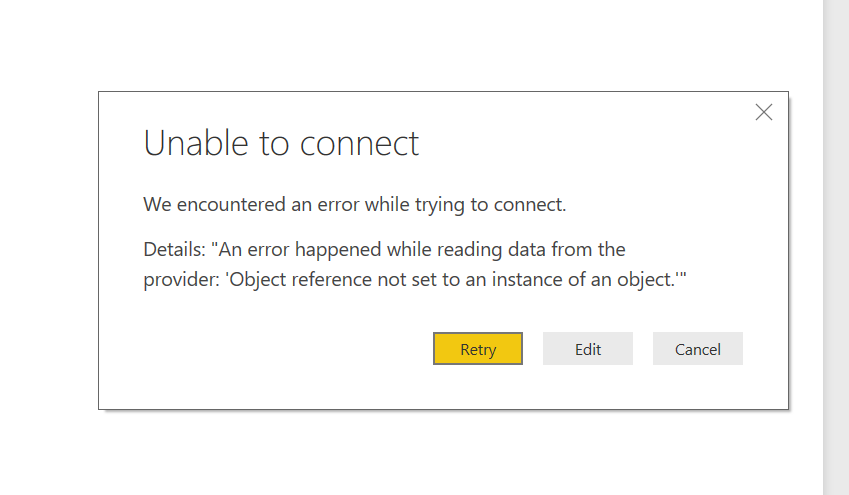
Hello, My company is also having an issue connecting to Oracle DB's. I tested to see if this issue existed with April udate, and it did not. With the May update, an error is present. Is this a bug? Error
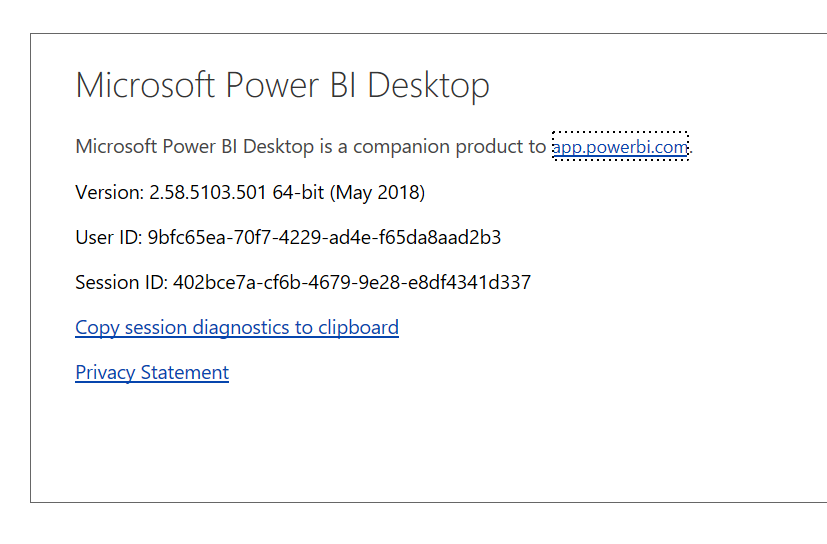
Power BI Version
Hi
-> Do you use 64 bit or 32 bit Power BI Desktop?
I am using 64 bits Power bi Desktop.
-> Do you install 64 bit or 32 bit Oracle client? No
I have install same version of Power BI and Oracle Client installed 64 Bits .
Thanks,
Bhakti
@Anonymous,
Do you use 64 bit or 32 bit Power BI Desktop? And do you install 64 bit or 32 bit Oracle client? Please make sure that the Oracle client your install matches your Power BI Desktop installation(32 bit or 64 bit).
In addition, please ensure that you have installed Oracle client using correct package which is suggested in this official article.
There is also a similar thread for your reference.
https://community.powerbi.com/t5/Desktop/PowerBI-desktop-64Bit-oracle-connection-error-Object-reference/td-p/43866
Regards,
Lydia
Check out the April 2026 Power BI update to learn about new features.
Sign up to receive a private message when registration opens and key events begin.
If you have recently started exploring Fabric, we'd love to hear how it's going. Your feedback can help with product improvements.
| User | Count |
|---|---|
| 36 | |
| 29 | |
| 29 | |
| 21 | |
| 18 |
| User | Count |
|---|---|
| 68 | |
| 45 | |
| 33 | |
| 24 | |
| 23 |