Join us at FabCon Atlanta from March 16 - 20, 2026, for the ultimate Fabric, Power BI, AI and SQL community-led event. Save $200 with code FABCOMM.
Register now!Get Fabric Certified for FREE during Fabric Data Days. Don't miss your chance! Request now
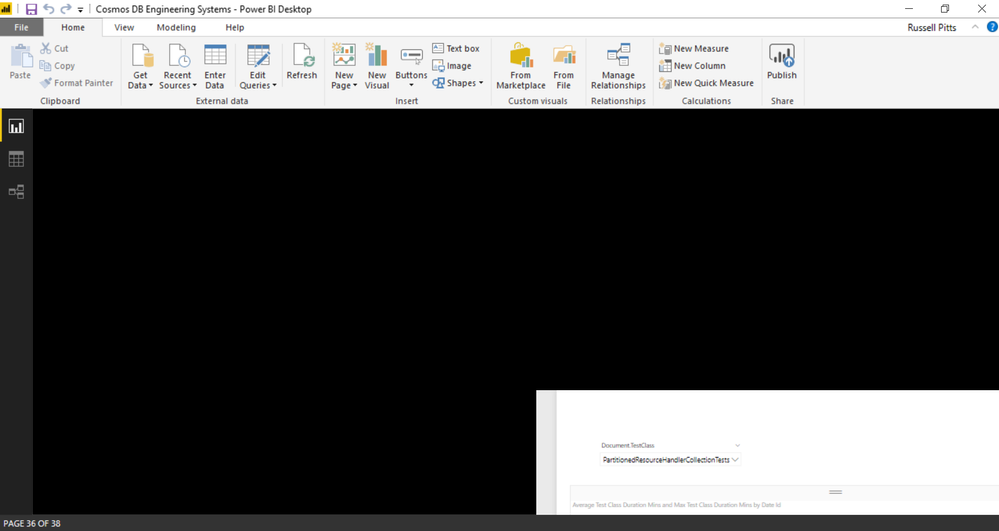
When I open my report file it is only visible in the bottom right corner which makes authoring completely impossible. How do I fix this? I attached a screenshot
thanks,
russell
Hi All,
Please try to change the Advanced Scaling settings to "allow Windows to fix blurry apps". Please refer to https://www.addictivetips.com/windows-tips/fix-blurry-apps-scaling-windows-10/.
Best Regards,
Amr
Hi fastrnu80,
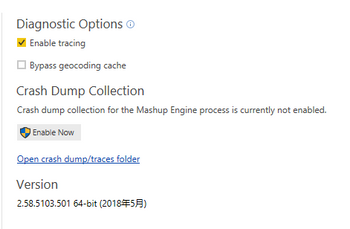
Are you using the lastest version of PBI desktop? For troubleshooting, please kill the process of power bi desktop and try again. If this issue still happens, could you please provide the trace of PBI desktop for further test?
Regards,
Jimmy Tao
So the issue was that I was using Power BI desktop through my remote desktop session. If I used Power BI desktop on a different computer then the issue did not reproduce. Also, once I logged on to the machine I was having this problem (no longer using remote desktop), the issue also went away. So, I guess we chalk it up to funkiness when using PBI through a remote desktop session.
Check out the November 2025 Power BI update to learn about new features.
Advance your Data & AI career with 50 days of live learning, contests, hands-on challenges, study groups & certifications and more!