Join us at FabCon Atlanta from March 16 - 20, 2026, for the ultimate Fabric, Power BI, AI and SQL community-led event. Save $200 with code FABCOMM.
Register now!Learn from the best! Meet the four finalists headed to the FINALS of the Power BI Dataviz World Championships! Register now
Hello all.
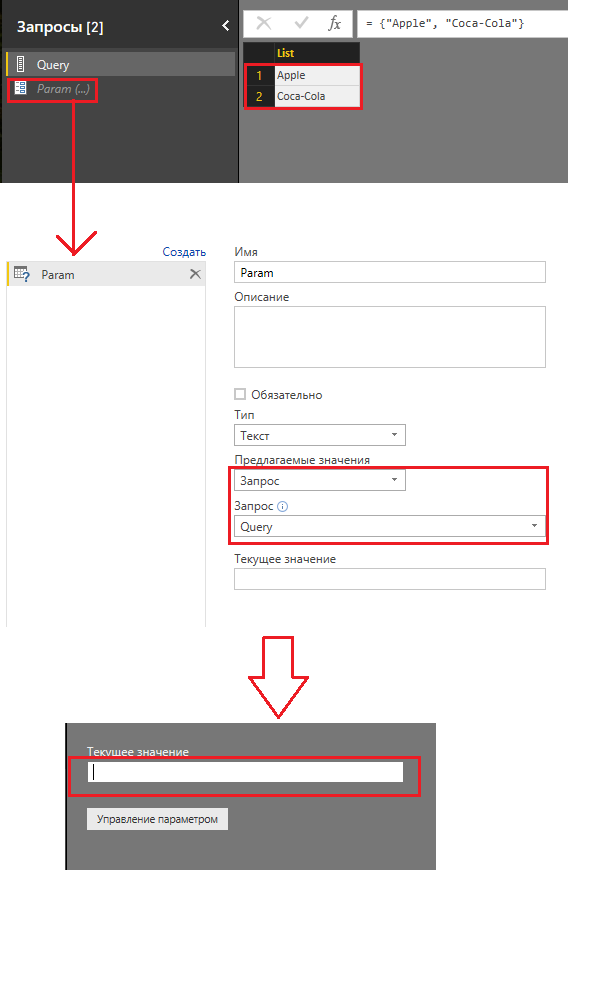
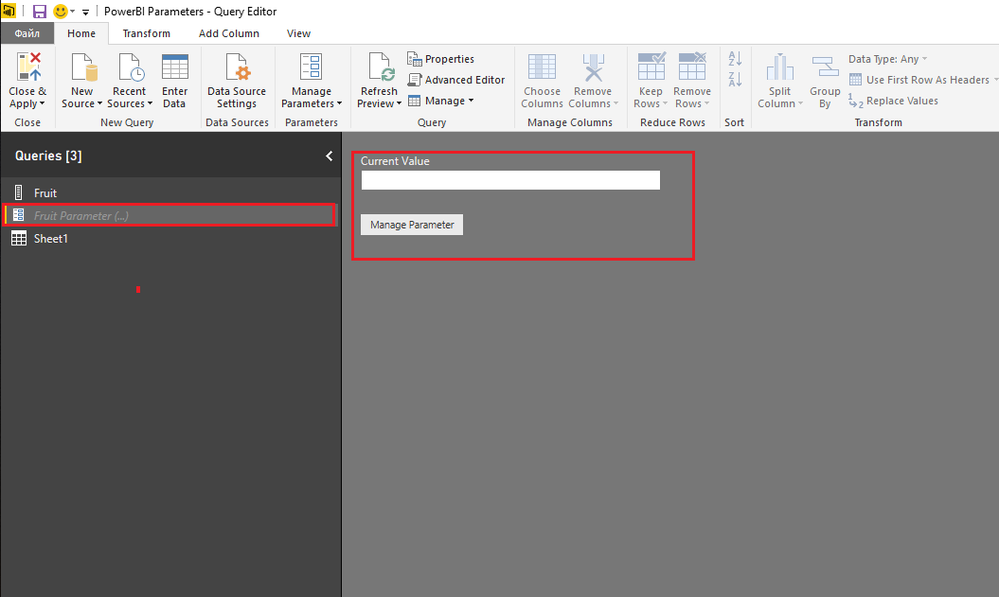
I have read this article but i haven't got the same result, and i can't understand where drop down list?
Solved! Go to Solution.
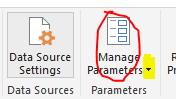
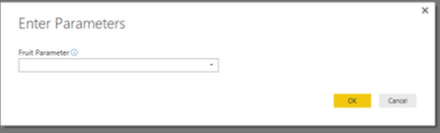
@Claster No, I don't find any issue. Please click manage(highlighted in yellow)->Edit Parameters, you will get expected result.
Thanks,
Angelia
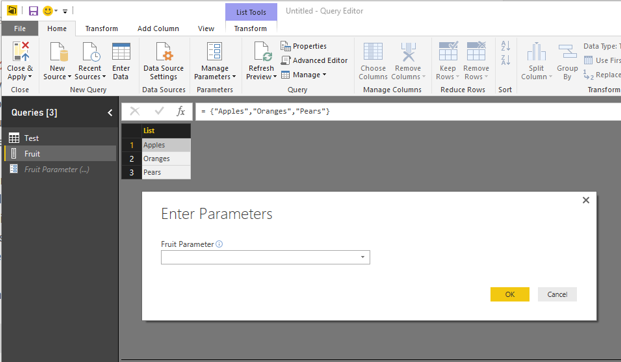
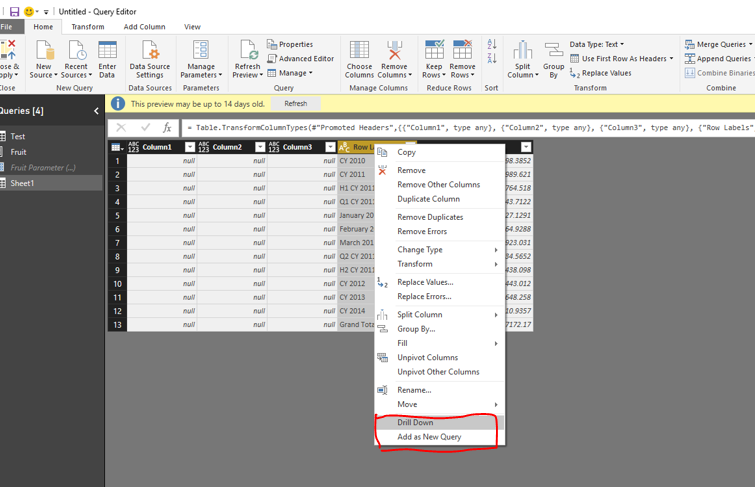
I try to reproduce according to the article’s guidance and get expected results as follows.
At the beginning of the article, it says July 2016 update for Power BI Desktop included the ability to make parameters data-driven. So what is the version of your Power BI desktop, you can also download the latest version of Power BI Desktop directly from this download link. Then check if it is successful.
Best Regards,
Angelia
Very strange , my version of PowerBI is 2.40.4554.361 64-bit. Could you send me your project PowerBI to DMX1988@yandex.ru
@Claster No, I don't find any issue. Please click manage(highlighted in yellow)->Edit Parameters, you will get expected result.
Thanks,
Angelia
Share feedback directly with Fabric product managers, participate in targeted research studies and influence the Fabric roadmap.
Check out the February 2026 Power BI update to learn about new features.
| User | Count |
|---|---|
| 61 | |
| 54 | |
| 41 | |
| 17 | |
| 13 |
| User | Count |
|---|---|
| 105 | |
| 99 | |
| 38 | |
| 29 | |
| 29 |