This time we’re going bigger than ever. Fabric, Power BI, SQL, AI and more. We're covering it all. You won't want to miss it.
Learn moreLevel up your Power BI skills this month - build one visual each week and tell better stories with data! Get started
Hello,
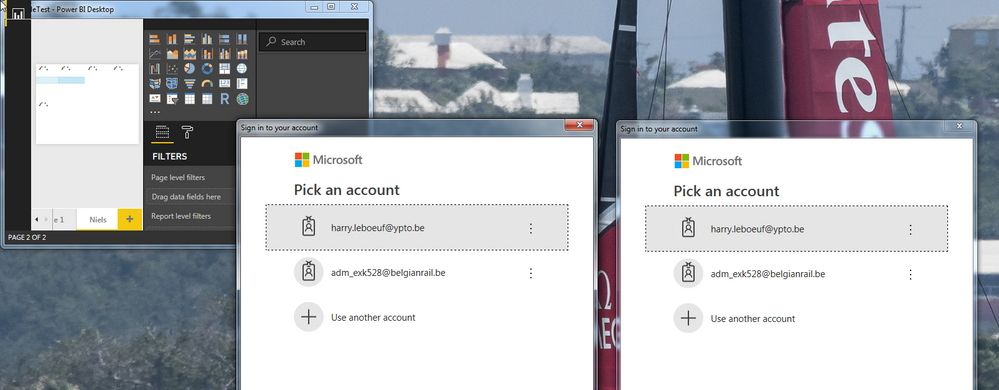
I'm having some serious troubles connecting PBIDesktop to our Azure SSAS Server.
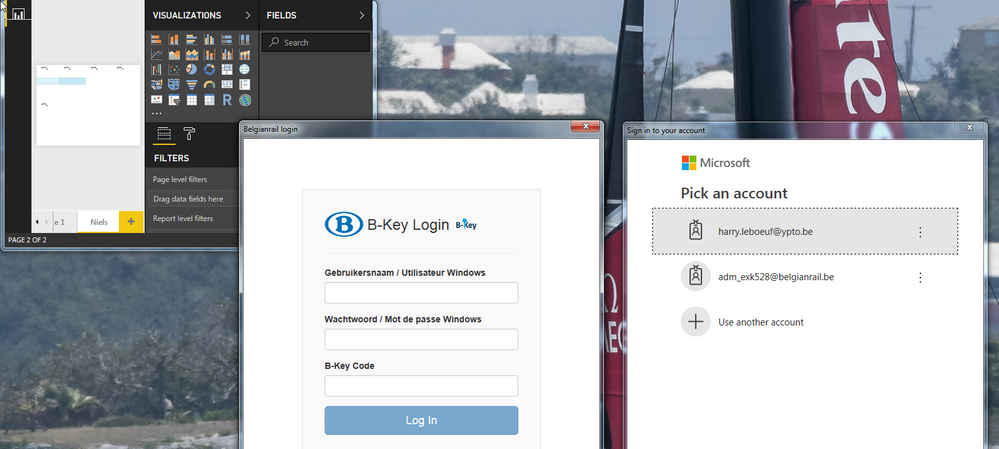
When all goes well i'm getting 2 logon screens (?), one off them will redirect me to our companies login system. After Logging init takes easily up to 30 seconds to get the 2nd one active, there I just have to tap again our login, this time no authentication.
Then, mostly after 1min everything works fine.
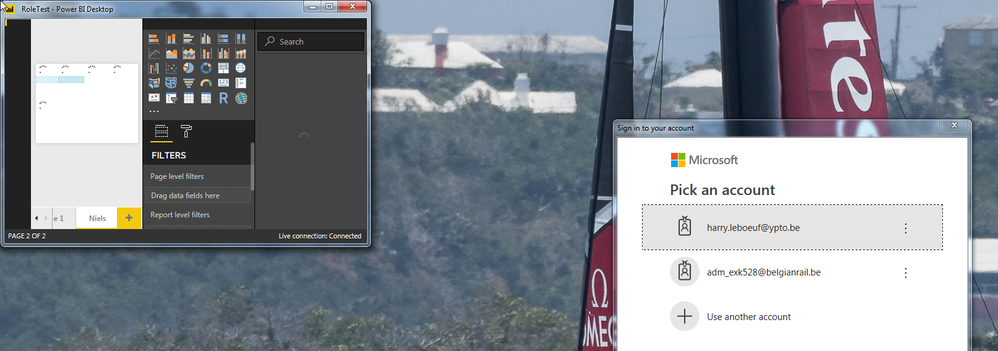
But, after starting PBIDesktop a few times with other app's, then going back to one on SSAS Azure i'm only getting 1 of the 2 login or even none.
In this case i'm always getting the OpenConnectionError and the only solution is to restart the whole pc to get back to a startup with 2 logons....
Very frustrating.
Hi @Anonymous,
Firstly, I would suggest you mask your private info in the images.
The suggestion I can give is clearing the data source and trying again. I would suggest you file a support ticket here.
Best Regards,
Dale
Did you ever get a resolution to this issue?
Experiencing a similar issue.
Thank you
Tim
yes, a few release later this was gone.
Never realy found a 'solution'.
But still getting the 2 logins screen, but that could be due to our own interan OAth system.
Check out the April 2026 Power BI update to learn about new features.
Sign up to receive a private message when registration opens and key events begin.
If you have recently started exploring Fabric, we'd love to hear how it's going. Your feedback can help with product improvements.
| User | Count |
|---|---|
| 39 | |
| 28 | |
| 28 | |
| 22 | |
| 18 |
| User | Count |
|---|---|
| 67 | |
| 37 | |
| 32 | |
| 27 | |
| 25 |