This is best Fabric, Power BI, SQL and AI community event. How do we know? The last event sold out! Save €200 with code FABCMTY200.
Register nowA new Data Days event is coming soon! This time we’re going bigger than ever. Fabric, Power BI, SQL, AI and more. Don't miss out.
Dear All ,
Plese help me to get out of this !!!
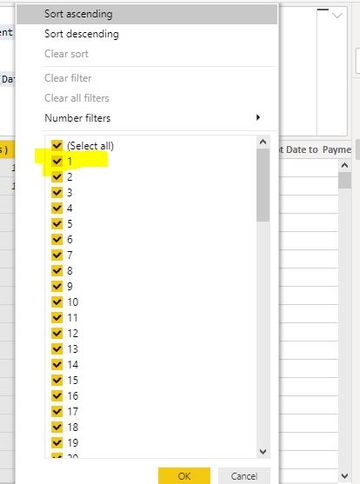
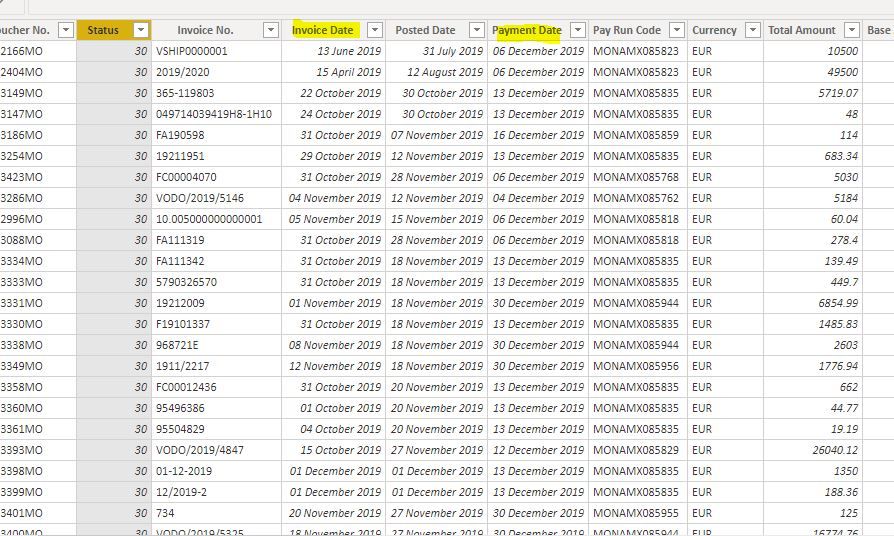
I want Values Row by row in Calculated column followed same way as you mentioned below and it is not giving me negtive values,Please find the Below Data whichi have and Screen Captures.
Thanks In Advance.
Dax Formula What I used:
Hi @Anonymous ,
Do you mean to get a continuous accumulation value instead of a total value?
You could add an index column in your table in the query editor.
Then add a condition in your SUMX formula like :
FILTER('Table','Table'[Index]<=EARLIER('Table'[Index]))
Dear @v-eachen-msft ,
Current using Dax Formula:
Sorry There is NO CHANGE
Sign up to receive a private message when registration opens and key events begin.
If you have recently started exploring Fabric, we'd love to hear how it's going. Your feedback can help with product improvements.
| User | Count |
|---|---|
| 33 | |
| 25 | |
| 23 | |
| 20 | |
| 15 |
| User | Count |
|---|---|
| 64 | |
| 41 | |
| 27 | |
| 22 | |
| 22 |