hi there
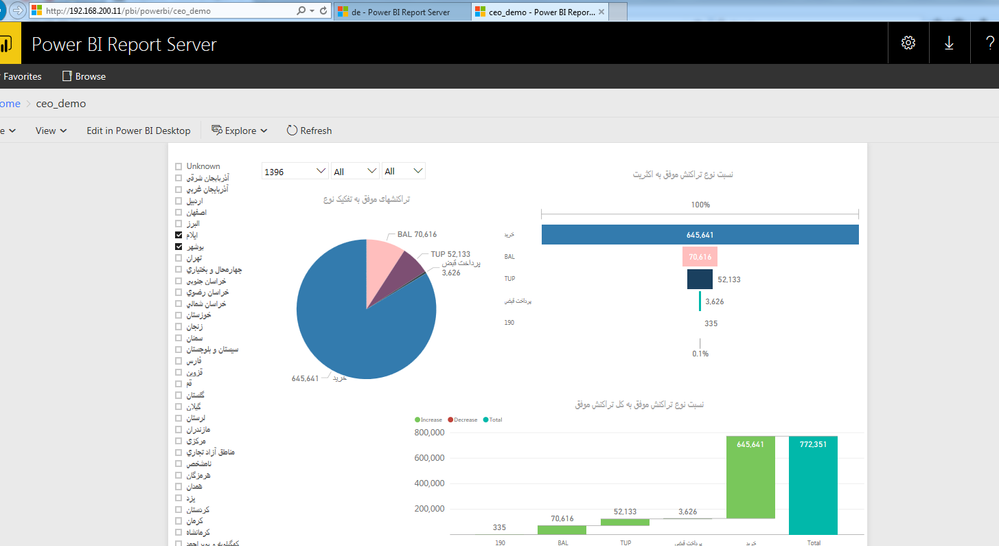
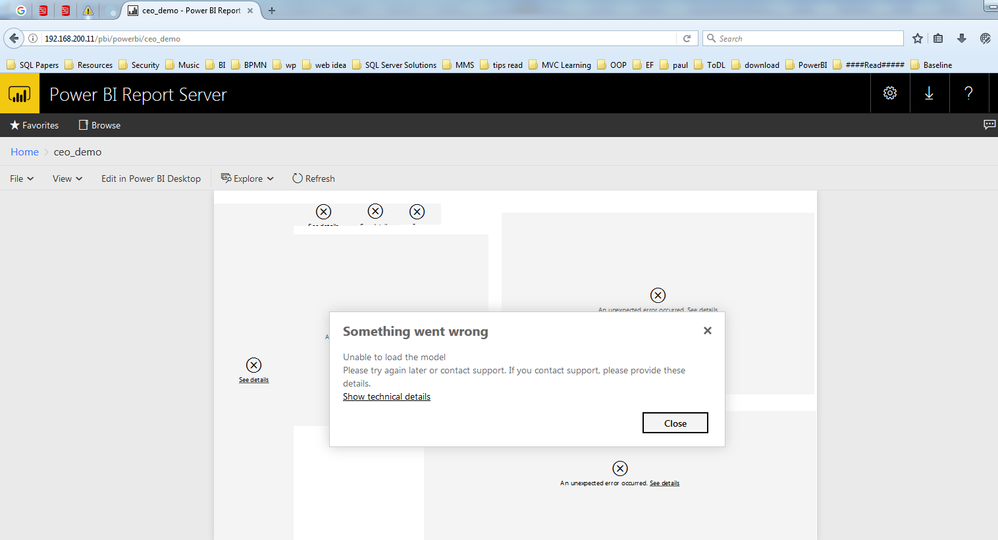
my report in local server works fine but from another pc in lan network not works.
i read log and saw this lines for failed request:
2017-05-22 17:06:50.6104|TRACE|68|Received request htco\star GET http://192.168.66.4/powerbi/api/explore/reports/1e9cceb3-a74f-4ce8-b9e9-532e05eafb1a/modelsAndExplor... RequestID = efff4a5a-e862-4c28-d88e-43c6c767205d ClientSessionID = a663c878-c0cb-bba9-b622-eff916873924
2017-05-22 17:06:50.6104|ERROR|68|Expecting feature switch 'rScriptVisualEnabled' to be present in prod manifest| RequestID = efff4a5a-e862-4c28-d88e-43c6c767205d ClientSessionID = a663c878-c0cb-bba9-b622-eff916873924
2017-05-22 17:06:50.7474|TRACE|69|GetPbixComponentsAsync completed for catalogItem=1e9cceb3-a74f-4ce8-b9e9-532e05eafb1a, duration=136 ms| RequestID = efff4a5a-e862-4c28-d88e-43c6c767205d ClientSessionID = a663c878-c0cb-bba9-b622-eff916873924
2017-05-22 17:06:50.7574|TRACE|69|GetPbixComponentsAsync Shredding completed for catalogItem=1e9cceb3-a74f-4ce8-b9e9-532e05eafb1a, duration=9 ms| RequestID = efff4a5a-e862-4c28-d88e-43c6c767205d ClientSessionID = a663c878-c0cb-bba9-b622-eff916873924
2017-05-22 17:06:50.7574|ERROR|69|Expecting feature switch 'exportDataEnabled' to be present in prod manifest| RequestID = efff4a5a-e862-4c28-d88e-43c6c767205d ClientSessionID = a663c878-c0cb-bba9-b622-eff916873924
2017-05-22 17:06:50.7574|TRACE|69|Sending response. Response code htco\star 200| RequestID = efff4a5a-e862-4c28-d88e-43c6c767205d ClientSessionID = a663c878-c0cb-bba9-b622-eff916873924
thanks