This time we’re going bigger than ever. Fabric, Power BI, SQL, AI and more. We're covering it all. You won't want to miss it.
Learn moreDid you hear? There's a new SQL AI Developer certification (DP-800). Start preparing now and be one of the first to get certified. Register now
Hi,
What is the best way to offload Measure calculation to custom SQL query limited on start and end date? My data is access via DirectQuery connected to PostgreSQL.
I am trying to calculate the median (50th percentile) of large data set with many millions of rows and would like to do that on SQL server, not in PowerBI.
Found the possible solution here - https://www.youtube.com/watch?v=iiNDq2VrZPY , but it does not looks like 100%, what I need.
Best regards,
Martynas
Solved! Go to Solution.
Hi @martynas ,
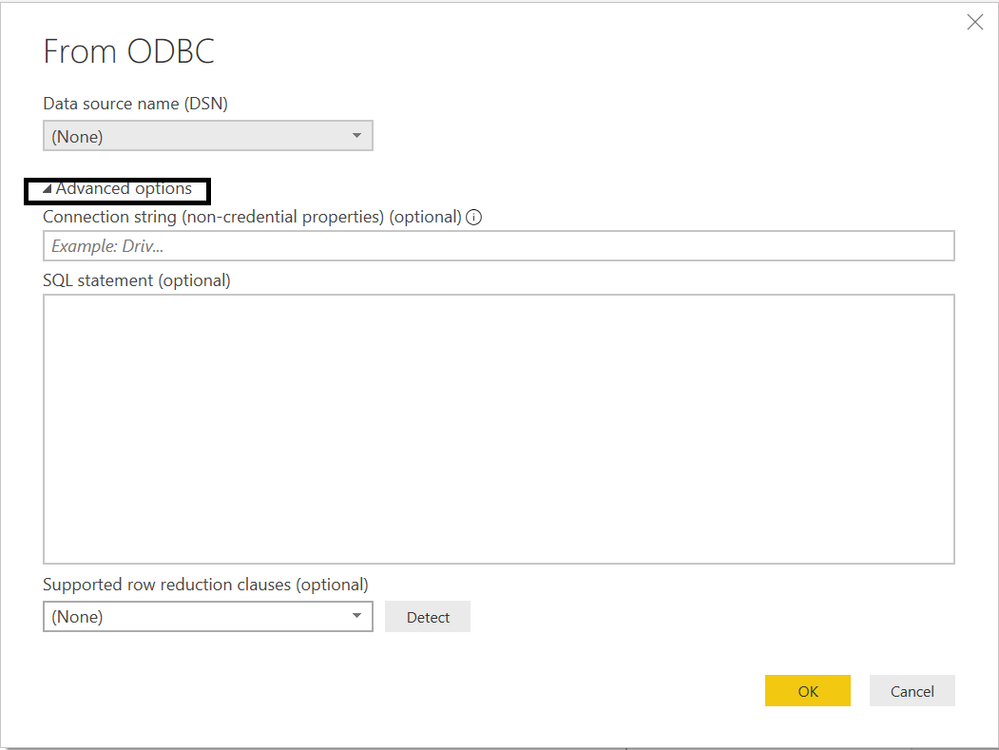
Based on your description, do you want to pass the slicer value to the SQL query statement? Complete the calculation in SQL?
Refer to
power-bi-desktop-query-parameters-part2-dynamic-data-masking-and-query-parameters
pass-parameters-to-sql-queries
You can also try to use SSAS to connect live with powerbi.
Best Regards,
Liang
If this post helps, then please consider Accept it as the solution to help the other members find it more quickly.
@martynas , In case of the direct query you can record the queries and use that to fine-tune it your need
https://www.sqlbi.com/articles/introducing-the-power-bi-performance-analyzer/
Thank you for the suggestion. My question is a bit different - how can I perform SQL query to calculate measure value? I.e. select avg(time) from table where date between ('2020-01-01','2020-01-31')?
Yes, that would be possible, but how do I pass the start and end date parameters from slicer in report?
Hi @martynas ,
Based on your description, do you want to pass the slicer value to the SQL query statement? Complete the calculation in SQL?
Refer to
power-bi-desktop-query-parameters-part2-dynamic-data-masking-and-query-parameters
pass-parameters-to-sql-queries
You can also try to use SSAS to connect live with powerbi.
Best Regards,
Liang
If this post helps, then please consider Accept it as the solution to help the other members find it more quickly.
Check out the April 2026 Power BI update to learn about new features.
If you have recently started exploring Fabric, we'd love to hear how it's going. Your feedback can help with product improvements.
| User | Count |
|---|---|
| 37 | |
| 37 | |
| 31 | |
| 21 | |
| 16 |
| User | Count |
|---|---|
| 66 | |
| 56 | |
| 31 | |
| 26 | |
| 23 |