cancel
Showing results for 
Search instead for 
Did you mean: 

The Power BI Data Visualization World Championships is back! Get ahead of the game and start preparing now! Learn more

Reply
FoolzRailer
Helper I
Helper I

Map two different types of data at the same time?

Hello


I have two different types of data (in Denmark) that I'm trying to get on a single map if this is possible. The data is supposed to show where several supply companies are expected to dig over the next couple of years. 


I have one consisting of Location where I use a hierachy, the first is [RoadName + PostalCode], drilling down to [House Adress+ PostalCode]. This works perfectly for what I need to show. 


The second dataset consist of locations, like fields where there is no address. For this I have too use Latitude and Longtitude points, which in itself also works just fine. 


However in order to use this perfectly I would like to have both on the same map/figure. So what I'm hoping is that one of the below solutitons is possible in Power BI:

  • I can merge/overlay the two different map visuals, and thereby get a complete overview
  • I can perhaps convert addresses to Lat/Long (but not sure if I miss the all important drilldown function from Road --> Address)
  • Third unknown but brilliant solution. 


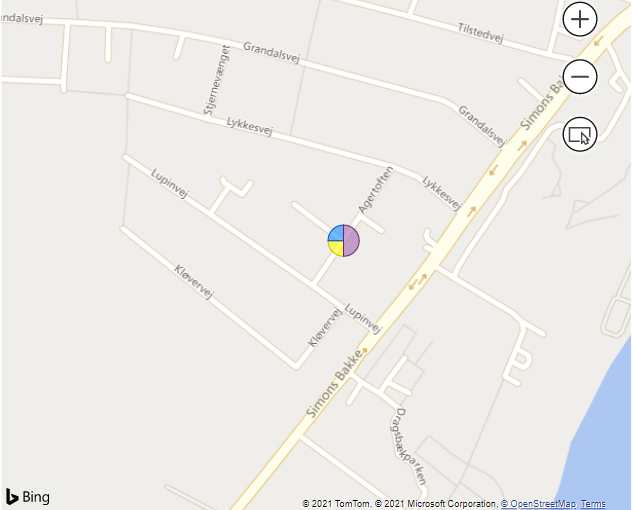
RoadName that shows that several companies will work here.RoadName that shows that several companies will work here.
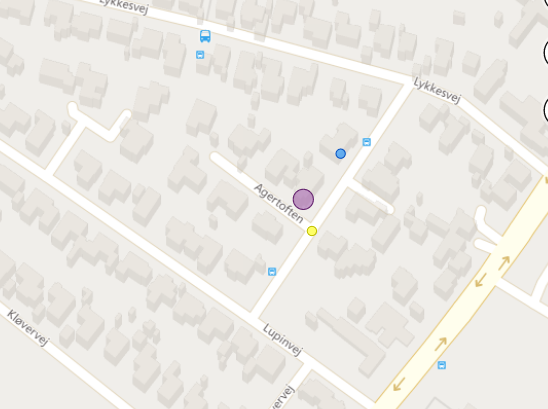
Specific address for the expected work, drilled down from RoadNames.Specific address for the expected work, drilled down from RoadNames.
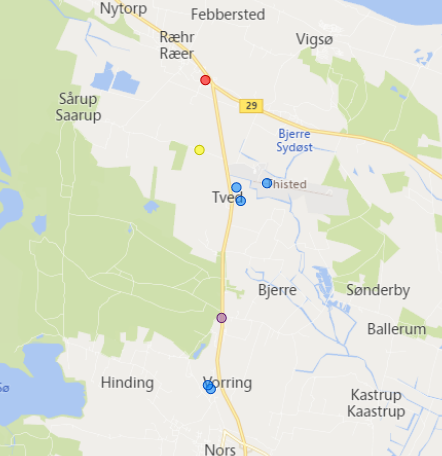
 

Points based on coordinates.Points based on coordinates.


1 ACCEPTED SOLUTION
v-xulin-mstf
Community Support
Community Support

Hi @FoolzRailer,


Sorry, it is not supported in Power BI.

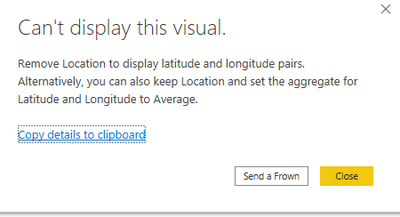
After appending two datasets, you can only choose one to display location in the Map visual.

vxulinmstf_2-1626080402246.png


vxulinmstf_1-1626080332710.png


Best Regards,

Link


Is that the answer you're looking for? If this post helps, then please consider Accept it as the solution. Really appreciate!


View solution in original post

1 REPLY 1
v-xulin-mstf
Community Support
Community Support

Hi @FoolzRailer,


Sorry, it is not supported in Power BI.

After appending two datasets, you can only choose one to display location in the Map visual.

vxulinmstf_2-1626080402246.png


vxulinmstf_1-1626080332710.png


Best Regards,

Link


Is that the answer you're looking for? If this post helps, then please consider Accept it as the solution. Really appreciate!


Helpful resources

Announcements
November Power BI Update Carousel

Power BI Monthly Update - November 2025

Check out the November 2025 Power BI update to learn about new features.

Fabric Data Days Carousel

Fabric Data Days

Advance your Data & AI career with 50 days of live learning, contests, hands-on challenges, study groups & certifications and more!

FabCon Atlanta 2026 carousel

FabCon Atlanta 2026

Join us at FabCon Atlanta, March 16-20, for the ultimate Fabric, Power BI, AI and SQL community-led event. Save $200 with code FABCOMM.