Join us at FabCon Atlanta from March 16 - 20, 2026, for the ultimate Fabric, Power BI, AI and SQL community-led event. Save $200 with code FABCOMM.
Register now!The Power BI Data Visualization World Championships is back! Get ahead of the game and start preparing now! Learn more
Good afternoon
My goal is to link a date picker to the graph I have created.
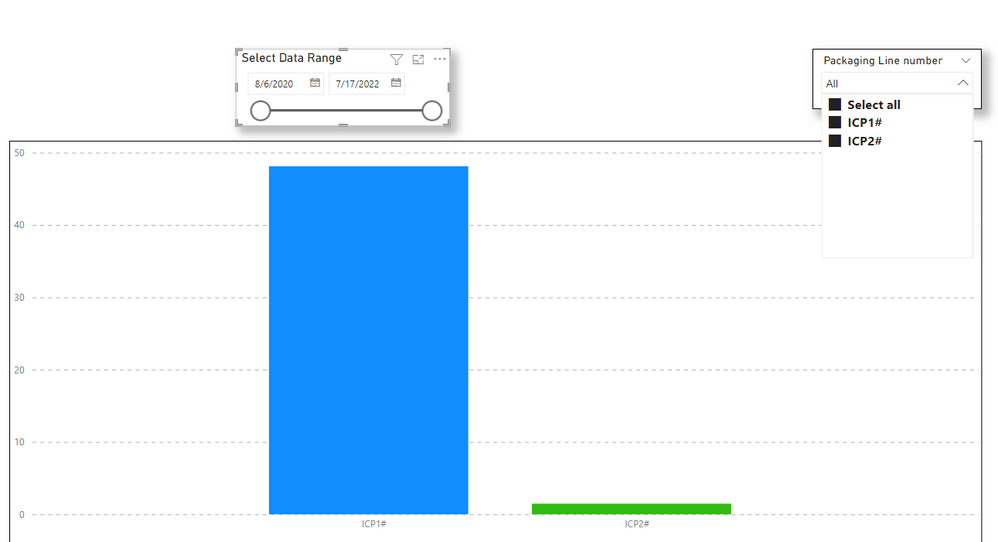
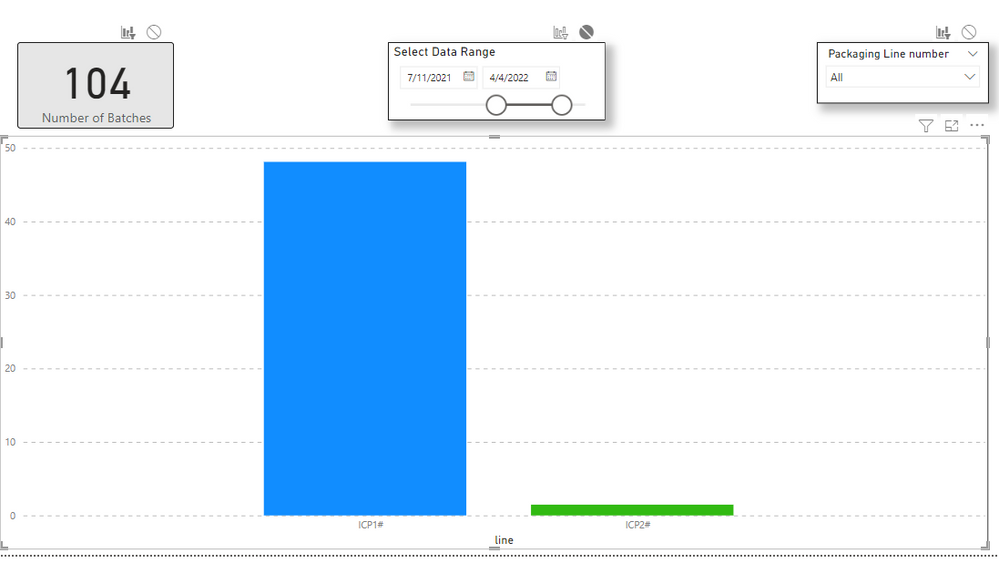
As you can see I have a combo where I can select the different lines and this one works without problem. On the other hand, when I move the date range, the columns in the graph are not updated.
The table from which the date data comes out is created as follows:
Calendar =
- For the date picker, I have the following measure created:
Thank you for your help
@Syndicate_Admin , based on what I got. For this the date table should not join with table or you should add +0 to your mesure
Good morning
You could explain it to me a little more, I have little in this world of Power Bi and I do not understand what you want to tell me.
Thank you so much
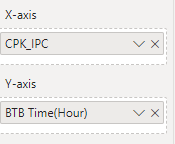
Also comment that the configuration of the graph on the x axis and on the y axis is as follows.
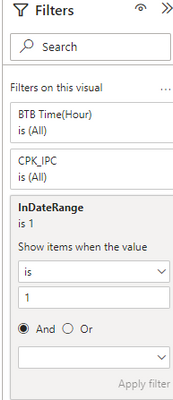
* When I put the measure InDateRange in the filters of the page
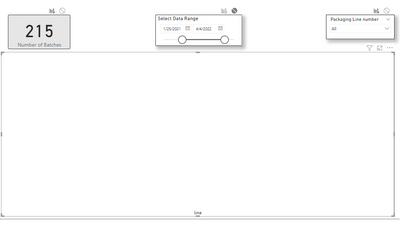
The graph appears empty to me. When I move the date picker, in the upper left margin of the graph it appears for a second as data is loaded and also the record counter moves according to the selection but I do not see the columns of the selected lines.
* On the contrary if I do the same but the measure I put it to 0, the columns appear but their size does not change depending on the date range seccionado. In this case also the record counter is moved according to the selection of dates made and in the graph also appears in the upper left margin the data loading icon for a second but as I say the size of the columns is not modified.
I hope I have clarified something else.
Thank you
Check out the November 2025 Power BI update to learn about new features.
Advance your Data & AI career with 50 days of live learning, contests, hands-on challenges, study groups & certifications and more!
| User | Count |
|---|---|
| 57 | |
| 44 | |
| 40 | |
| 21 | |
| 18 |