Don't miss your chance to take the Fabric Data Engineer (DP-600) exam for FREE! Find out how by attending the DP-600 session on April 23rd (pacific time), live or on-demand.
Learn moreNext up in the FabCon + SQLCon recap series: The roadmap for Microsoft SQL and Maximizing Developer experiences in Fabric. All sessions are available on-demand after the live show. Register now
Hi,
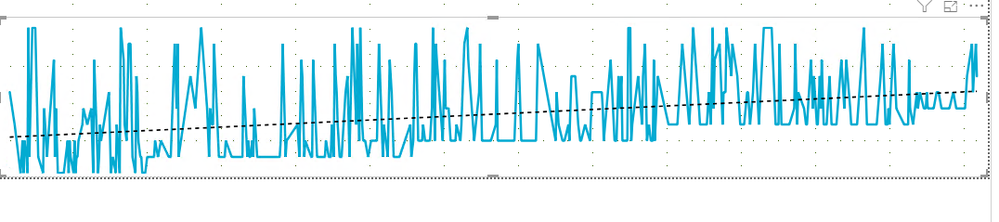
Which chart can I use to show the following in Power BI?
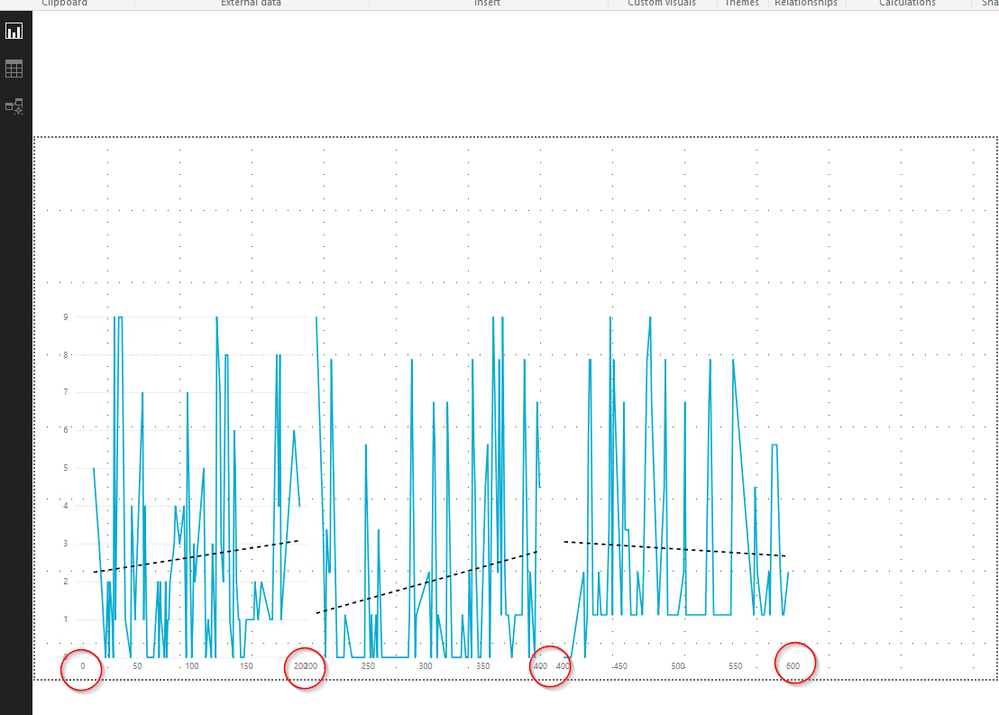
I want to seperate the line charts in one line chart using year. The one you cerated is one line chart. But I want to sperate it as year and state
hey @cham
Create as many line charts as you want.
Use your own data and logic to slice and dice.
Not sure what you are asking...
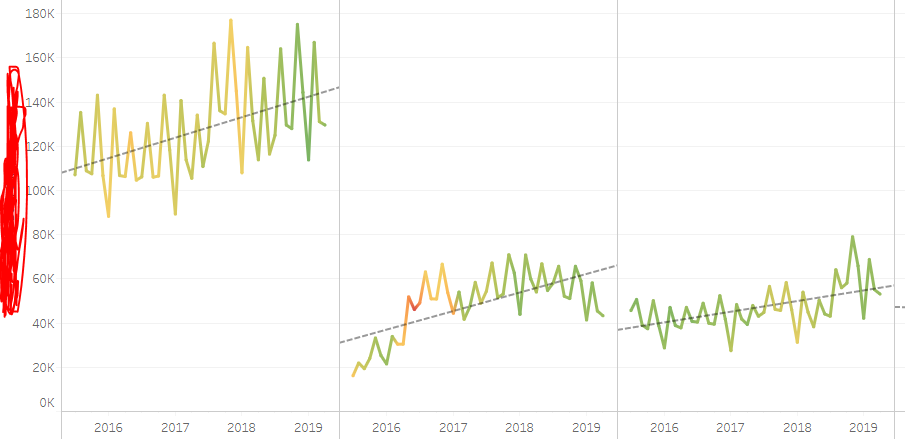
I am using date and country into X access, So I want to show 2015 - 2018 data set by sperating it again by the country. What you show me is correct. I want to know how to sperate as like that.
Hey @cham
In my example I have created 3 seperate line charts and used filters to show specific data.
You can do the same and show specific country. i.e. Visual1 - Country1; Visual2 - Country2; VisualN - CountryN.
Cheers!
A
If you have recently started exploring Fabric, we'd love to hear how it's going. Your feedback can help with product improvements.
A new Power BI DataViz World Championship is coming this June! Don't miss out on submitting your entry.
Experience the highlights from FabCon & SQLCon, available live and on-demand starting April 14th.
| User | Count |
|---|---|
| 47 | |
| 43 | |
| 40 | |
| 20 | |
| 15 |
| User | Count |
|---|---|
| 70 | |
| 67 | |
| 32 | |
| 27 | |
| 25 |