Join us at FabCon Atlanta from March 16 - 20, 2026, for the ultimate Fabric, Power BI, AI and SQL community-led event. Save $200 with code FABCOMM.
Register now!The Power BI Data Visualization World Championships is back! It's time to submit your entry. Live now!
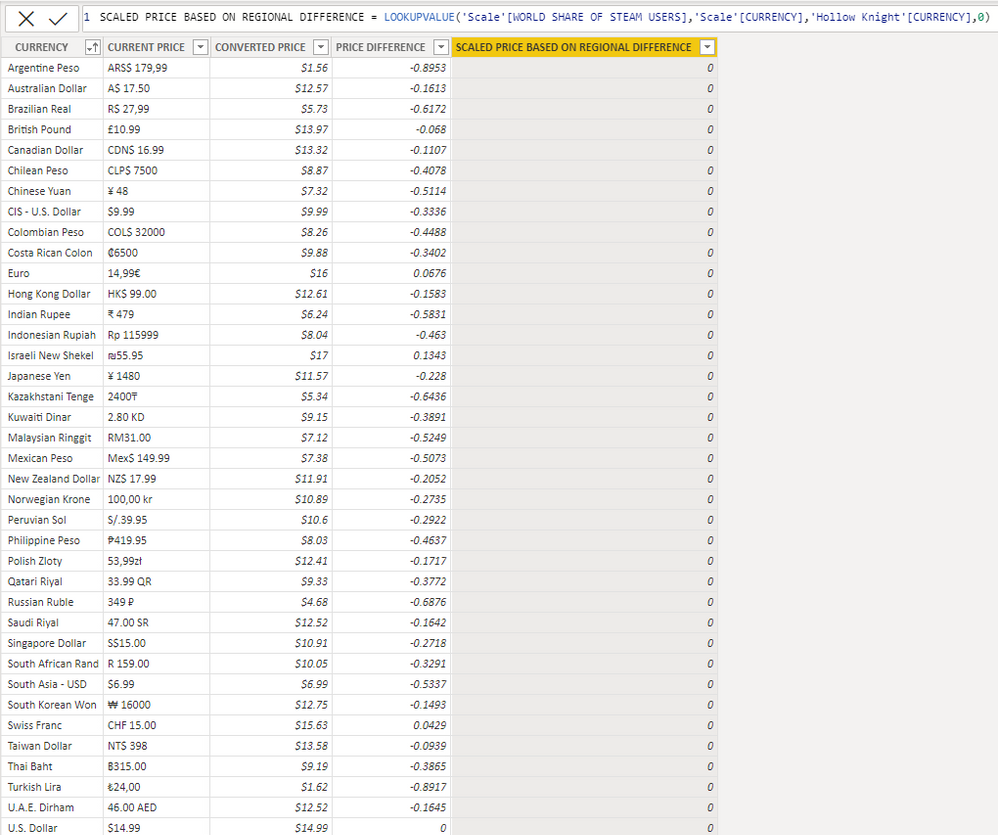
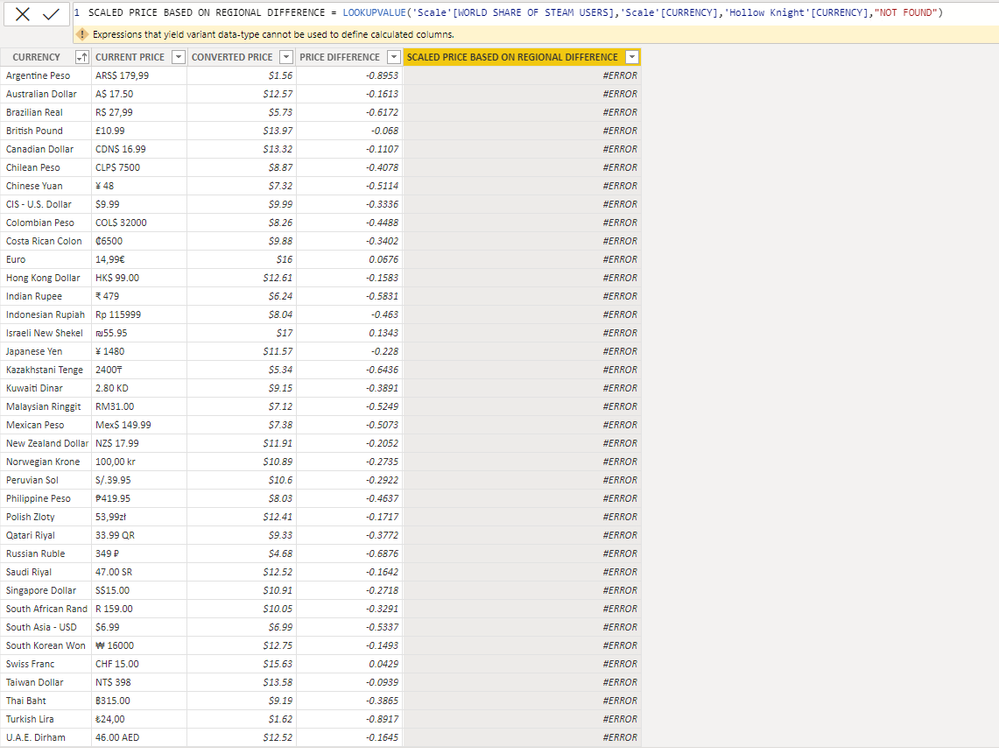
Hi everyone, I have trouble using the LOOKUPVALUE function as the expected result shows up empty and appearently "not found".
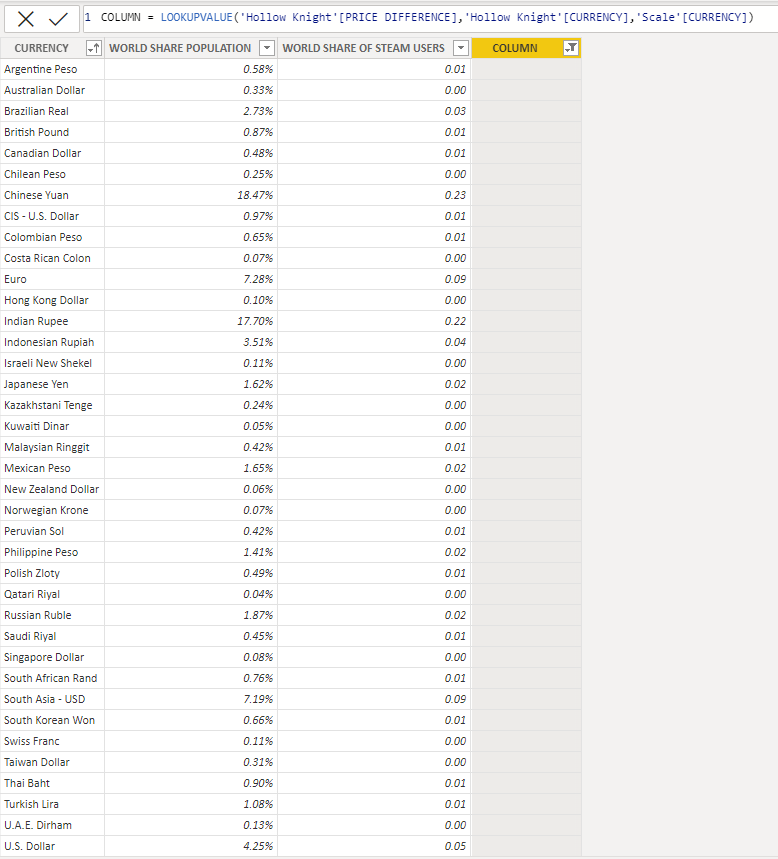
the two tables share a column with the almost exact data. I'm trying to have one column of a table to be a part of another existing table with that shared column.
Firstly I thought It'd be managable by giving them relationship (both having a same column) but that didn't seem to work and when I tried to put the desired data on a single table while putting the shared column in the table as well, it didn't work and the desired columns wouldn't overlap and just show up at the top or bottom of the other ones.
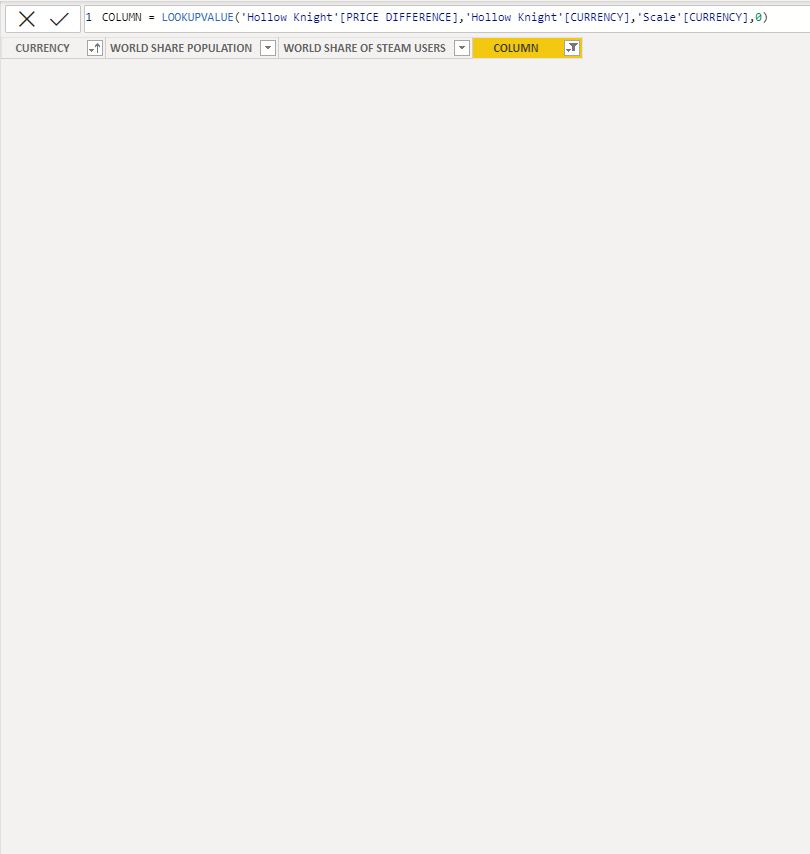
did some research and it seems like it should be doable with the LOOKUPVALUE function but still, the new added column shows up empty and without any found data.
I tried doing it in either of them table that share the same column and still didn't work. here's some screenshots of the issue and tested with different Alternate_Result.
Solved! Go to Solution.
Hello @Hakha ,
Ideally it should give you correct result. Might be data issue.
Can you please use Len('Scale'[Currency]) and Len('Hollow Knight'[Currency]) and check length is coming same for Argentina Peso in both tables. Might be extra blanks in starting or ending of data.
Cheers,
Shishir
Hello @Hakha ,
Ideally it should give you correct result. Might be data issue.
Can you please use Len('Scale'[Currency]) and Len('Hollow Knight'[Currency]) and check length is coming same for Argentina Peso in both tables. Might be extra blanks in starting or ending of data.
Cheers,
Shishir
The Power BI Data Visualization World Championships is back! It's time to submit your entry.
Check out the January 2026 Power BI update to learn about new features.
| User | Count |
|---|---|
| 56 | |
| 42 | |
| 40 | |
| 21 | |
| 21 |
| User | Count |
|---|---|
| 149 | |
| 105 | |
| 63 | |
| 36 | |
| 36 |