Get certified for free when you join Fabric Data Days 2026 and dive into Fabric, Power BI, SQL, AI, and other essential data skills.
Join nowJuly 7 - July 17 | Round 2 of the Power BI Dataviz World Championships. Don't miss your chance! Learn more
Hello All,
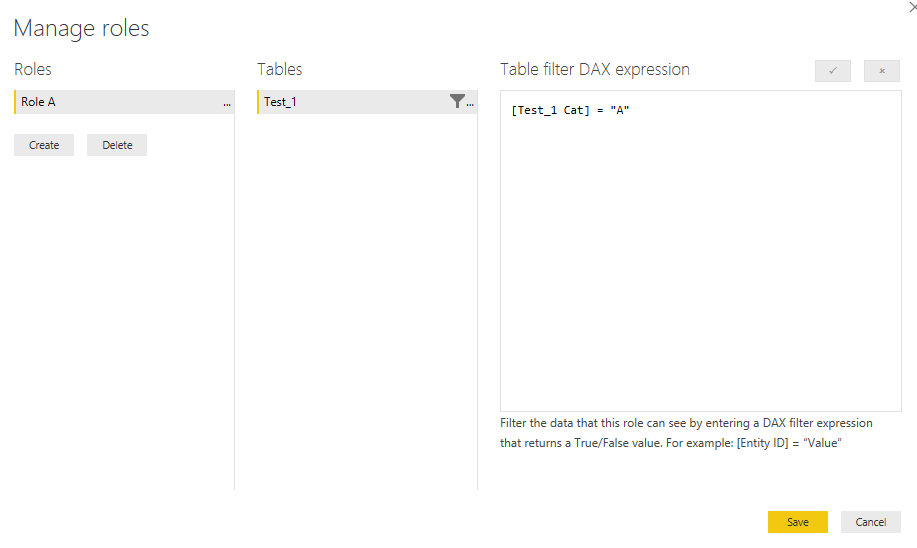
I have created a role in powerbi desktop level.
And i have published it to the service level.
I have added perticular persons email ID's also.
But When i am trying to TEST AS A ROLE..
I am not able to see the values as well as i cant even see the
header as NOW ROW LEVEL SECURITY FOR ROLE
I am using a powerbi pro trail free version.
And i have validity of 285 more days.
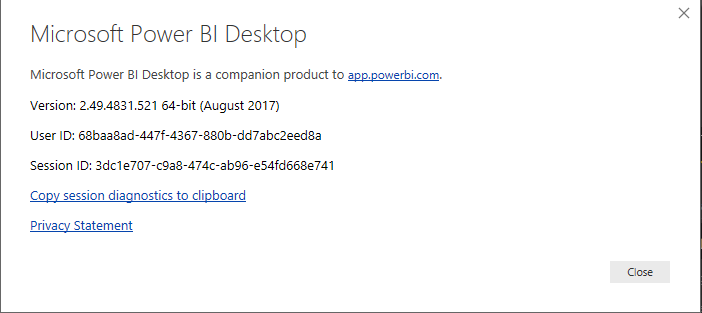
My desktop version as
Is there any changes made in RLS for free pro tail users.
Any help.
Thanks,
Mohan.V
Hi @Anonymous,
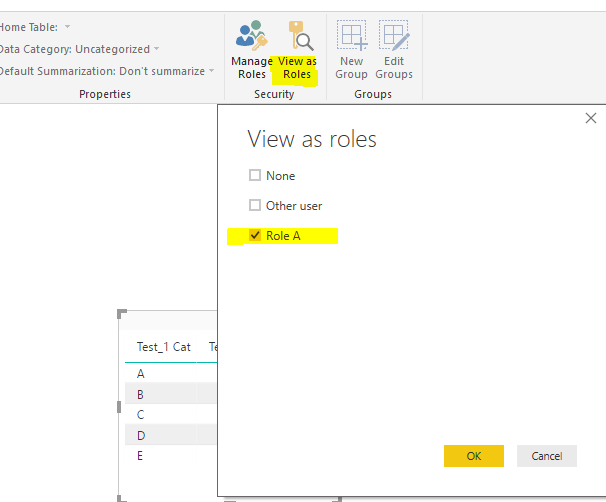
Firstly, please check whether you can see corresponding data records based on the role you created. After you have set a new role, please test whether it works via clicking "View as roles" in desktop.
Besides, even not specifying any email account to the role, we can test the RLS via "test as role" option.
Best regards,
Yuliana Gu
Hi @Anonymous,
Did this problem occur to any other dataset?
Regards,
Yuliana Gu
To test you need to have a seperate account and try to create a app workspace add user as a member to the user. Make sure the this user e-mail include it in the security for the respective RLS then it works fine.
Please check the data one or there will be the different formate of your data or their will be space will be added. so please do crosscheck on data one it will work.
Join us in Barcelona for FabCon and SQLCon, the Fabric, Power BI, SQL, and AI community event. Save €200 with code FABCMTY200.
Join Data Days 2026: 60 days of free live/on-demand sessions, challenges, study groups, and certification opportunities.
| User | Count |
|---|---|
| 26 | |
| 24 | |
| 19 | |
| 19 | |
| 15 |
| User | Count |
|---|---|
| 46 | |
| 46 | |
| 43 | |
| 36 | |
| 33 |