Join us at FabCon Atlanta from March 16 - 20, 2026, for the ultimate Fabric, Power BI, AI and SQL community-led event. Save $200 with code FABCOMM.
Register now!The Power BI Data Visualization World Championships is back! Get ahead of the game and start preparing now! Learn more
Hello,
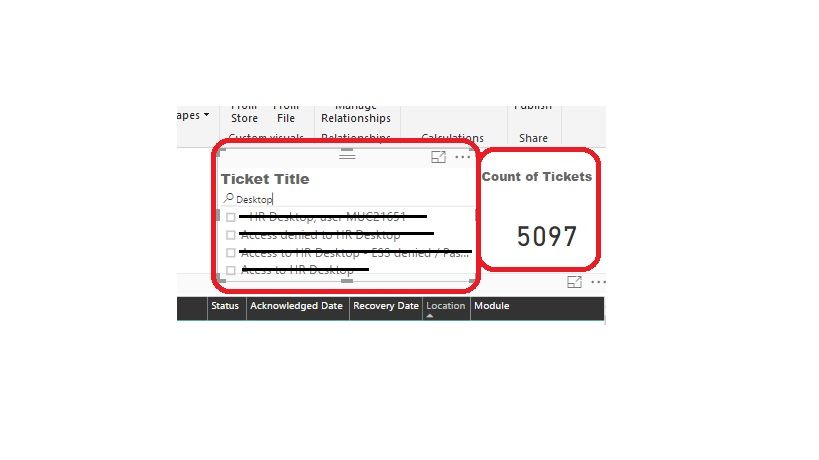
I'm trying to select all the options after have filtered typing in the search box. I know that i can select one by one, but in this case when i filter by a key word, there are a lot of options to select and i want to see the filter reflected in the Ticket Counter.
Is there any way to do it?
Thank you.
Solved! Go to Solution.
I found the solution!
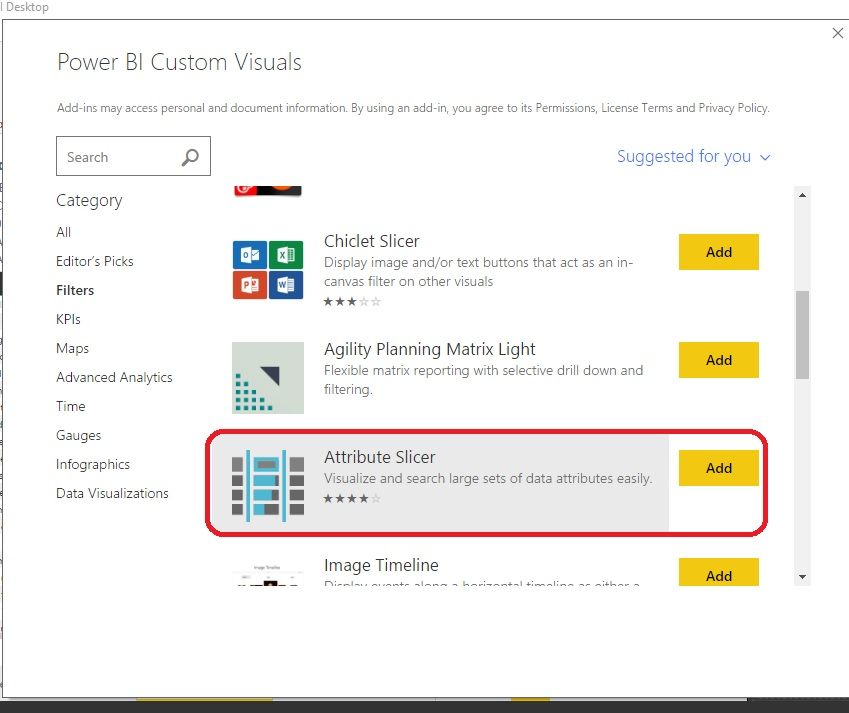
You just need to add the "Attribute Slicer" from Power BI Custom Visuals Store.
I found the solution!
You just need to add the "Attribute Slicer" from Power BI Custom Visuals Store.
I dont believe "Attribute Slicer" is sufficient for this requirement, unless i'm missing something here.
this is already listed as an idea here
Found the slicer, but how do I now select all the searched values?
Hi @cseco91,
Search feature in the slicer visual will only filter values in the slicer. We need to select values after search in the slicer to filter other visuals. For your requirement, it can't be achieved currently. You can submit a idea: https://ideas.powerbi.com/forums/265200-power-bi-ideas
Best Regards,
Qiuyun Yu
The Power BI Data Visualization World Championships is back! Get ahead of the game and start preparing now!
| User | Count |
|---|---|
| 41 | |
| 38 | |
| 36 | |
| 30 | |
| 28 |
| User | Count |
|---|---|
| 128 | |
| 88 | |
| 79 | |
| 67 | |
| 62 |