Join us at FabCon Atlanta from March 16 - 20, 2026, for the ultimate Fabric, Power BI, AI and SQL community-led event. Save $200 with code FABCOMM.
Register now!Vote for your favorite vizzies from the Power BI Dataviz World Championship submissions. Vote now!
Hello all,
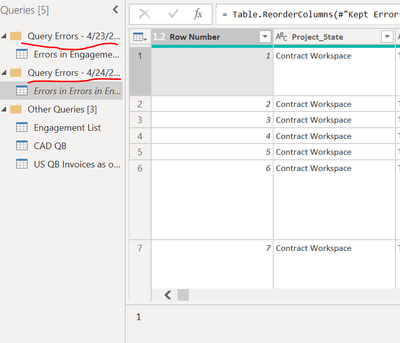
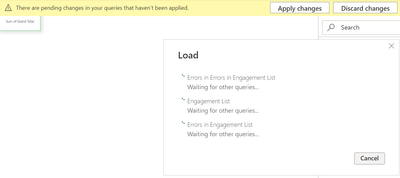
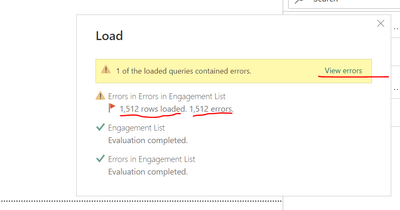
Fairly new to Power BI so this might be a repeat message, I have connected an online excel file to Power BI, and as I loaded the data, I got this error.
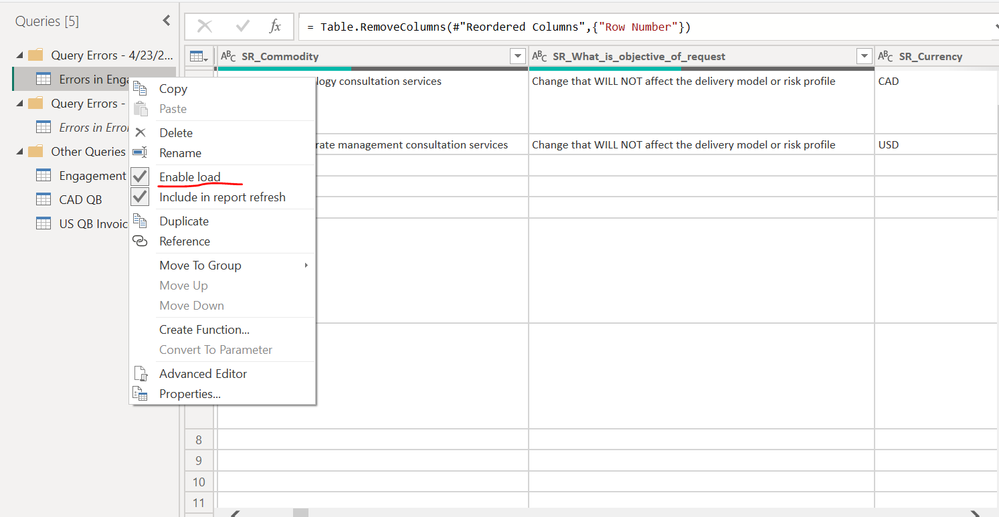
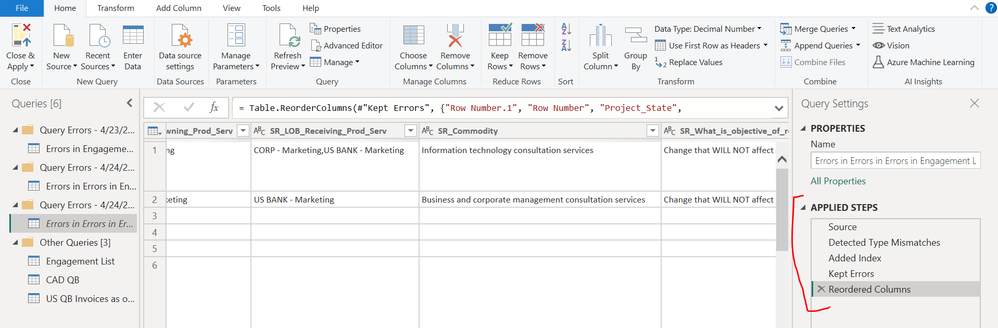
I am unable to determine what the error is and if I include the errored data in the load and try again:
I then get this error:
How do I determine what the errors are, as I click "View Errors", there is nothing specific that shows up?
Did you connect the Excel file as web source? That is the correct way to do it from Sharepoint.
Just open the Excel in desktop application and browse File - Info - Copy path.
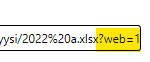
Copy that path as a web source and remove all from question mark to end.
@vmo416 , scroll and check there should be an error column.
Refer video from Curbal : https://www.youtube.com/watch?v=OE6DPmKqN7s
Vote for your favorite vizzies from the Power BI World Championship submissions!
If you love stickers, then you will definitely want to check out our Community Sticker Challenge!
Check out the January 2026 Power BI update to learn about new features.
| User | Count |
|---|---|
| 58 | |
| 53 | |
| 43 | |
| 17 | |
| 16 |
| User | Count |
|---|---|
| 123 | |
| 107 | |
| 44 | |
| 32 | |
| 24 |