Get certified for free when you join Fabric Data Days 2026 and dive into Fabric, Power BI, SQL, AI, and other essential data skills.
Join nowData Days is here! Join us now for 60+ days of learning, challenges, and connection. Learn more
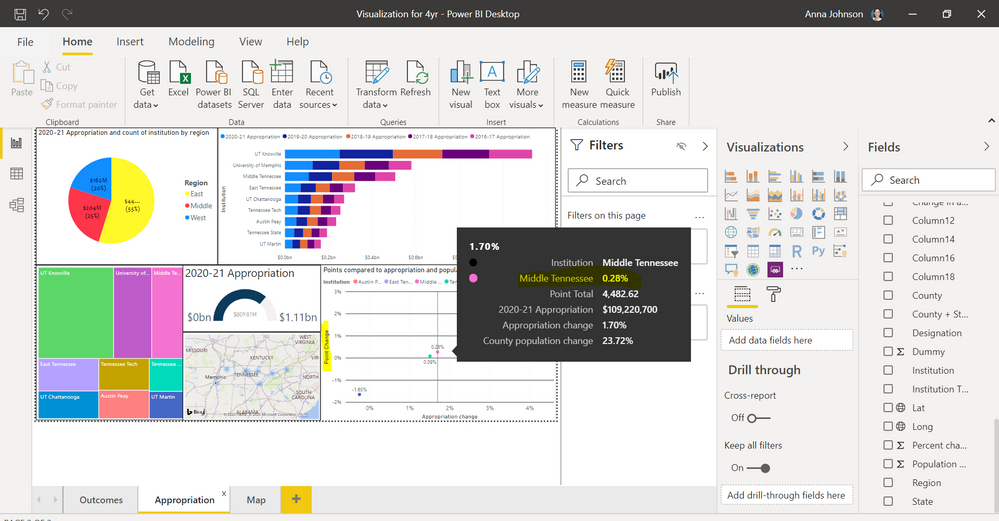
In the picture below, the tooltip is using the legend's name (institution name) instead of the correct name what the value is denoting (point change). I'd like to change "Middle Tennessee" to "Point Change," as the value represents the point change.
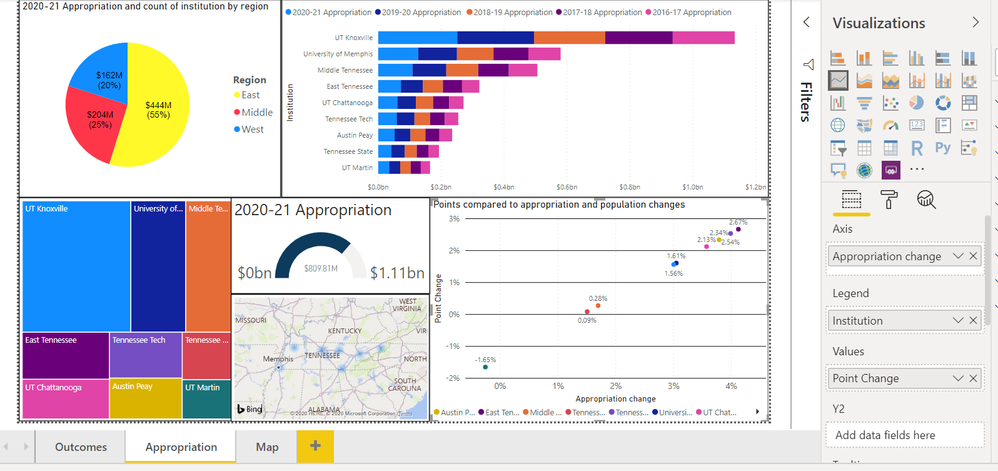
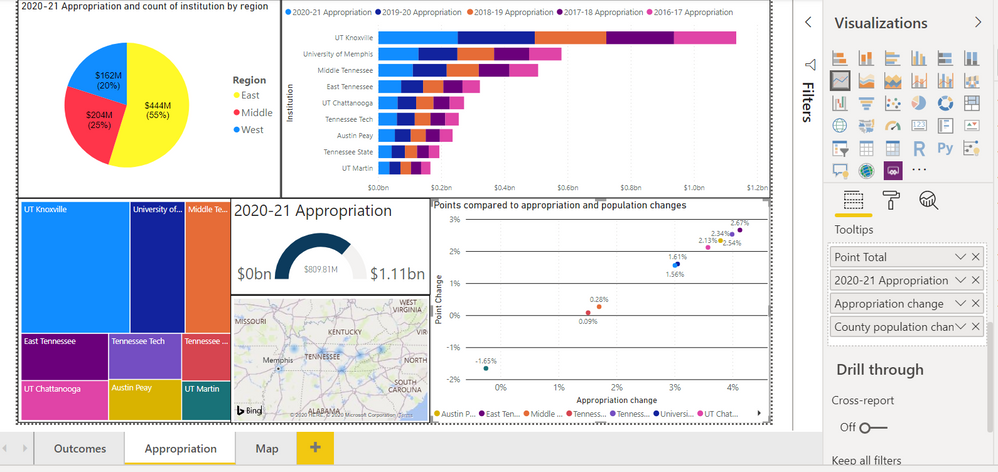
I can see that you can rename the values you place in the tooltip (e.g., I can rename point total, appropropriation, etc); however, it is not letting me rename the middle tennessee.
Seems like a functionality error?
Solved! Go to Solution.
Don't miss out on Data Days, June 15 through August 7. Learn Fabric, Power BI, SQL, AI and more.
Check out the May 2026 Power BI update to learn about new features.
| User | Count |
|---|---|
| 23 | |
| 21 | |
| 20 | |
| 19 | |
| 13 |
| User | Count |
|---|---|
| 58 | |
| 50 | |
| 38 | |
| 31 | |
| 27 |