Join us at FabCon Atlanta from March 16 - 20, 2026, for the ultimate Fabric, Power BI, AI and SQL community-led event. Save $200 with code FABCOMM.
Register now!The Power BI Data Visualization World Championships is back! It's time to submit your entry. Live now!
Hi All
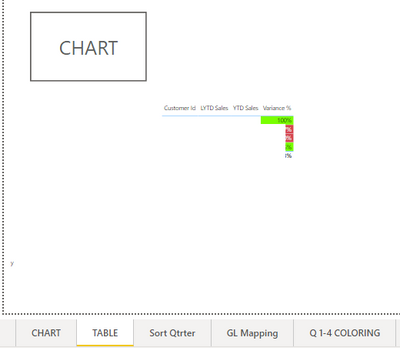
I have create a button , when trigger it will go to Menu page , can some one share with me how to copy this button and paste to all Tab ? Try copy and paste it does not work .
Paul
Solved! Go to Solution.
@Anonymous , Doing a Ctrl+C and Ctrl+V works for copying and pasting a button. However if you want to chnage the action, you can change it the way you want.
I have copied and pasted the button you created to another pages and it works -
@Anonymous , One more user reported copy paste did not work with CTRL+C an CTRL+V. Just close and open the file and make sure no windows update is pending. Still, it does not work, let us know.
@Anonymous , Doing a Ctrl+C and Ctrl+V works for copying and pasting a button. However if you want to chnage the action, you can change it the way you want.
I have copied and pasted the button you created to another pages and it works -
The Power BI Data Visualization World Championships is back! It's time to submit your entry.
Check out the January 2026 Power BI update to learn about new features.
| User | Count |
|---|---|
| 56 | |
| 40 | |
| 38 | |
| 21 | |
| 20 |
| User | Count |
|---|---|
| 141 | |
| 105 | |
| 63 | |
| 36 | |
| 35 |