Join us at FabCon Atlanta from March 16 - 20, 2026, for the ultimate Fabric, Power BI, AI and SQL community-led event. Save $200 with code FABCOMM.
Register now!Get Fabric Certified for FREE during Fabric Data Days. Don't miss your chance! Request now
Hi,
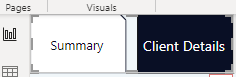
I use page navigator buttons, but the default color is just black. Is there a way to customize the color? Thanks
Solved! Go to Solution.
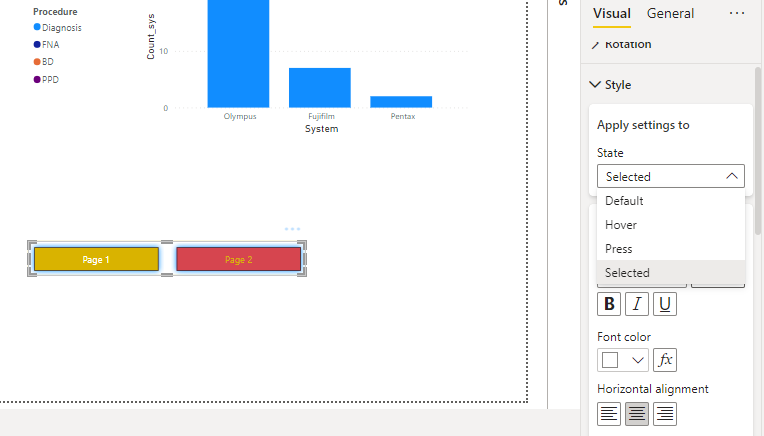
Hi, use "Style" in setting
in "State", use "Default" and choose color in "Fill", this will be default color of your navigation. If you want to change color of slected page, in "State" choose "Selected" and choose color in "Fill".
Change text color as well in "text"
splendid is the word ! felt like i was chasing my own tail till finding your solution. thanks !
Thanks so much for the help. It works
Hi, use "Style" in setting
in "State", use "Default" and choose color in "Fill", this will be default color of your navigation. If you want to change color of slected page, in "State" choose "Selected" and choose color in "Fill".
Change text color as well in "text"
Check out the November 2025 Power BI update to learn about new features.
Advance your Data & AI career with 50 days of live learning, contests, hands-on challenges, study groups & certifications and more!